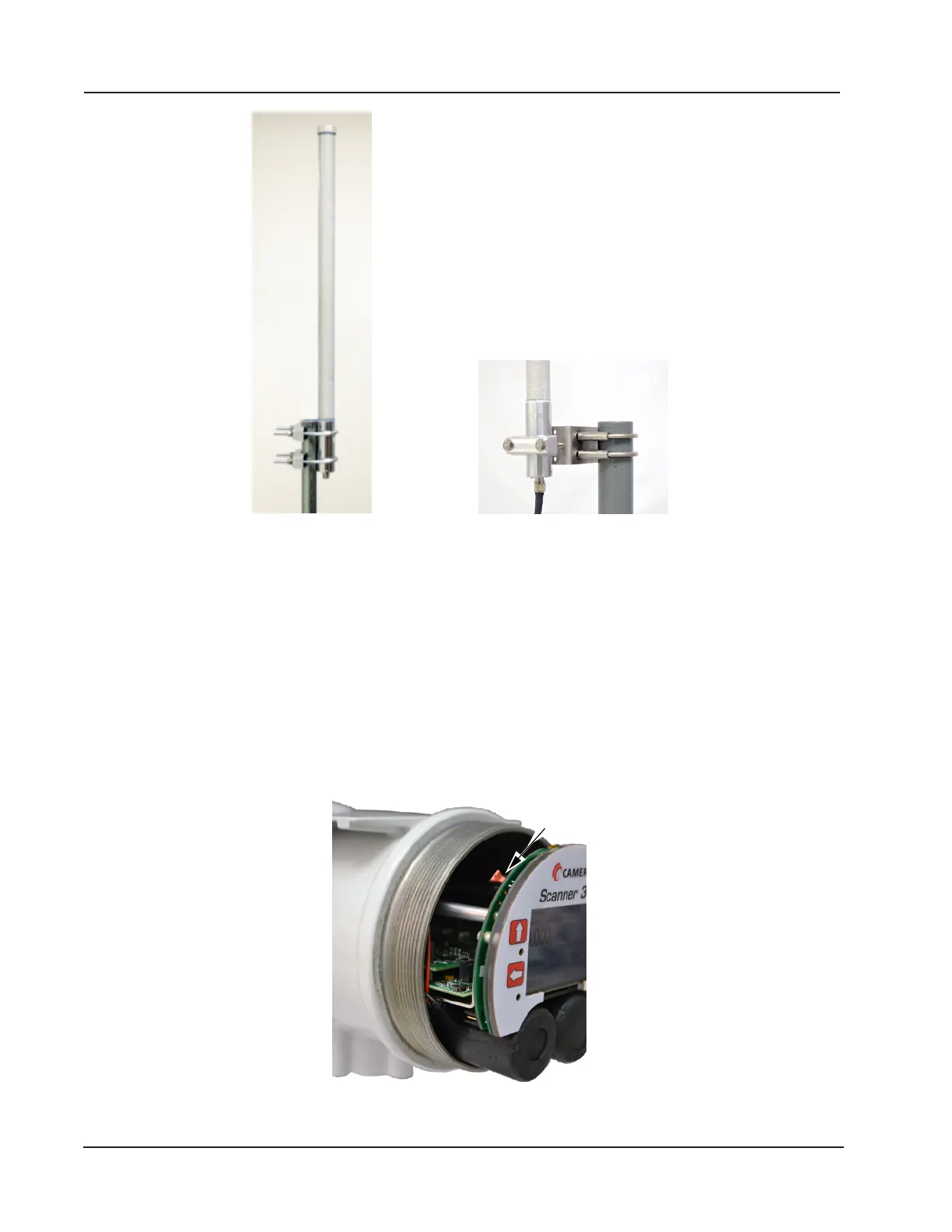
Mounting hardware supplied with
the Cameron remote-mount antenna
(fits pole outside diameters up to 2 inches)
Optional hardware kit for mounting the
Cameron remote-mount antenna to a
2-in. pipe (fits outside diameter of 2 3/8-in.)
Figure 1.9—Remote-mount antenna mounting options
Conguration Lock
The conguration lock is located inside the Scanner 3100 housing along the top edge of the display circuit board as-
sembly, just left of center (Figure 1.10). The switch can be enabled to prevent unauthorized individuals from changing
the conguration of the Scanner 3100. By default, this conguration lock feature is disabled and the switch position is
ignored. The conguration lock feature must be enabled via the ADMINISTRATION>GENERAL>SECURITY page
of the Scanner 3100 web interface. For more information, see the Scanner 3100 Web Interface User Manual. After a de-
vice is fully congured, the lock can be enabled by changing the mechanical switch to the active position (pushed in the
direction of the display face) and enable the switch in the web interface security settings. After the lid is replaced, a wire
can be connected to an external set screw and secured with a lead seal to prevent unauthorized conguration changes.
Lock Switch
Figure 1.10—Conguration lock switch
14
Section 1 Scanner 3100 EFM













 To Next Page