contained within the binary le loaded onto the Scanner 3100. The codes uniquely dene the device rmware and soft-
ware to ensure that the rmware has not been modied.
Cover the right side of the LCD to stop automatic scrolling and enable manual pacing through the device parameters.
Viewing Communication Settings
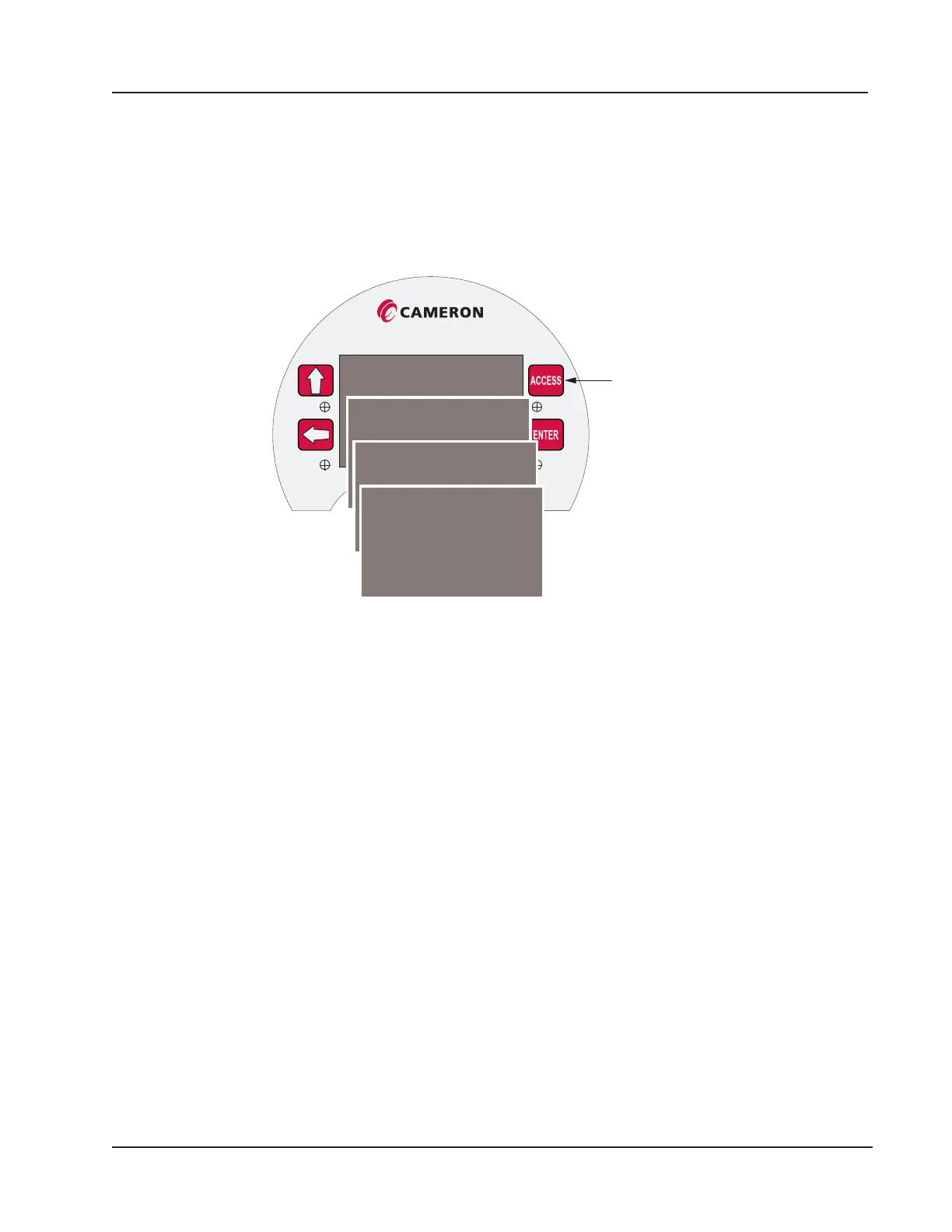
Press the ACCESS key to display the communication port settings, beginning with Serial Port 1 (Figure 5.3). The display
will momentarily progress to the settings for the other serial port settings.
Scanner 3000
View
communication
settings
Serial Number:
Firmware Version: 1.001
Serial Port 1: Modbus Enron
Baud: 9600 Add: 1
Serial Port 2: Modbus Master
Serial Port 3: Modbus TCP
Baud: 9600 UID: 1
Figure 5.3—Communication parameters accessible via the Access key
83
Scanner 3100 EFM Section 5













 To Next Page