Install as follows:
1. Locate the mounting bosses on the side of the Scanner 3100 enclosure.
2. Attach the mounting bracket to the bosses using the four 10-mm screws provided. For best stability, orient the
bracket so that the at surface of the “L” bracket is near the front of the Scanner 3100.
3. Position the device with bracket against the pole so that the bracket is directly in front of the pole.
4. Install the two U-bolts around the pole and through the mounting holes in the bracket.
5. Tighten the U-bolts securely.
6. Install and connect process piping between the Scanner 3100 and the ow meter with appropriate ttings. Process
piping installation procedures vary with each application.
Hazardous Area Requirements for Wireless Communications
Each Scanner 3100 wireless device is equipped with a wireless module connected to the main circuit board and an
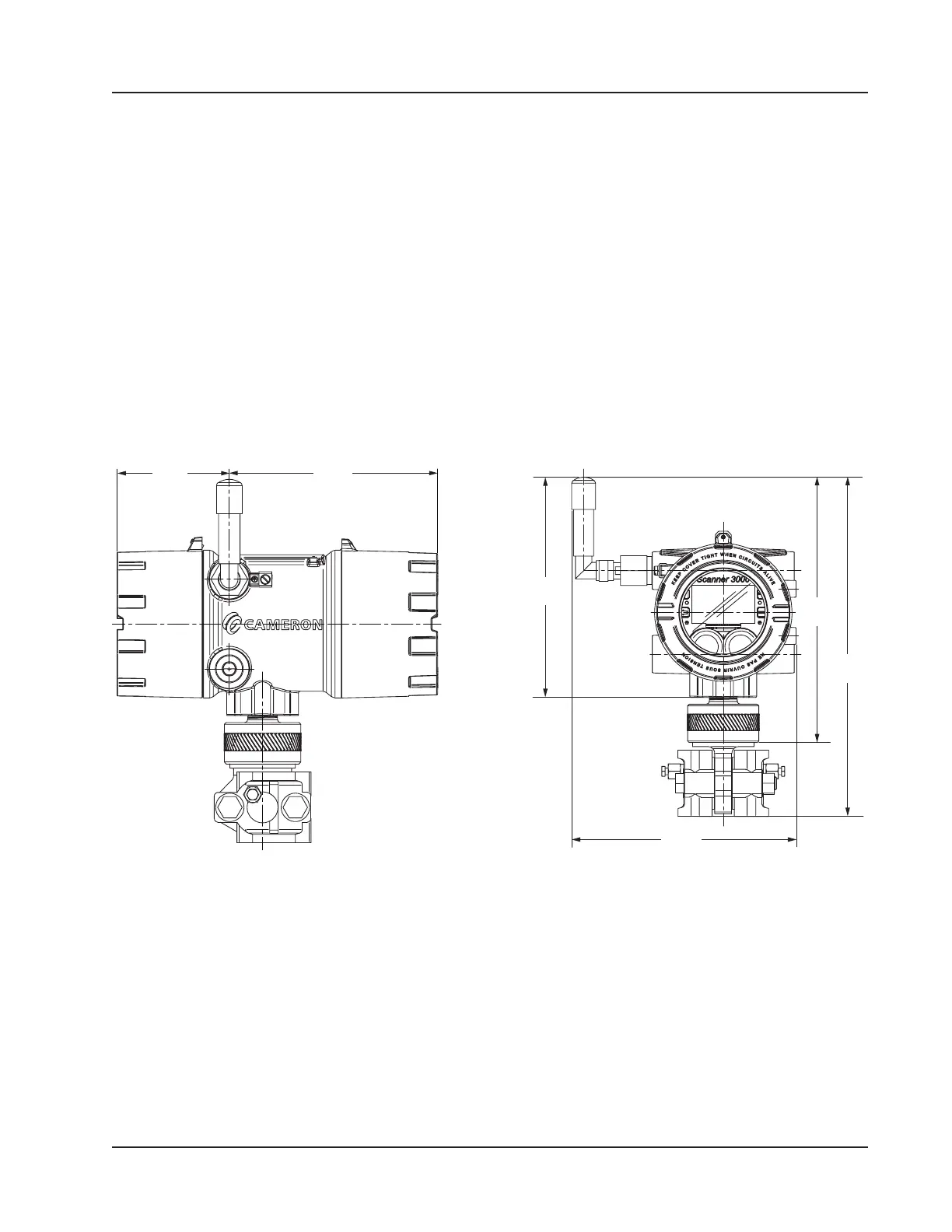
explosion-proof coupler that threads into an enclosure port. Antennas and antenna cable are optionally available. Figure
2.3 shows installation dimensions for a Scanner 3100 equipped with the direct-mount, right-angle antenna supplied by
Cameron.
(100.2)
(186.11)
8.47
10.01
(254.31)
12.79
8.31
(211.13)
Figure 2.3—Wireless Scanner 3100 with MVT and direct-mount antenna; dimensions are shown in in. (mm)
The installation of the antenna coupler, antennas, and antenna cable must meet the requirements shown in Figure 2.4 and
Figure 2.5, page 32.
Cameron supplies the following antenna and antenna cable options:
• Direct-mount, right-angle antenna with N male connector
• Remote-mount antenna with N female connector
• Type 400 male-to-male antenna cable in three lengths - 10, 20, and 30 feet
See Table 7.2—Wireless Components, page 88 for ordering details.
31
Scanner 3100 EFM Section 2













 To Next Page