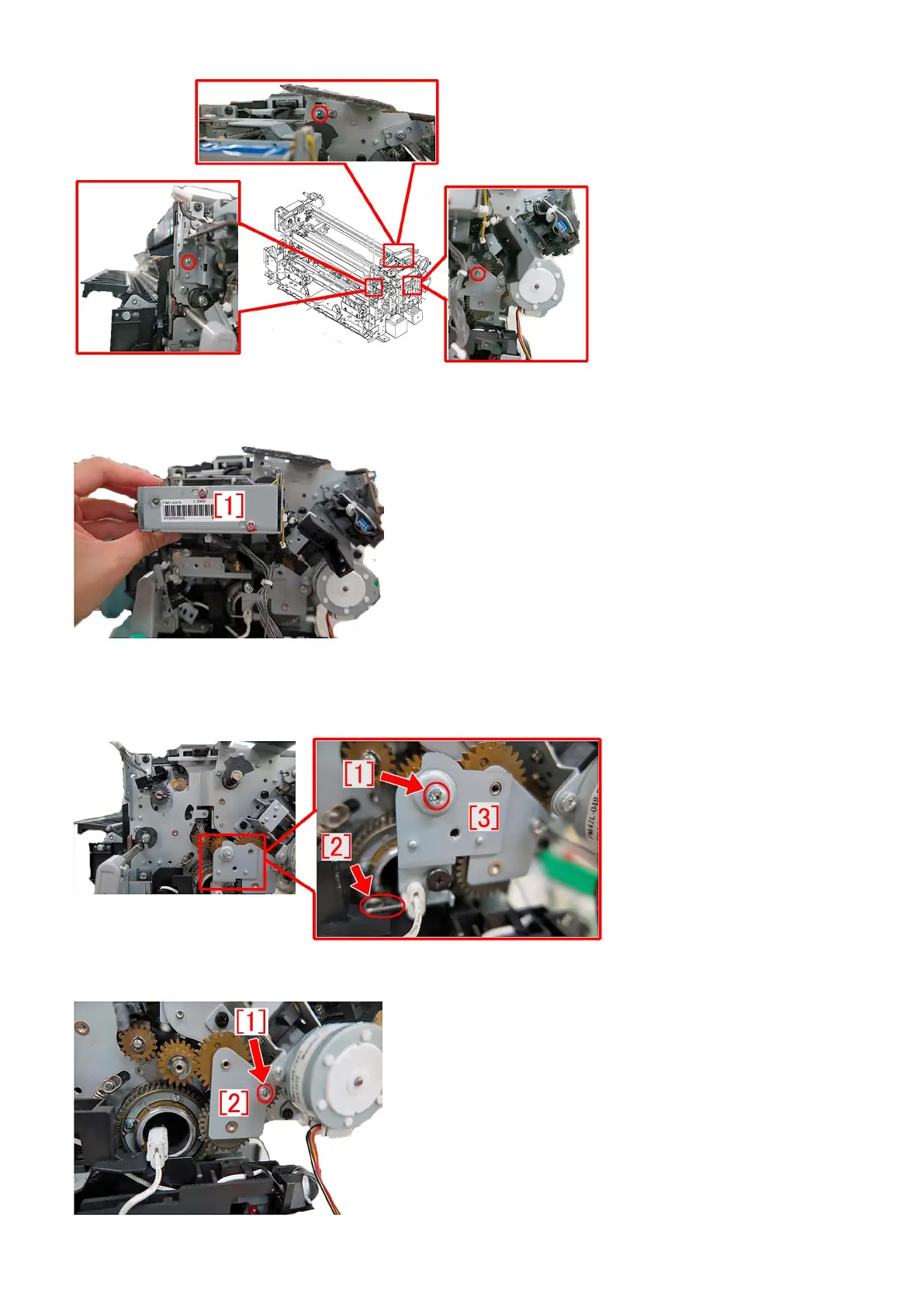
24) Remove the cleaner drive assembly [1]. Lift the cleaner drive assembly [1], unhook the metal sheet hook and remove the
assembly by pulling to the front.
25) Remove the one screw [1], release the pressure of the fixing spring of the heater [2] and then remove the small gear fixed
plate [3].
26) Remove the one screw [1], and then remove the small gear fixed plate [1].
211




 To Next Page