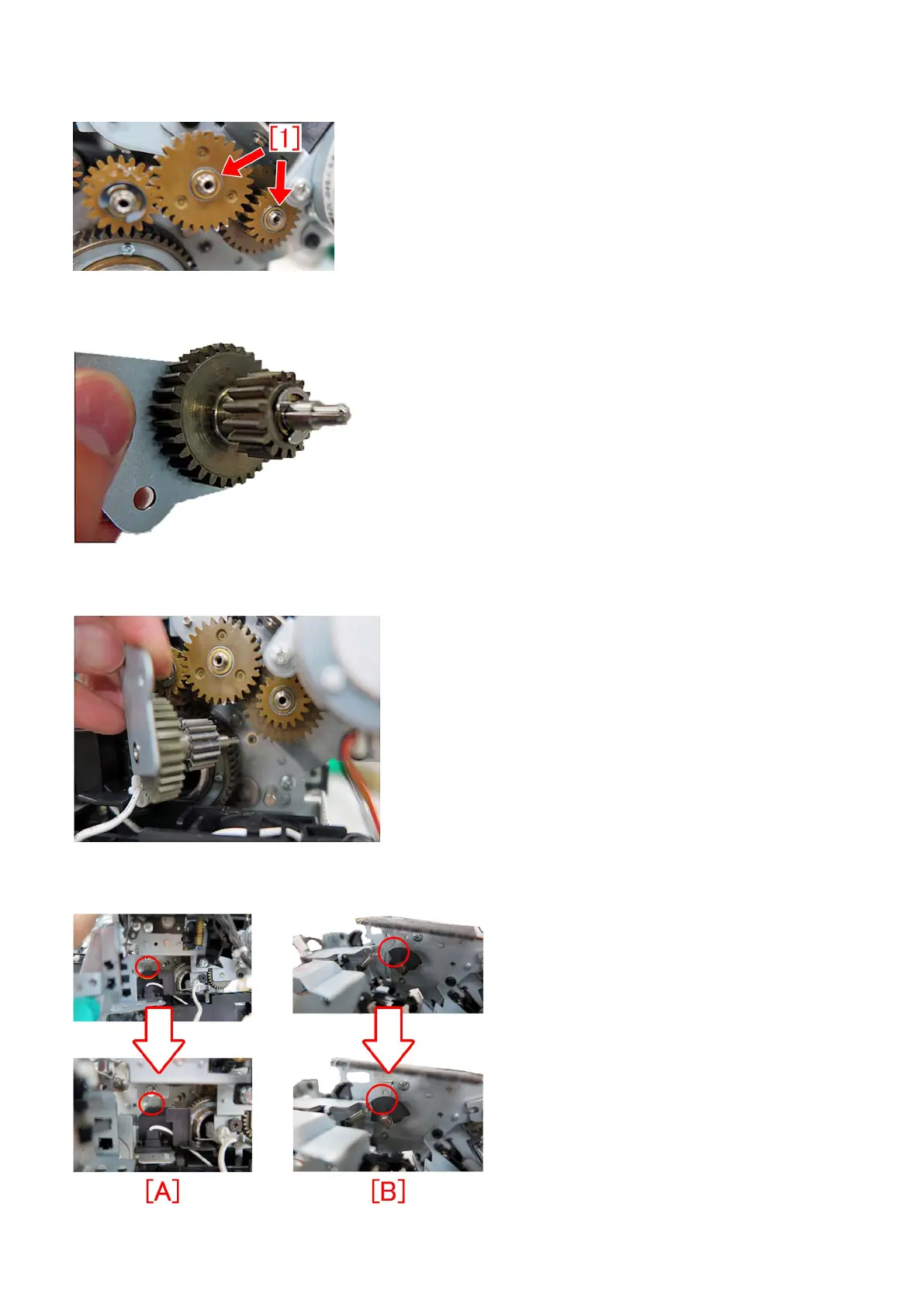
[Note] The washer [1] is attached to the gear. When removing the small gear fixed plate, be sure that the washer does not fall
off.
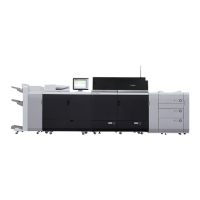
27) Assemble the idler gear unit prepared. Insert the new type 16T/31T gear into the shaft of the small gear fixed plate, attach
the washer and fix with the E-ring. No applying grease to the gear mounting shaft.
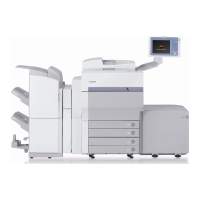
28) Attach the idler gear unit, assembled in the step 27), to the fixing assembly with the one screw. Be sure that the gear shaft
engages in the hole properly.
29) Reassemble the parts from the step 25) in the reverse order.
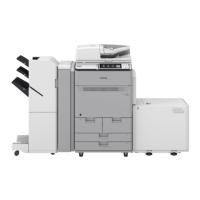
[Note] When attaching the cleaner drive assembly, insert it while avoiding the heater harness guide [A] and the flag plate [B].
212




 To Next Page