[Service work]
Prepare the transfer cleaner drive unit (FM1-H026-000) that is assigned as service part newly and the super lube grease
(FY9-6005-000), and follow the steps below:
[Reference]
- The transfer cleaner drive unit (FM1-H026-000) is a high durable part (replaced after printing 9000K).
- If the shaft is replaced by itself, prepare the new-type shafts to replace.
- The scraped shaft cannot be limited to 1 location, but other shafts may be scraped, Therefore, replacing the 4 shafts at the same
time is recommended.
Part Number Description Number
FE4-6162-010 SHAFT, 2 [2]
FE4-6163-010 SHAFT, 1 [1]
FE4-6164-010 SHAFT, 5 [3]
FE4-6165-010 SHAFT, 6 [4]
- If the shaft is replaced by itself, it will take about one hour longer than the unit replacing work of the drive assembly.
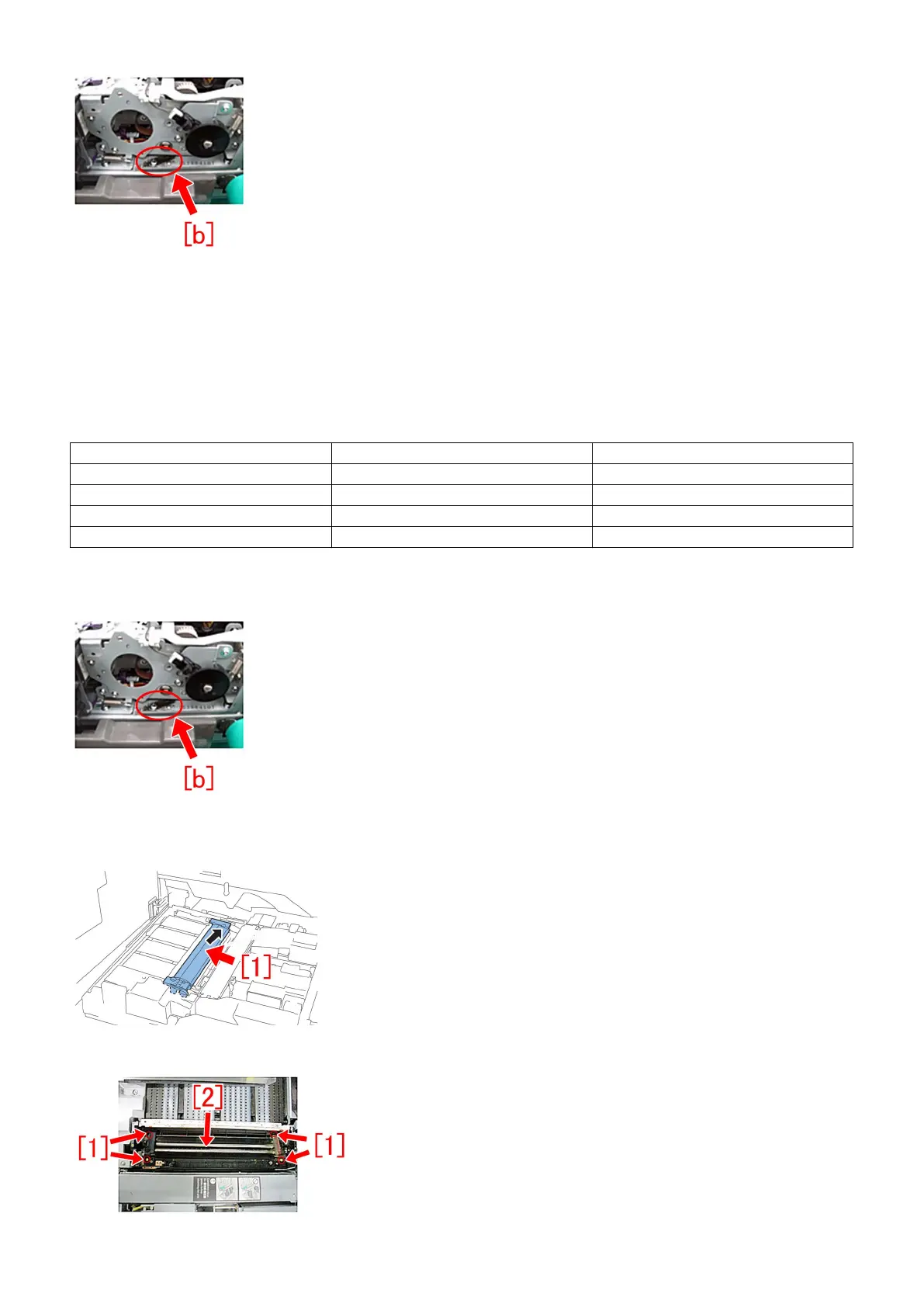
- When the symptom occurs, chips of the drive shaft may be found in the lower part of the 2nd transfer cleaner assembly [b].
1) Referring to Service Manual, pull out the pre-registration/feed unit and remove the Secondary Transfer Belt Guide.
2) Remove the secondary transfer outer belt unit [1].
3) Remove the 4 screws [1], and remove the belt cleaner assembly [2].
47











 To Next Page