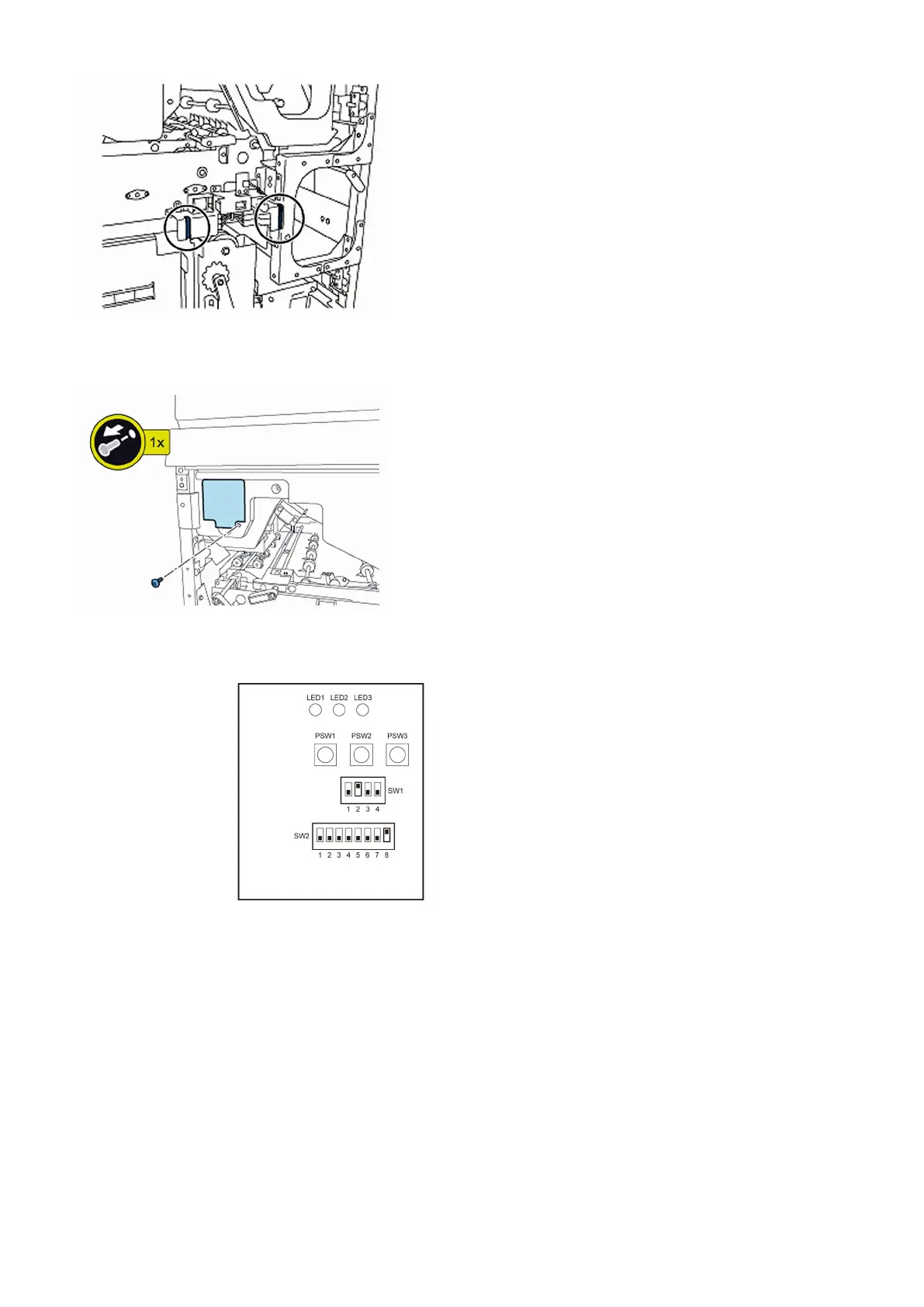
4) Remove the service PCB cover.
• 1 screw
5) Turn on SW1-2 and SW2-8 on the service PCB and set the machine in service mode.
[CAUTION] To keep the machine running in service mode, be sure to do so with the trimming assembly stowed inside.
6) Plug the power cord in the wall outlet.
7) Turn on the power switch and then perform machine initialization operation.
8) Turn off the power switch.
9) Turn on SW1-1 on the service PCB and set the machine in service mode.
59











 To Next Page