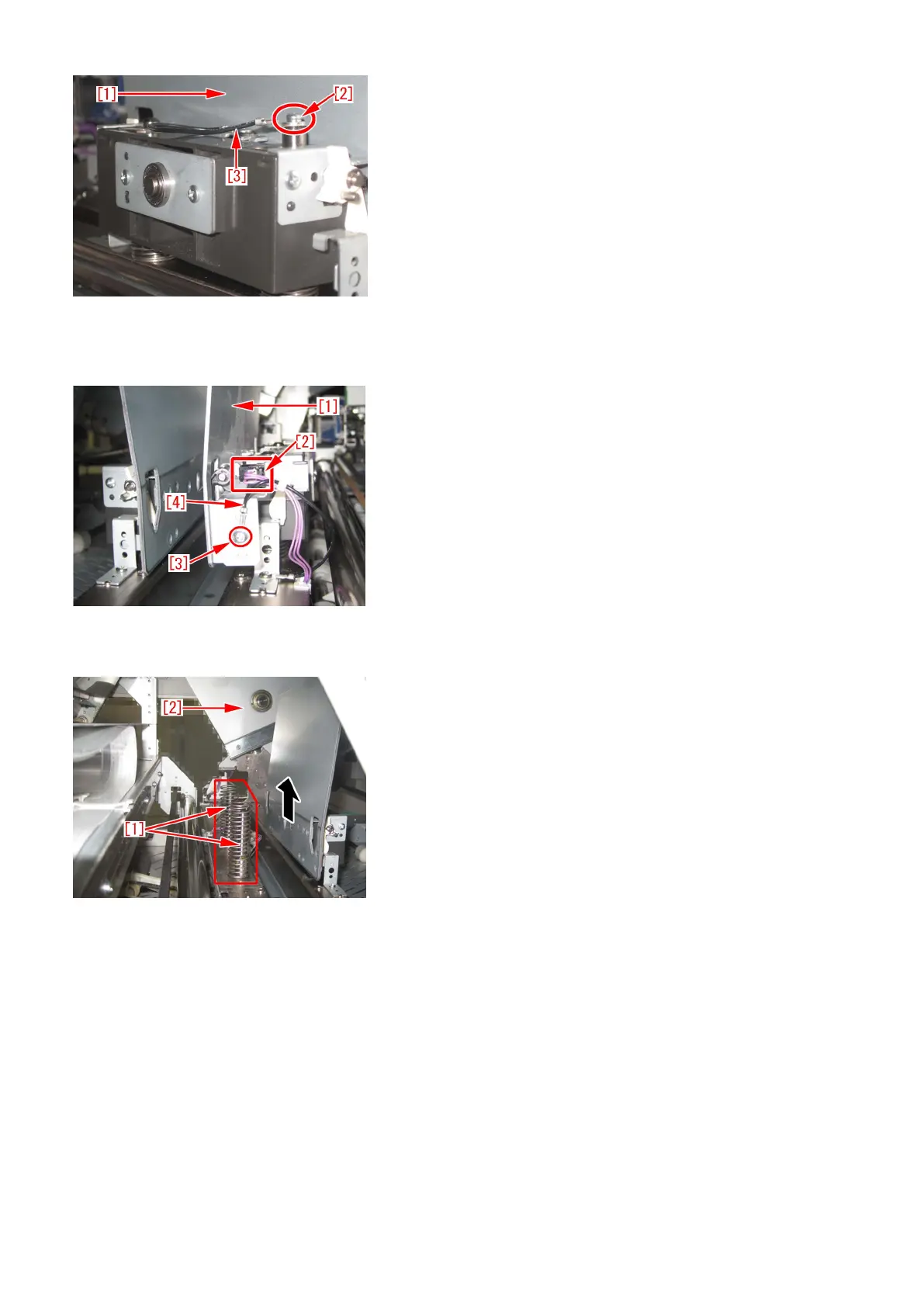
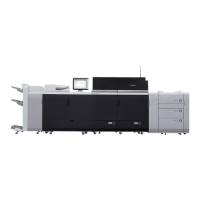
18) Remove the connector [2] being the right side of mini gripper [1] on your right and then remove the screw [3] to disconnect
the ground wire [4].
• 1 screw
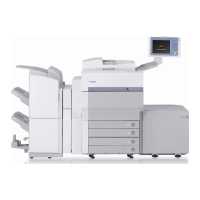
19) Lift up (in the direction of the black arrow) left and right mini grippers to remove the 2 (two) mini grippers from the pins [1].
The following photo shows the state that 1 (one) mini gripper [2] has been taken from the back side of machine.
20) Prepare the sheet kit (4Y8-3138-000) to affix the sheet on the mini gripper removed from the main gripper along the following
reference lines.
- Affixing reference line [a]: Affix the left edge of sheet [1] at where it is within 1mm from the edge of mini gripper.
- Affixing reference line [b]: Affix the upper edge of sheet [1] at where it is within 1mm from the upper edge of mini gripper.
Affix the sheet not to protrude from the reference lines [a] and [b].
62




 To Next Page