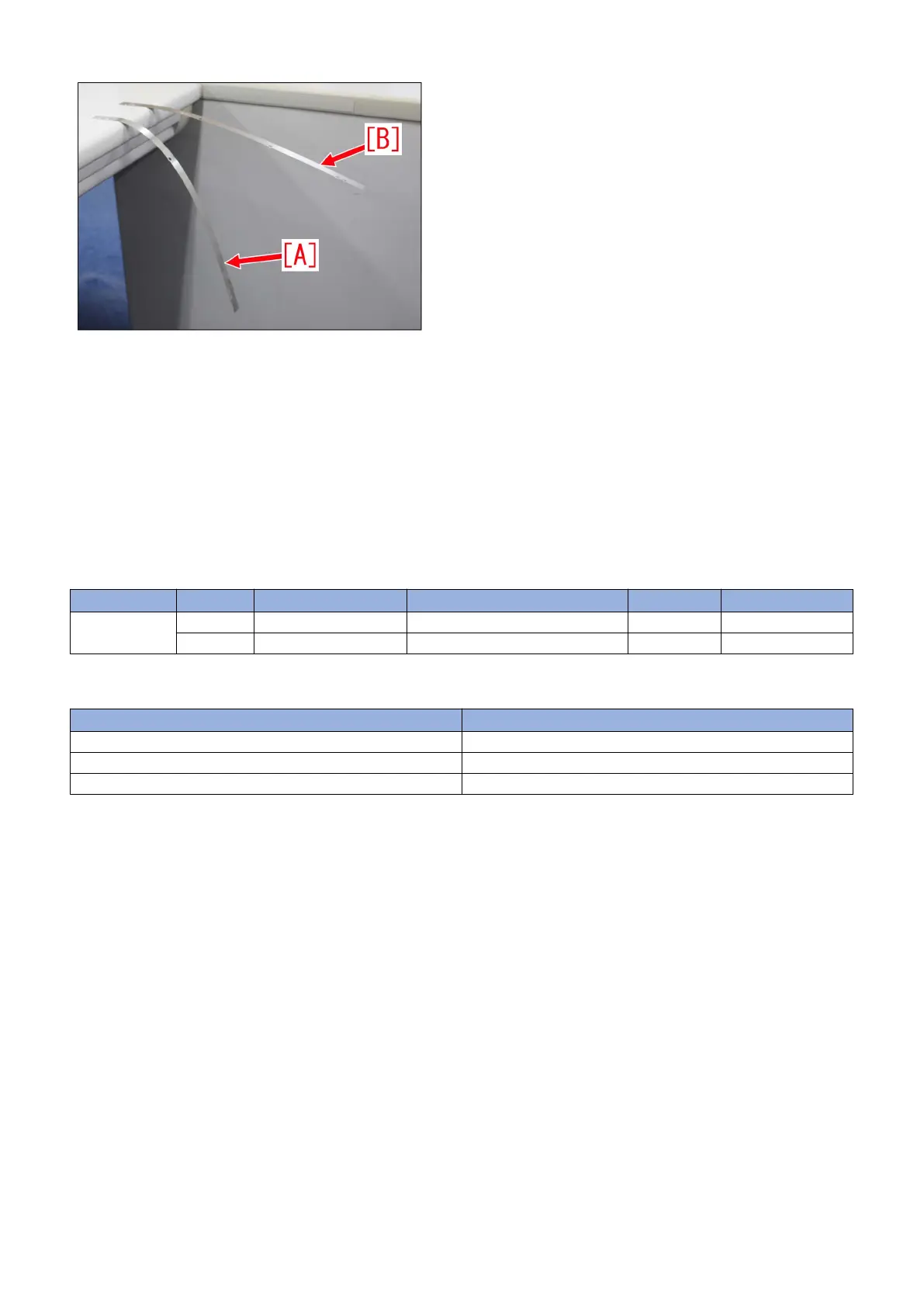
16) Remove the belt cleaner assembly of the secondary transfer assembly once more, remove the edge seal bases (rear/front)
and fur covers (lower/upper). Refer to step 1) and 2).
17) Refer to step 3) and remove the right and left blades, and then adjust the thickness of each blade adjuster plates, 0.1mm
thinner.
Example 1: In case there are 2pcs of 0.1mm spacers, remove one to make it 0.1mm thick.
Example 2: In case there is 1pc of 0.3mm spacer, remove this and attach 2pcs of 0.1mm spacers instead.
18) Assemble the parts by reversing the procedures from step 3), and then conduct steps 12) to 15) once more.
Service parts
No. Part Number Description Q'ty Fig. No.
1
Old
New FL0-5502-000 SIDE PLATE, CLEANER FRONT 0 -> 1 335
[Countermeasure cut-in serial numbers in factory]
Model Serial No.
IPR C10000VPSR ME US WBC11341
IPR C10000VPSR ME EUO WEJ11273
IPR C10000VPSR ME CN WBD00594
82











 To Next Page