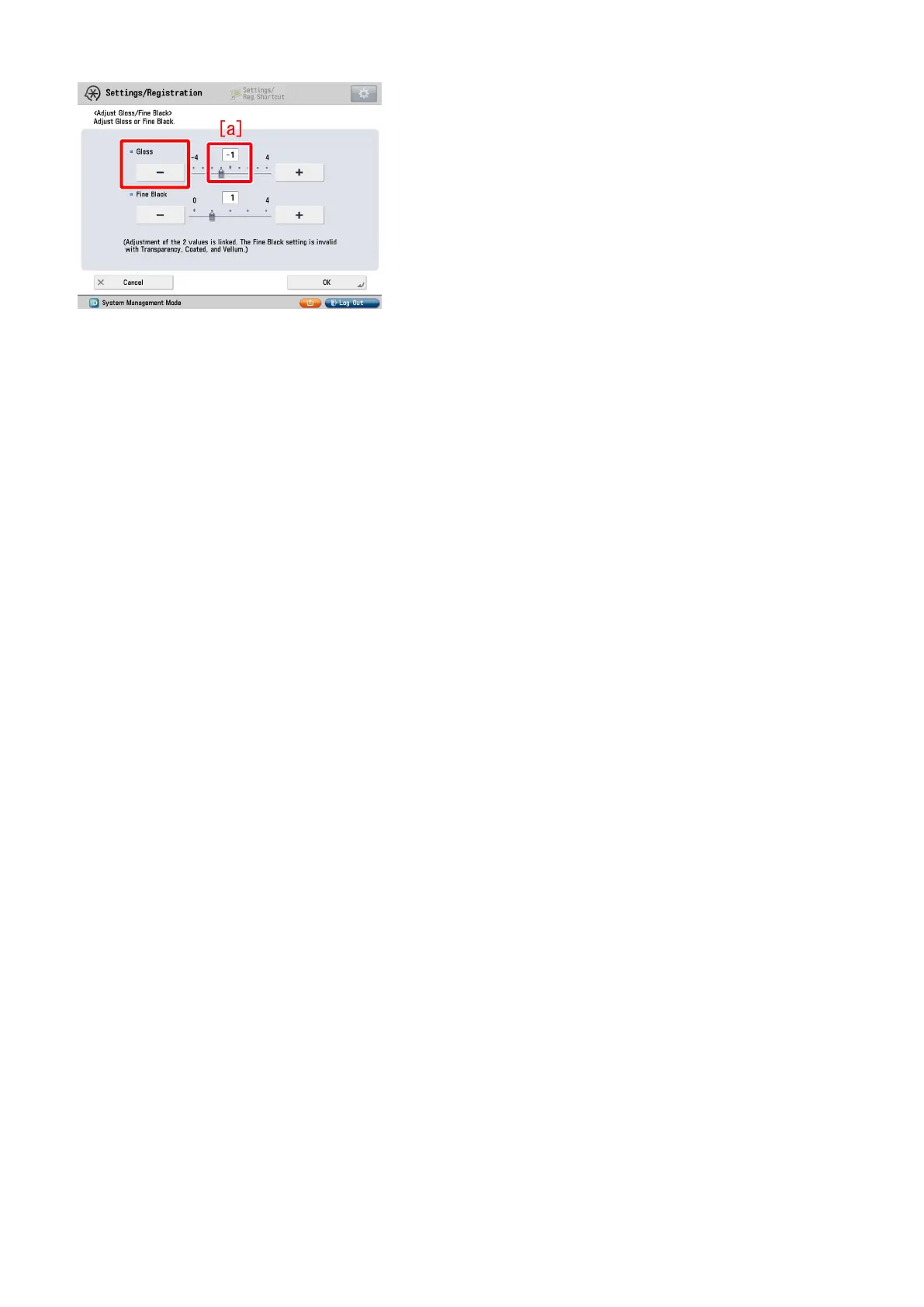
[Caution] Changing the value may cause glossiness of image may slightly decrease.
7 ) Output the image having shown the symptom, and check that the symptom does not occur.
If the symptom improvement is inadequate, decrease the setting value of step 6) down to "-3" by "1" value while observing the
symptom.
In case the decreased setting value "-3" of step 6) does not improve the symptom, please check another factor.
4











 To Next Page