Tiling and multiple pages per sheet
Tiling and multiple pages per sheet
Printing Multiple Originals Next to Each Other ................................................................................................... 125
Printing Multiple Originals Next to Each Other (Windows) ........................................................................... 126
Printing Multiple Originals Next to Each Other (Mac OS X) .......................................................................... 128
Printing Multiple Pages Continuously ................................................................................................................. 129
Printing Multiple Pages Continuously (Windows) ......................................................................................... 129
Printing Multiple Pages Continuously (Mac OS X) ........................................................................................ 131
Printing Multiple Pages Per Sheet ...................................................................................................................... 133
Printing Multiple Pages Per Sheet (Windows) ............................................................................................... 133
Printing Multiple Pages Per Sheet (Mac OS X) ............................................................................................. 135
Printing Posters in Sections ................................................................................................................................ 138
Printing Large Posters (Windows) ................................................................................................................. 139
Printing Multiple Originals Next to Each Other
Printing Multiple Originals Next to Each Other
By arranging originals from word-processing or spreadsheet programs or web browser screen shots next to each other
on single sheets, you can create highly expressive presentation materials, easy-to-understand meeting materials, and
a variety of other printed documents.
•
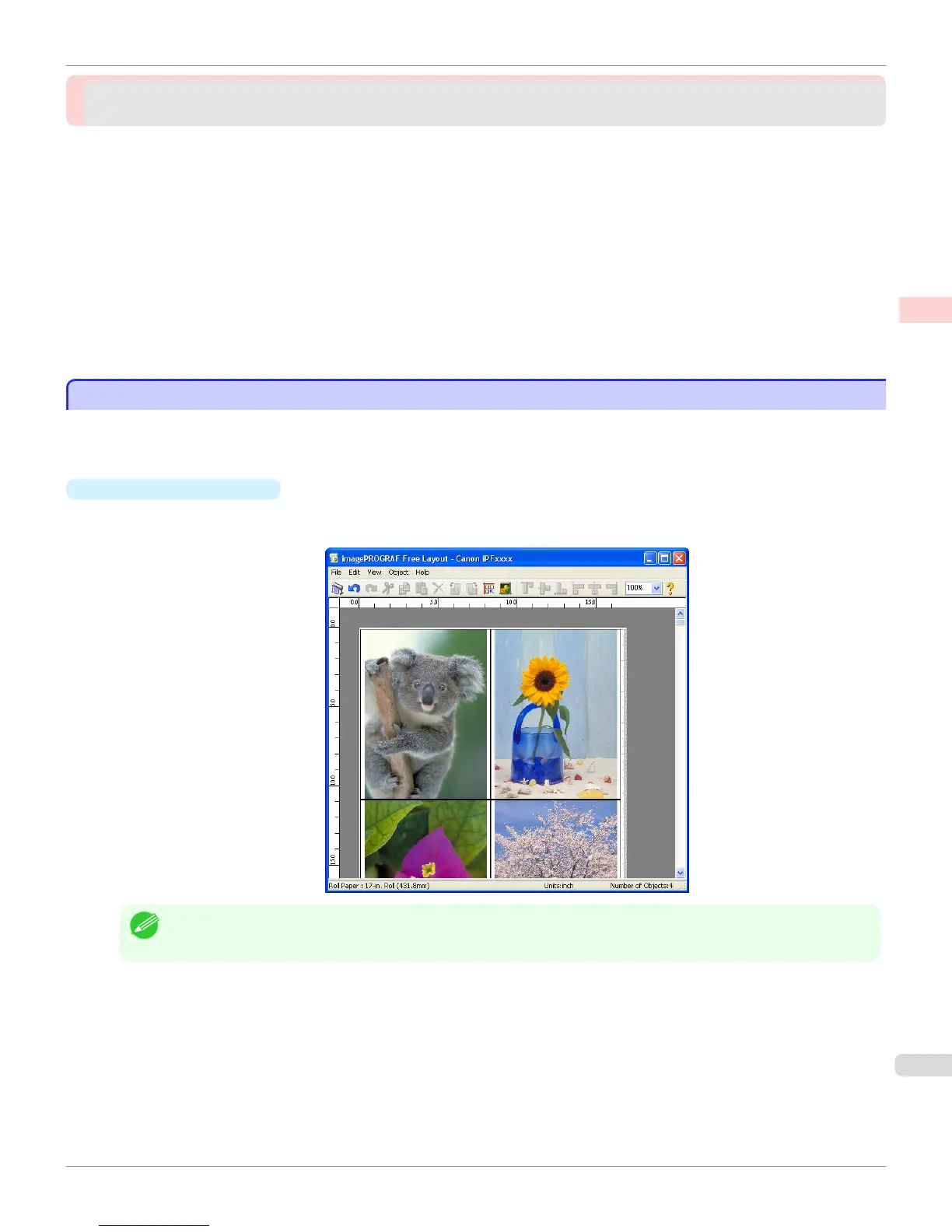
Free Layout (Windows)
Besides combining multiple pages in a single-page layout, you can combine originals from multiple files—even
multiple source applications—in a single-page layout.
Note
• Free Layout cannot be used in 64-bit version of Windows.
iPF765
Printing Multiple Originals Next to Each Other
User's Guide
Enhanced Printing Options Tiling and multiple pages per sheet
125


 To Next Page
 Loading...












