9
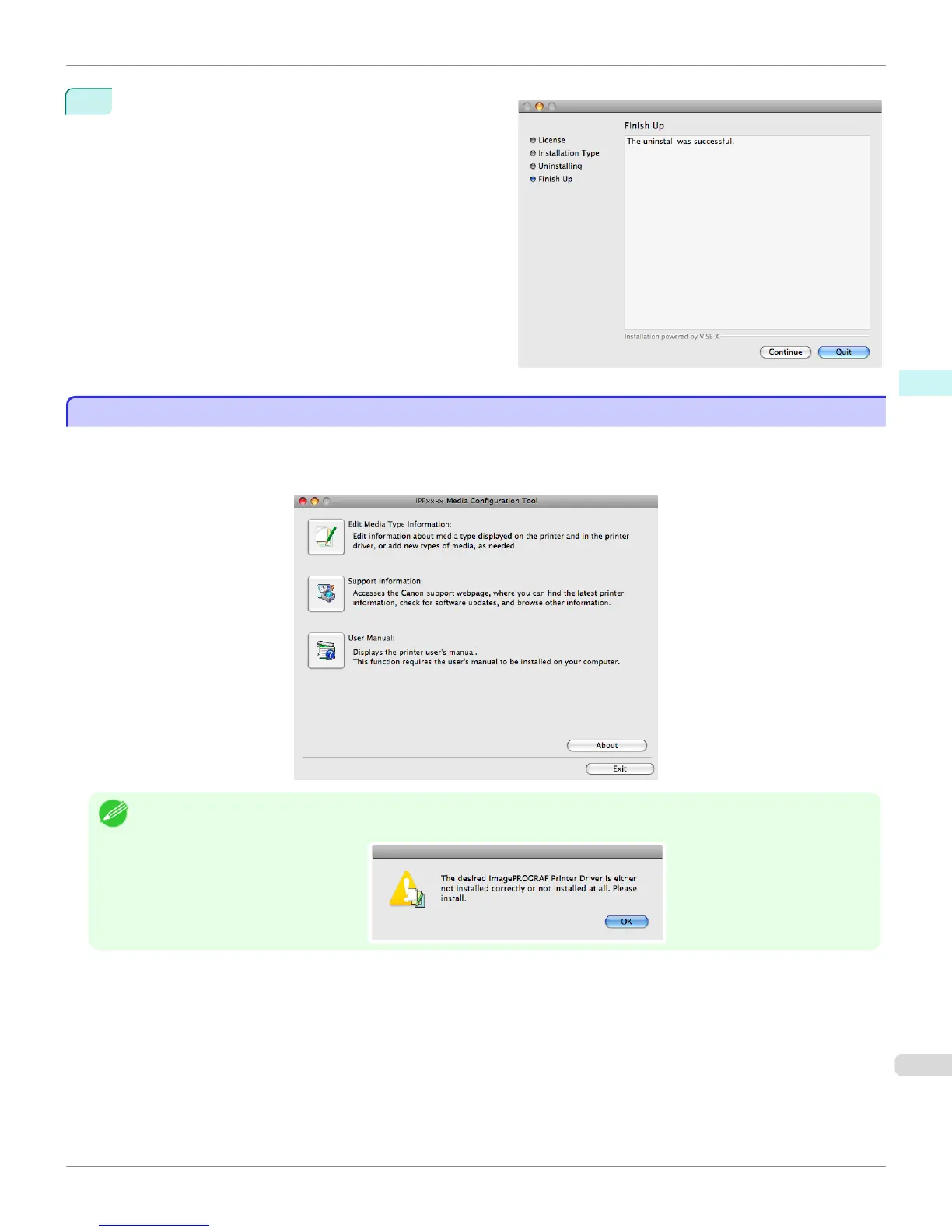
When the following message is displayed, click the
Quit button.
Media Configuration Tool has been uninstalled.
Starting the Media Configuration Tool
Starting the Media Configuration Tool
Follow the procedure below to start the Media Configuration Tool.
From the Applications menu > Canon Utilities >iPFxxxx Media Configuration Tool > MCTxxxx.app.
Media Configuration Tool main window is displayed.
Note
• If a compatible printer driver is not installed, the Media Configuration Tool will not start. If you attempt to start the Media Con-
figuration Tool when a printer driver is not installed, the warning message below is displayed.
iPF765
Starting the Media Configuration Tool
User's Guide
Mac OS X Software Media Configuration Tool
425


 To Next Page
 Loading...












