6
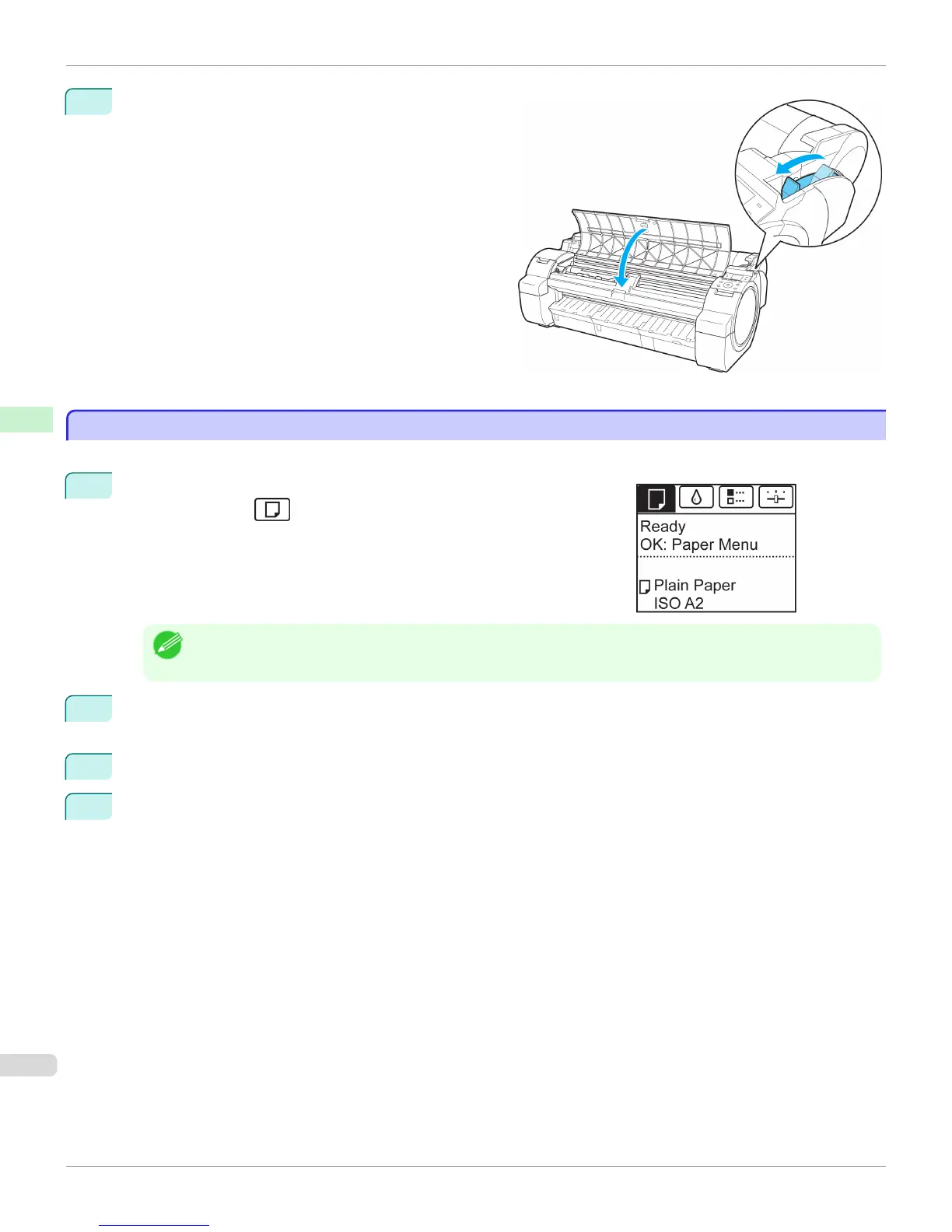
Pull the Release Lever forward and close the Top Cov-
er.
Removing Sheets
Removing Sheets
Remove sheets from the printer as follows.
1
On the Tab Selection screen of the Control Panel, press ◀ or ▶ to se-
lect the Paper tab ( ).
Note
• If the Tab Selection screen is not displayed, press the Menu button.
2
Press the OK button.
The Paper Menu is displayed.
3
Press ▲ or ▼ to select Eject Paper, and then press the OK button.
4
Press ▲ or ▼ to select "Yes", and then press the OK button.
The paper is ejected from the front of the printer.
Removing Sheets
iPF765
User's Guide
Handling Paper Handling sheets
470


 To Next Page
 Loading...













