12
Make sure the width of the loaded roll is displayed in the B Roll Width list—in this case, ISO A2/A3
(420.0mm).
Note
•
If the width of the roll loaded in the printer is not shown in
B Roll Width, click L Printer Information on the Main
pane to update the printer information.
13
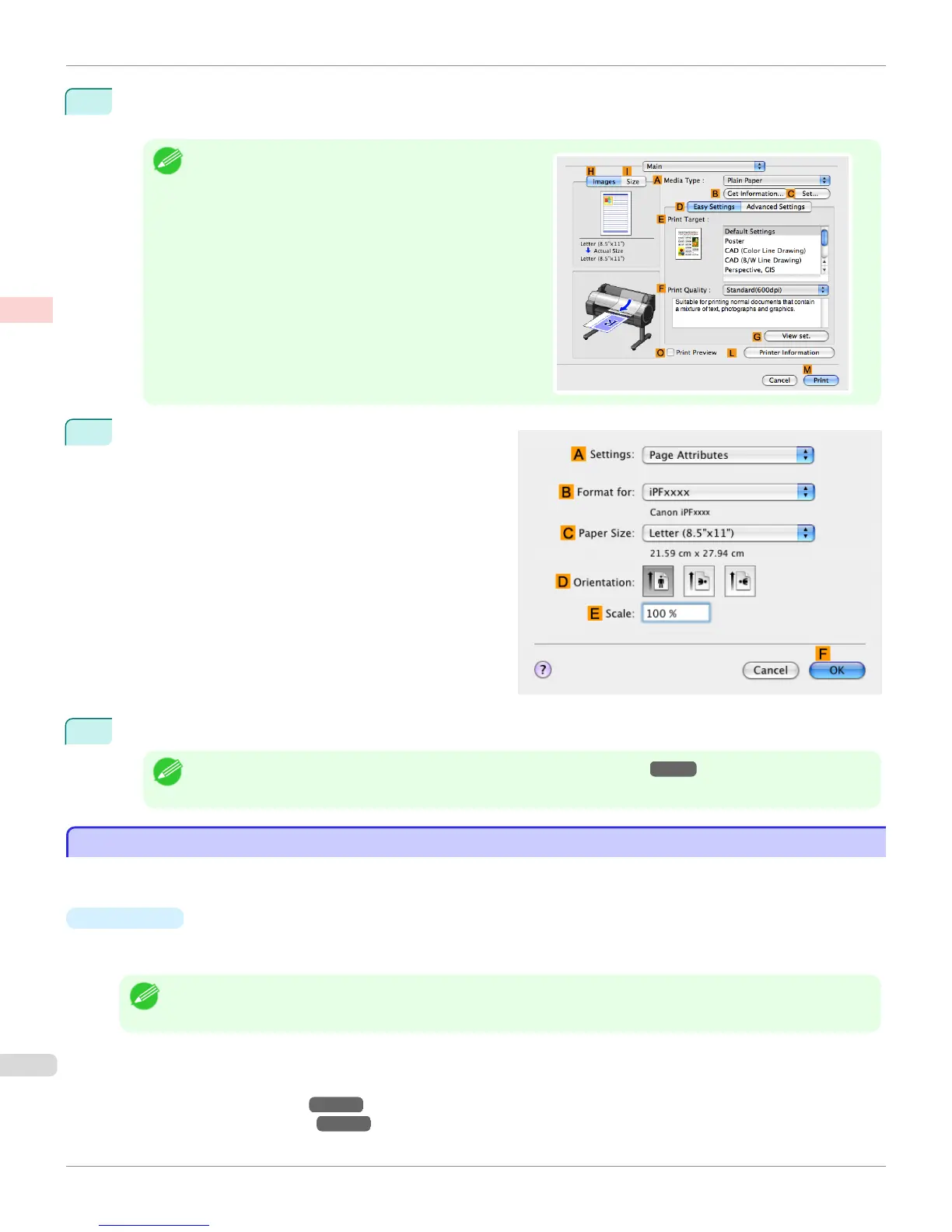
Make sure the C Page Size setting matches the origi-
nal size as selected in C Paper Size in the Page At-
tributes dialog box—in this case, ISO A4.
14
Confirm the print settings, and then click M Print to start printing.
Note
• For tips on confirming print settings, see "Confirming Print Settings(Mac OS X) →P.329 "
Using Favorites
Using Favorites
You can register print settings as Favorites to reuse settings from a particular job that met your expectations, or set-
tings for a particular page size that you will use repeatedly.
•
Favorites
Registering a favorite for later use. You can choose the settings you have registered from a list before printing, and
you can check the settings details.
Note
• You can also save the favorite settings as files. Using these files is a convenient way to print under the same conditions
on another computer. (In Windows.)
For instructions on using favorites to print, refer to the following topics, as appropriate for your computer and oper-
ating system.
•
Using Favorites(Windows) →P.181
•
Using Favorites(Mac OS X) →P.331
Using Favorites
iPF765
User's Guide
Enhanced Printing Options Other useful settings
170


 To Next Page
 Loading...












