•
Tool Bar
This allows you to select tool buttons required for major operations.
•
Layout Area
This allows you to lay out objects and edit the object size and orientation.
•
Status Bar
This shows the paper size, unit of length, and number of objects.
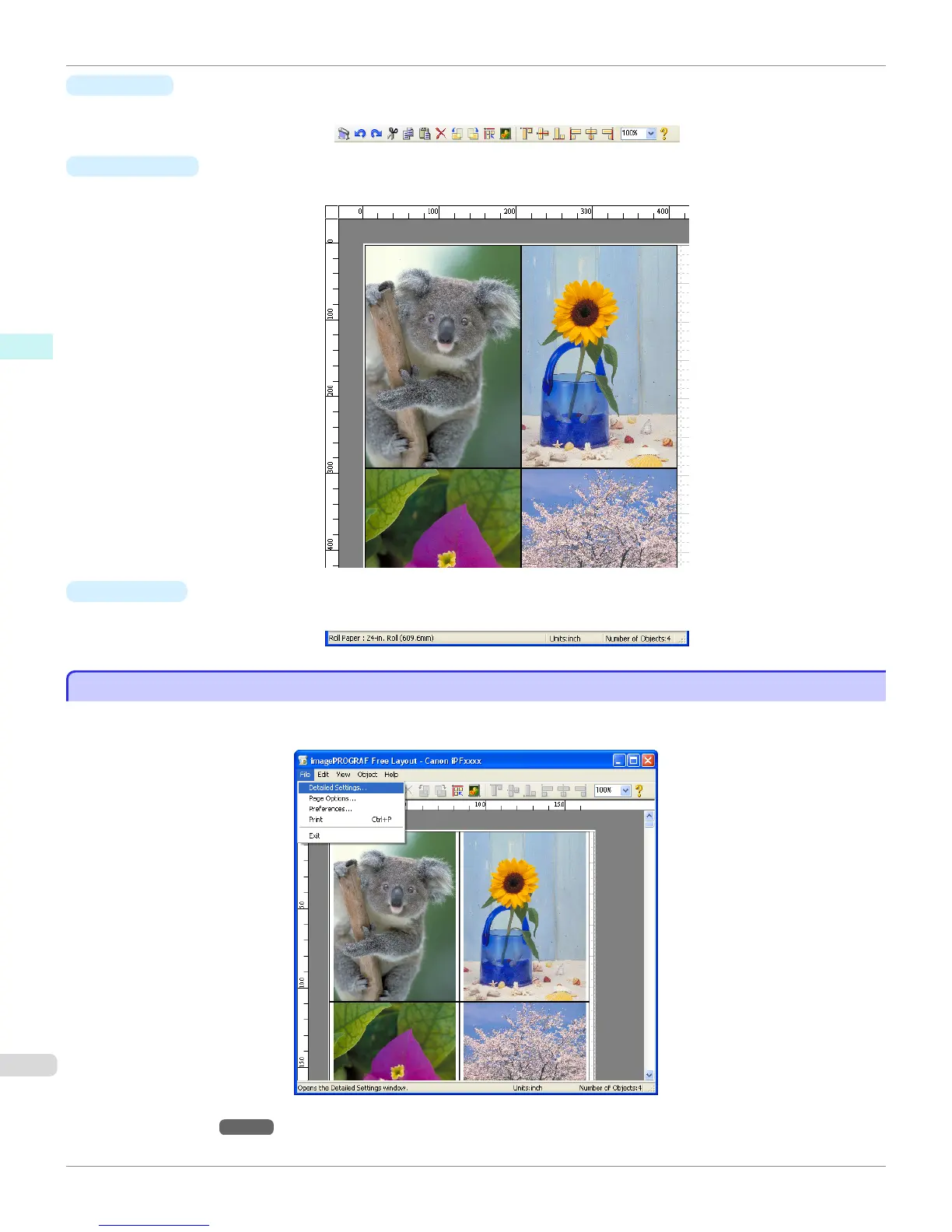
Detailed Settings
Detailed Settings
The printer driver opens when you select Detailed Settings from the File menu. The printer driver is used to configure
basic settings to match the type of media loaded in the printer.
Refer to Printer Driver →P.176 for details on the printer driver.
Detailed Settings
iPF765
User's Guide
Windows Software Free Layout
222


 To Next Page
 Loading...












