Printing CAD Drawings
Printing CAD Drawings
Printing CAD Drawings ........................................................................................................................................ 47
Printing Line Drawings and Text .......................................................................................................................... 47
Printing Line Drawings and Text (Windows) ................................................................................................... 48
Printing Line Drawings and Text (Mac OS X) ................................................................................................. 49
Printing from AutoCAD ......................................................................................................................................... 52
Specifying Colors and Printing CAD Drawings .................................................................................................... 53
Specifying Colors and Printing CAD Drawings (Windows) ............................................................................ 54
HP-GL/2 Printing .................................................................................................................................................. 55
Printing CAD Drawings
Printing CAD Drawings
Using this printer, you can print fine lines and text clearly and sharply. It's easy to produce highly precise drawings from
CAD applications.
For instructions on CAD printing, refer to the following topics, as appropriate for your computer and operating system.
•
Printing Line Drawings and Text (Windows) →P.48
•
Printing Line Drawings and Text (Mac OS X) →P.49
Printing Line Drawings and Text
Printing Line Drawings and Text
Printing is easy when you simply choose the type of original to print.
•
Easy Settings
Simply choose the printing application in the list for optimal printing results.
•
Print Target
Choose presets that match the type of document to be printed.
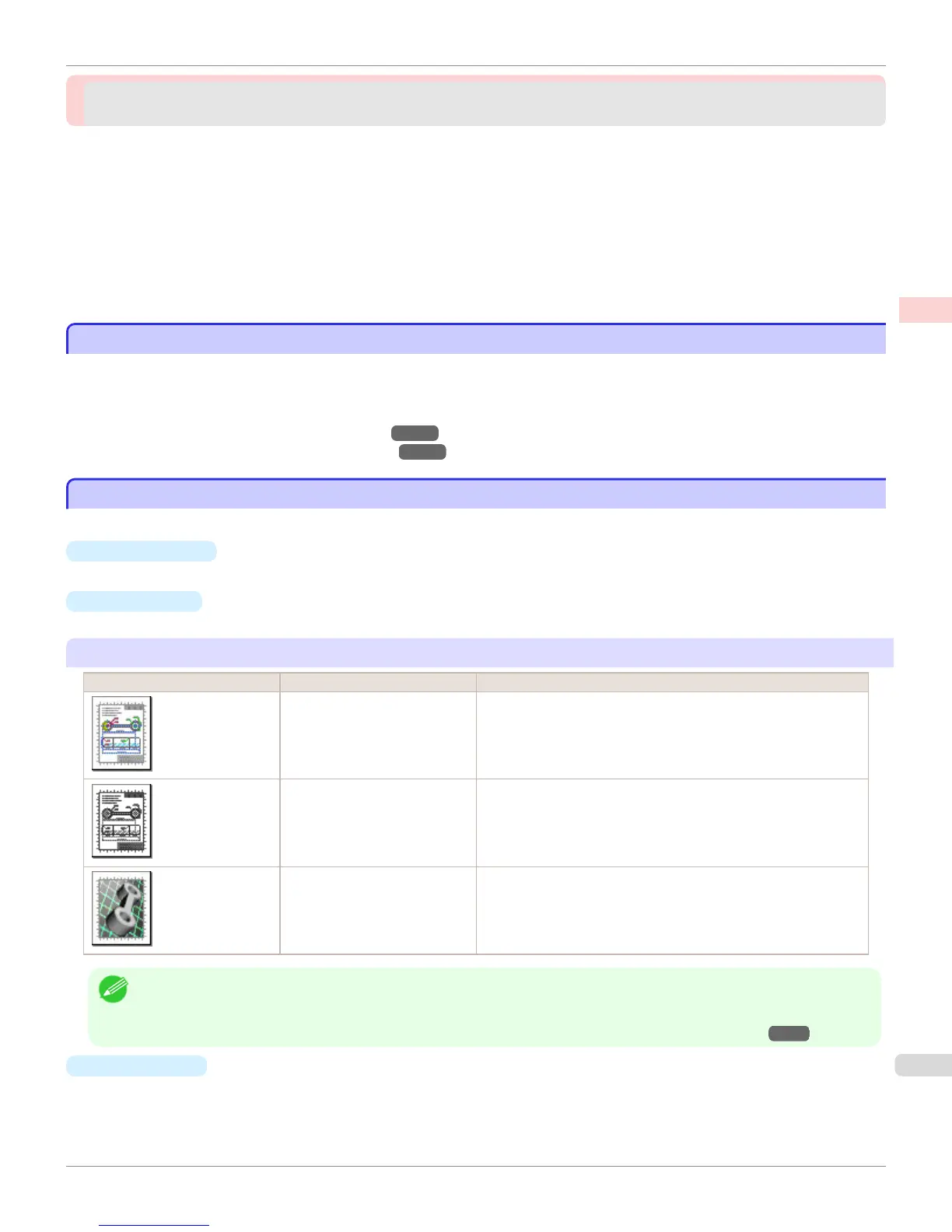
Print targets for line drawings and text
Print Target Description
CAD (Color Line Drawing) Settings optimized to print intricate lines in CAD drawings clearly.
CAD (Monochrome Line Draw-
ing )
Settings optimized to print black lines in CAD drawings clearly.
Perspective, GIS Settings optimized for printing 3D CAD drawings, perspective draw-
ings, and maps, including GIS maps.
Note
• You can check the settings values for each print target by clicking View Settings.
• You can also fine-tune these values as needed. ( Advanced Settings)
For details on Advanced Settings, see "Giving Priority to Particular Graphic Elements and Colors for Printing →P.63 "
•
Print Quality
Choose the print quality.
The printing mode is determined by a combination of the print quality and resolution.
iPF765
Printing CAD Drawings
User's Guide
Enhanced Printing Options Printing CAD Drawings
47


 To Next Page
 Loading...













