Additional Settings Pane
Additional Settings Pane
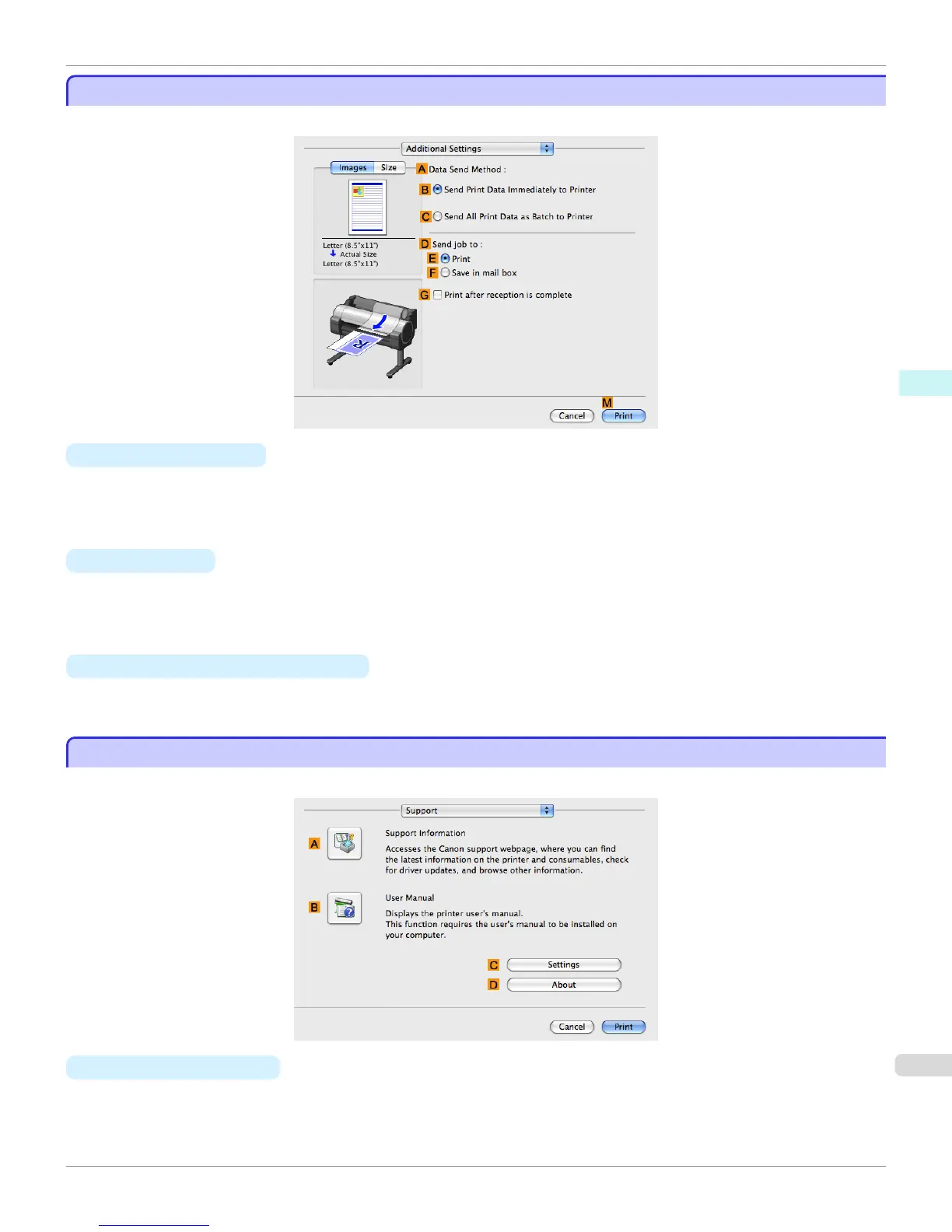
The following settings are available on the Additional Settings pane.
•
A Data Send Method
Choose how print data is sent to the printer.
•
B Send Print Data Immediately to Printer
•
C Send All Print Data as Batch to Printer
• D Send job to
You can configure the method for saving print jobs to the printer hard disk.
•
E Print
•
F Save in mail box
• G Print after reception is complete
You can prevent degradation of print quality that occurs when receiving a print job is interrupted and printing is
aborted in the middle.
Support Pane
Support Pane
On the Support pane, you can view support information and the user's manual.
• A
Support Information
Click to access the Canon support webpage, where you can find the latest information on the printer and consum-
ables, check for printer driver updates, and browse other information.
iPF765
Additional Settings Pane
User's Guide
Mac OS X Software Printer Driver
345


 To Next Page
 Loading...












