4
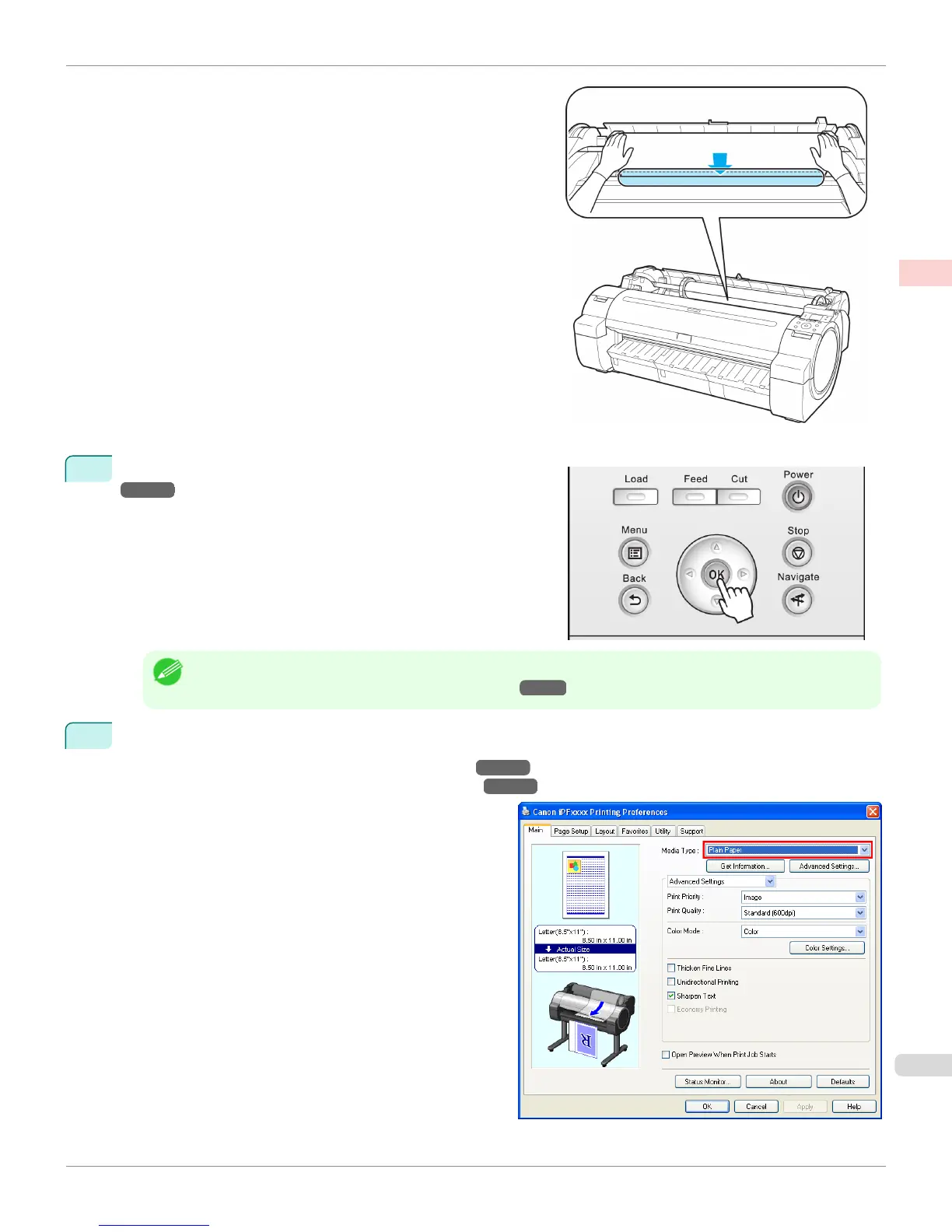
Select the type of paper. (See "Changing the Type of Paper.")
→P.449
Note
• If no barcode has been printed on the roll and you have set ManageRemainRoll to On, specify the roll length after
the type of paper. (See "Specifying the Paper Length.") →P.451
5
Complete settings in the printer driver for the type of paper and other details.
•
Specifying Paper in the Printer Driver(Windows) →P.178
•
Specifying Paper in the Printer Driver(Mac OS X) →P.327
iPF765
Loading and Printing on Rolls
User's Guide
Basic Printing Workflow Printing procedure
23


 To Next Page
 Loading...













