2.
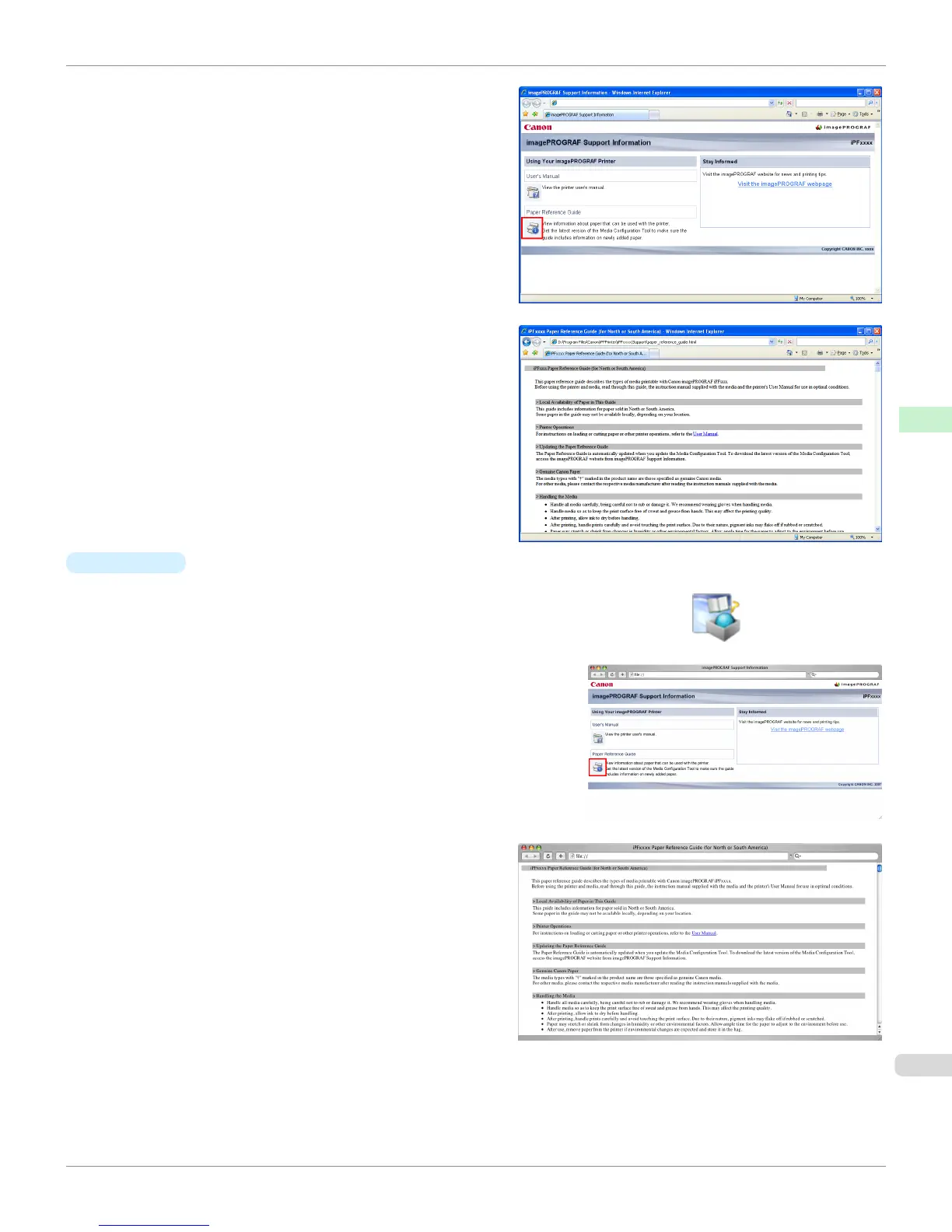
Click the Paper Reference Guide button.
The Paper Reference Guide is displayed.
•
Mac OS X
1.
Click the iPF Support icon in the Dock.
The imagePROGRAF Support Information window is displayed.
2.
Click the Paper Reference Guide button.
The Paper Reference Guide is displayed.
iPF765
Displaying the Paper Reference Guide
User's Guide
Handling Paper Paper
441


 To Next Page
 Loading...












