2
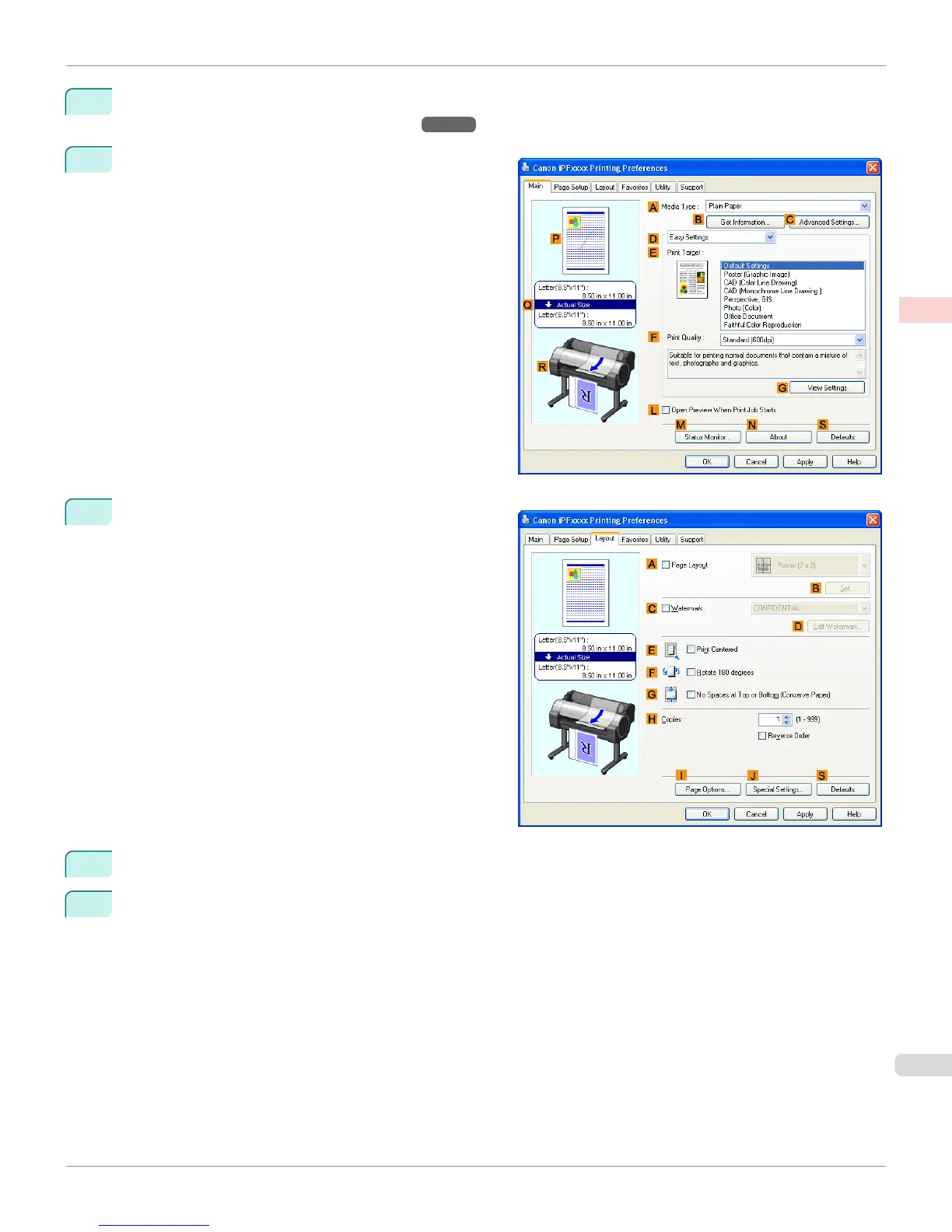
Select the printer in the dialog box, and then open the printer driver dialog box. (See "Accessing the Printer Driv-
er Dialog Box from Applications(Windows).") →P.183
3
Make sure the Main sheet is displayed.
4
Click the Layout tab to display the Layout sheet.
5
Select the A Page Layout check box.
6
Click in the Edit Using PosterArtist in the A Page Layout list.
iPF765
Using PosterArtist to Compose Originals
User's Guide
Enhanced Printing Options Printing Photos and Office Documents
45















 To Next Page