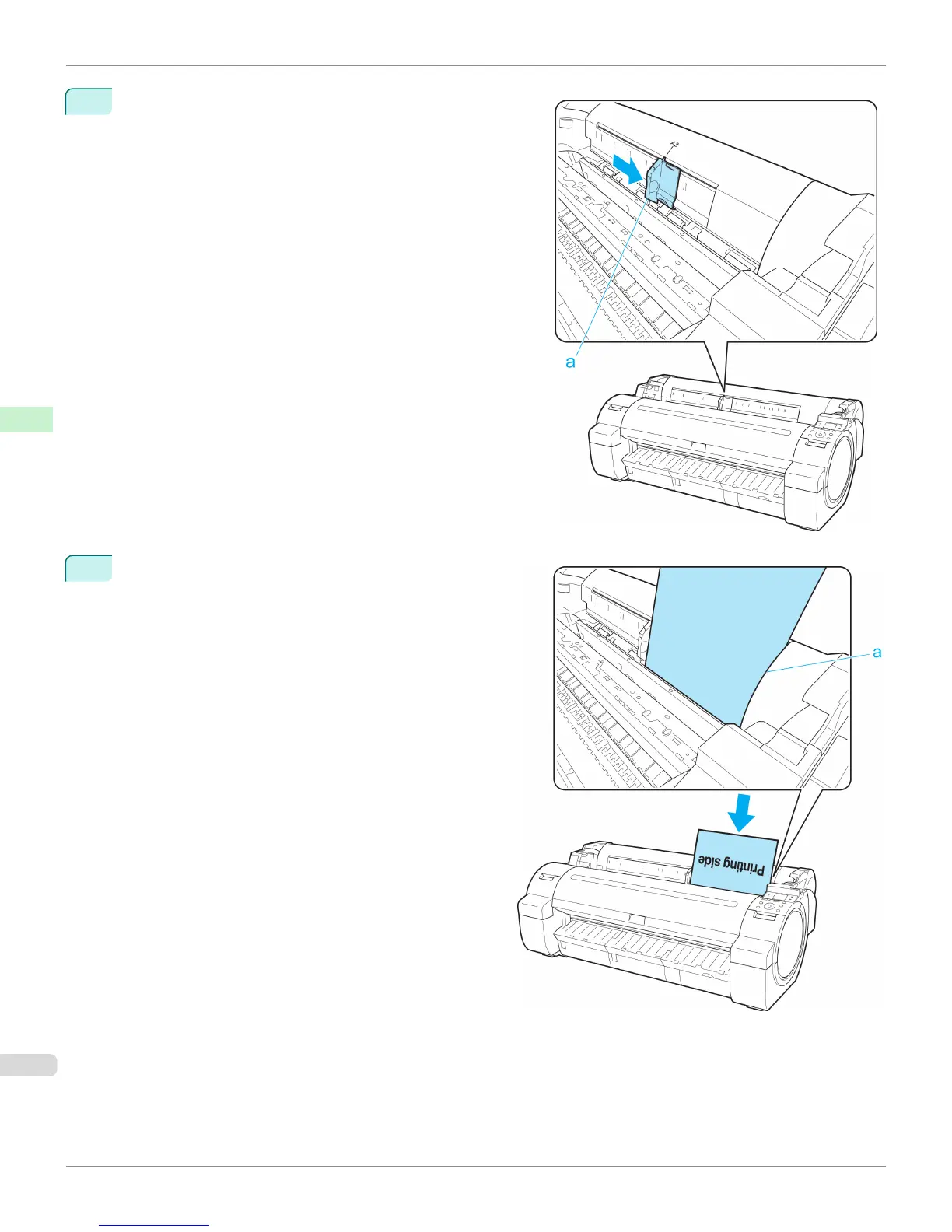
2
Slide the Width Guide (a) to align it with the mark for the size
of paper you will load.
3
Load a single sheet printing-side up in the Paper Feed
Slot, with the right edge aligned with the Paper Align-
ment Guide (a) to the right of the Roll Cover.
Insert the paper until the leading edge makes contact
and you hear a tone.
Loading Sheets in the Printer
iPF765
User's Guide
Handling Paper Handling sheets
466


 To Next Page
 Loading...













