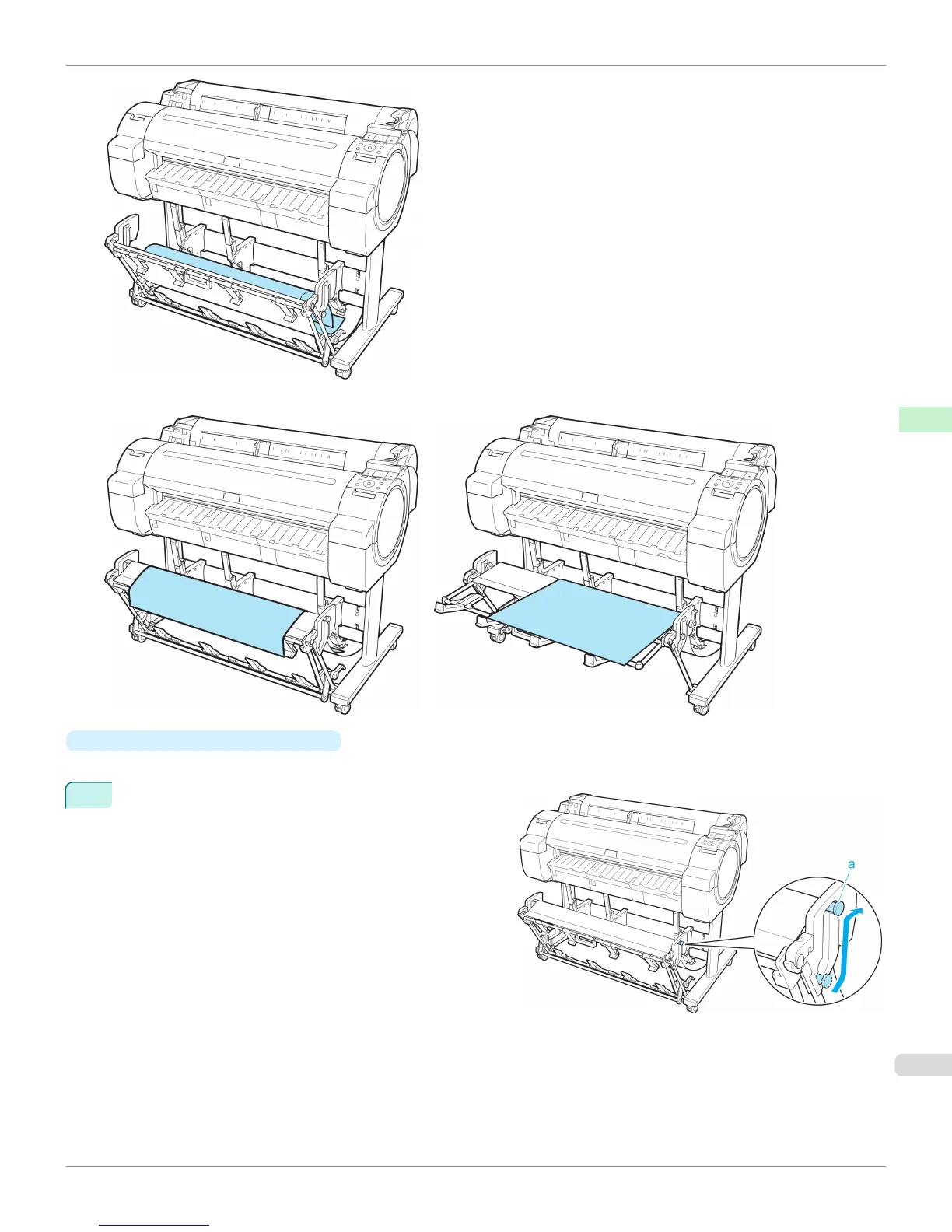
Extended position A Extended position B
•
Switching to Extended position A
Switch the stacker to Extended position A as follows.
1
Lift the Support Rod to the position shown (a) and
switch the stacker to Extended position A.
iPF765
Using the Output Stacker
User's Guide
Handling Paper Output Stacker
473


 To Next Page
 Loading...













