COPYRIGHT © 1998 CANON INC. CANON PC400/420/430,FC200/220 REV.0 JAN.1998 PRINTED IN JAPAN (IMPRIME AU JAPON)
10-2
CHAPTER 10 TROUBLESHOOTING
When checking the voltage using a meter , you may come across such instructions
as "Measure the voltage between J109-1 (+) and J109-2 (-) on the DC controller
PCB." Connect the positive probe of the meter to the terminal marked (+) and the
negative probe to the terminal marked (-).
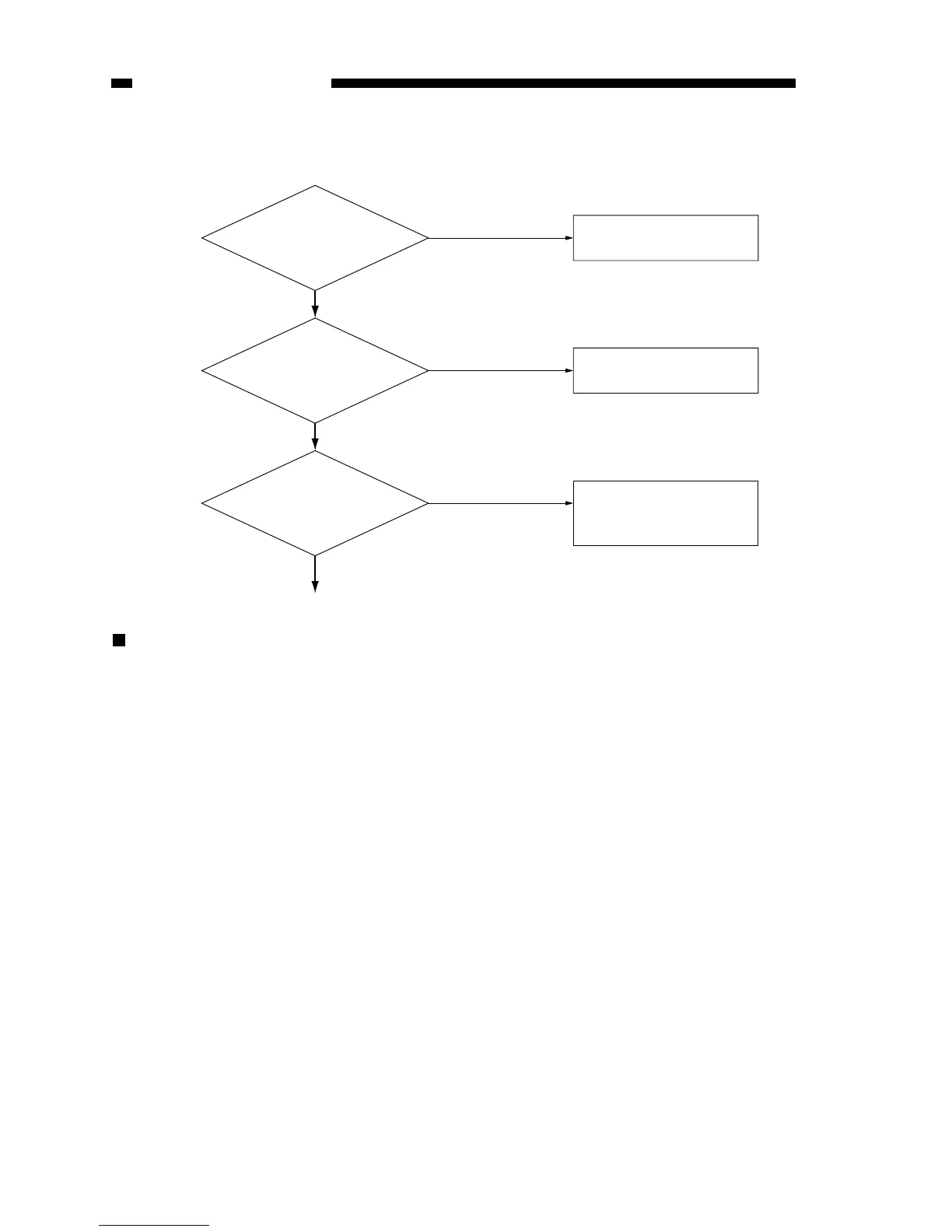
Connect the power
plug.
Close the door or the
cover.
The problem is not of
the copier. Advise the
user.
1
(Steps) (Checks)
Omitted.
(Action)(YES/NO)
NO
YES
YES
YES
2
NO
3
NO
Is the power
plug connected to the
power outlet?
Are the front
door and the delivery
cover closed firmly?
Is the specified
voltage present at the
power outlet?



 To Next Page