COPYRIGHT © 1998 CANON INC. CANON PC400/420/430,FC200/220 REV.0 JAN.1998 PRINTED IN JAPAN (IMPRIME AU JAPON)
10-8
CHAPTER 10 TROUBLESHOOTING
2. Adjusting the AE Mechanism (VR602, VR603)
(Before Adjustment)
• Obtain a newspaper whose text consists of fine print; do not use a section with
photos or large characters.
• Make sure you have adjusted light intensity.
1) Switch the copier OFF.
2) Detach the control panel cover.
3) Turn VR602 and VR603 on the control panel PCB fully clockwise.
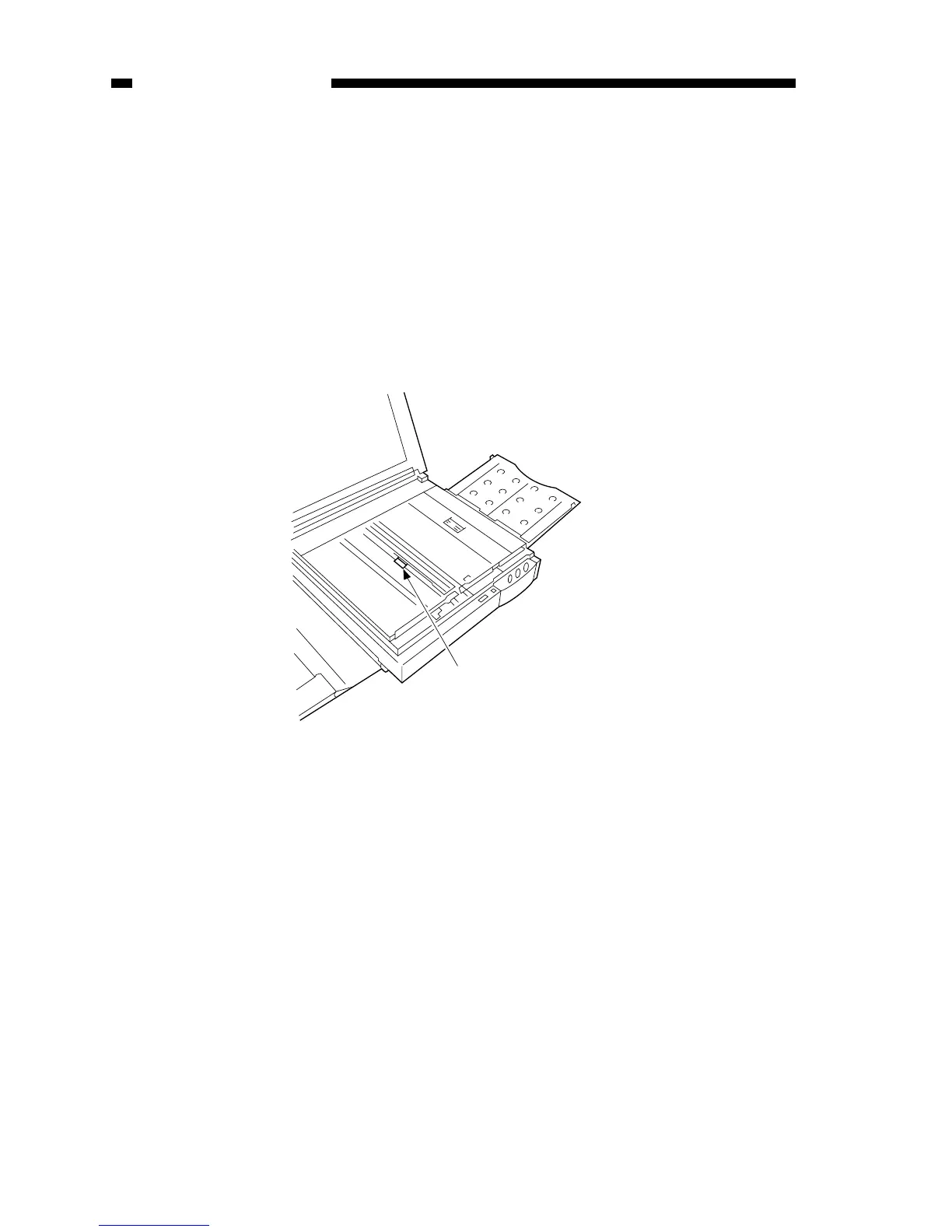
4) Place a newspaper over the AE light-receiving section of the copyboard, and close
the copyboard cover.
Figure 10-203B



 To Next Page