COPYRIGHT © 1998 CANON INC. CANON PC400/420/430,FC200/220 REV.0 JAN.1998 PRINTED IN JAPAN (IMPRIME AU JAPON)
1-8
CHAPTER 1 GENERAL DESCRIPTION
B. Making Copies
1) Switch the copier ON.
• If necessary, wait until the intensity of the scanning lamp reaches the specified
value.
• The wait time is about 0 second.
• The copier will shut itself off in about 5 minutes if left alone without key operation.
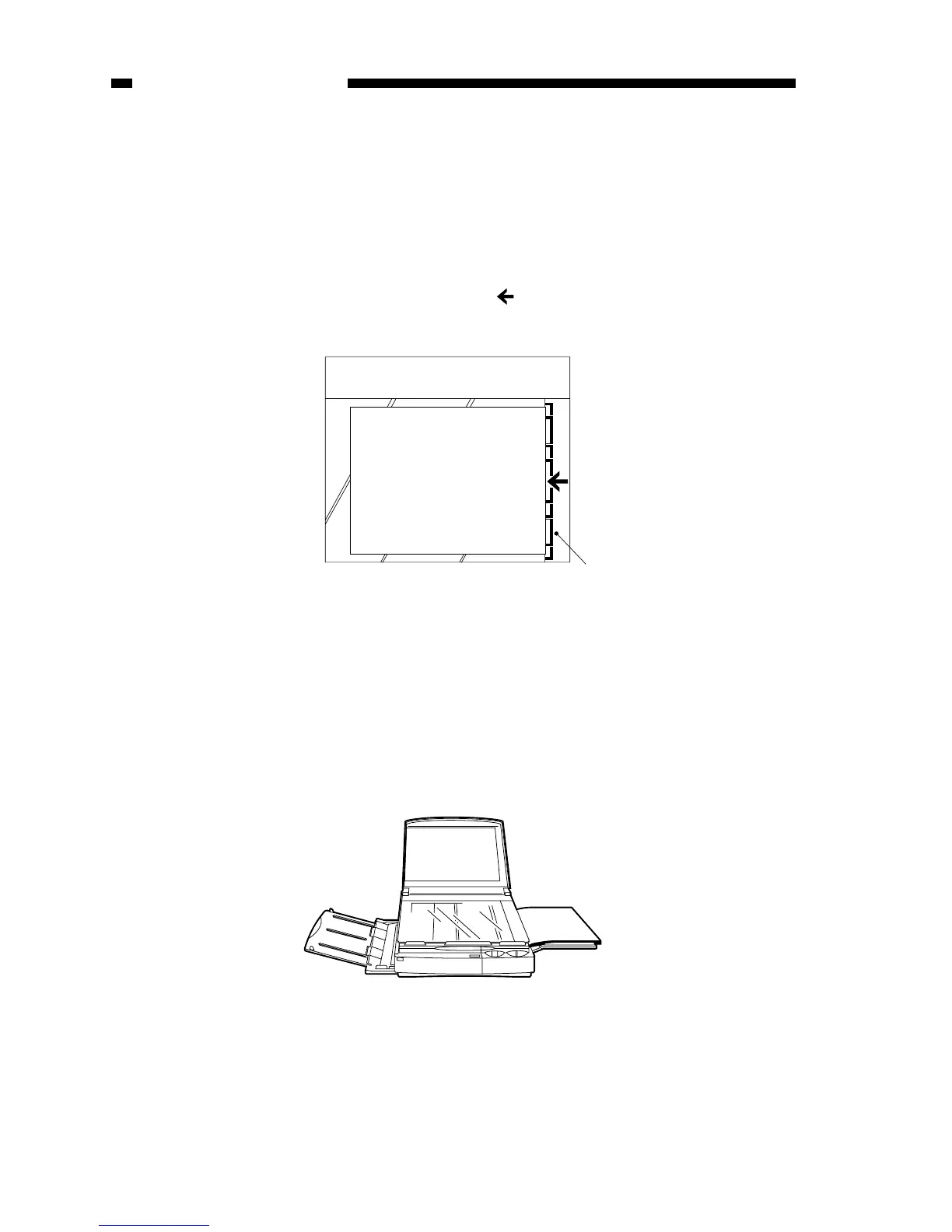
2) Lift the copyboard cover, and place a document face down, along the size index.
• Place the document so that its center is at on the size index (Figure 1-401B);
then, close the copyboard cover.
Figure 1-401B
3) Adjust the copy density to suit the document.
4) Slide the pick-up guide to suit the size of copy paper.
5) Set copy paper on the pick-up tray.
PC420/430/FC220
Place a stack of copy paper of a size suited to the document on the pick-up tray;
make sure the edges of the sheets are flush.
• The stack may be 5 mm (about 50 sheets of plain paper).



 To Next Page