Figure 1-404B
Note:
Take away each OHP film delivered to the copy tray.
COPYRIGHT © 1998 CANON INC. CANON PC400/420/430,FC200/220 REV.0 JAN.1998 PRINTED IN JAPAN (IMPRIME AU JAPON)
CHAPTER 1 GENERAL DESCRIPTION
1-9
7) Press the Copy Start key.
PC420/430/FC220
• To stop continuous copying, press the Clear/Stop key; the copier finishes the
ongoing copy and stops. The copy count displays the initial count.
Copying on OHP Film
• Set one sheet of film on the pick-up tray for each copy.
• Depending on the environment of the site, a press on the Copy Start key may not
pull the film inside the copier; if this is the case, perform the following:
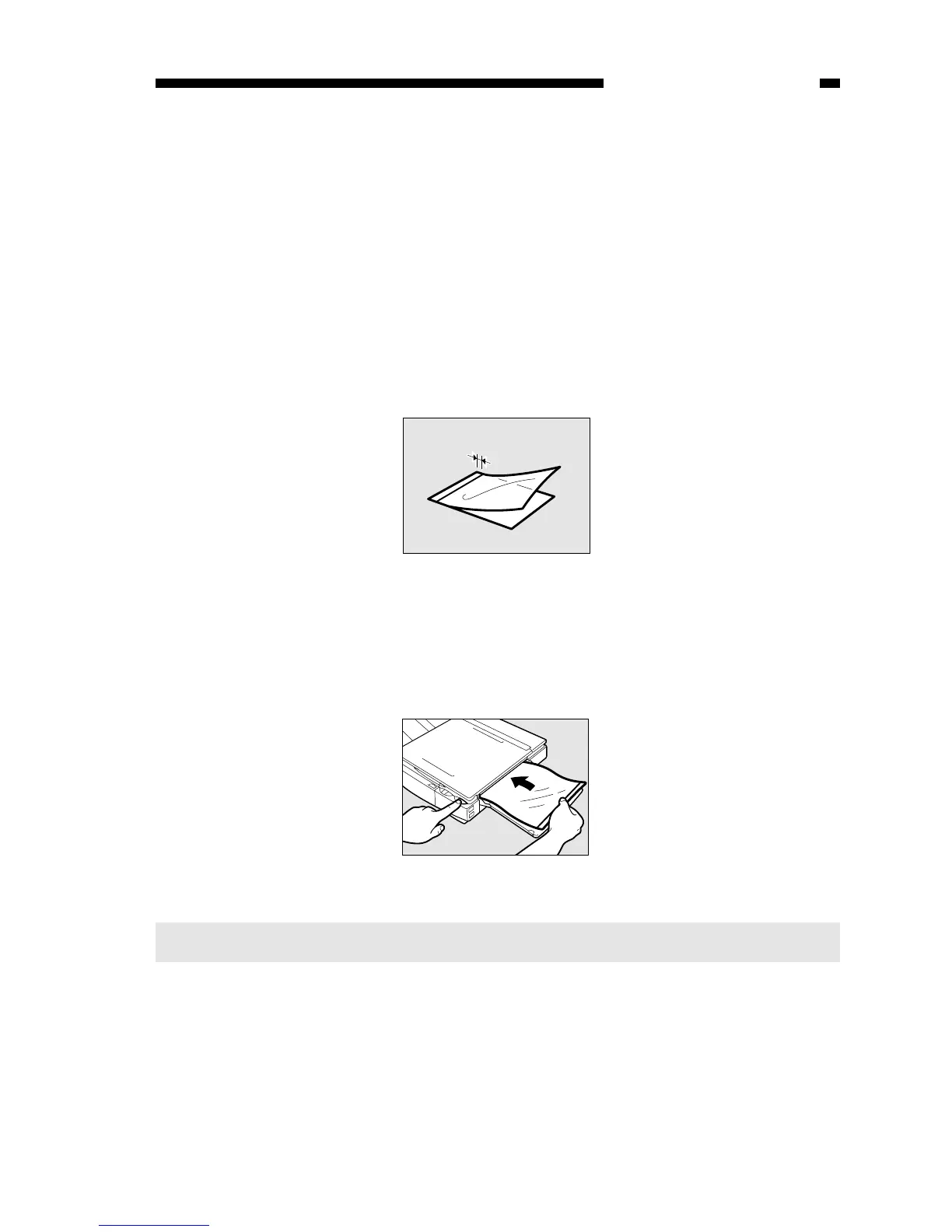
1) Place copy paper under the film; stagger the sheet and film so that the leading edge
of the film is about 1 cm behind that of the paper.
Figure 1-403B
2) Hold the trailing edge of the copy paper, and set the sheet and film on the pick-up
tray.
3) While holding the trailing edge of the copy paper, press the Copy Start key.
Remove the paper when the film begins to move into the copier; the paper will no
longer serve its purpose.



 To Next Page