Note:
Take extra care not to damage the
teeth of the gear when lifting the
copyboard drive assembly.
COPYRIGHT © 1998 CANON INC. CANON PC400/420/430,FC200/220 REV.0 JAN.1998 PRINTED IN JAPAN (IMPRIME AU JAPON)
CHAPTER 3 EXPOSURE SYSTEM
3-11
B. Copyboard Drive Assembly
1. Detaching the Copyboard Drive
Assembly
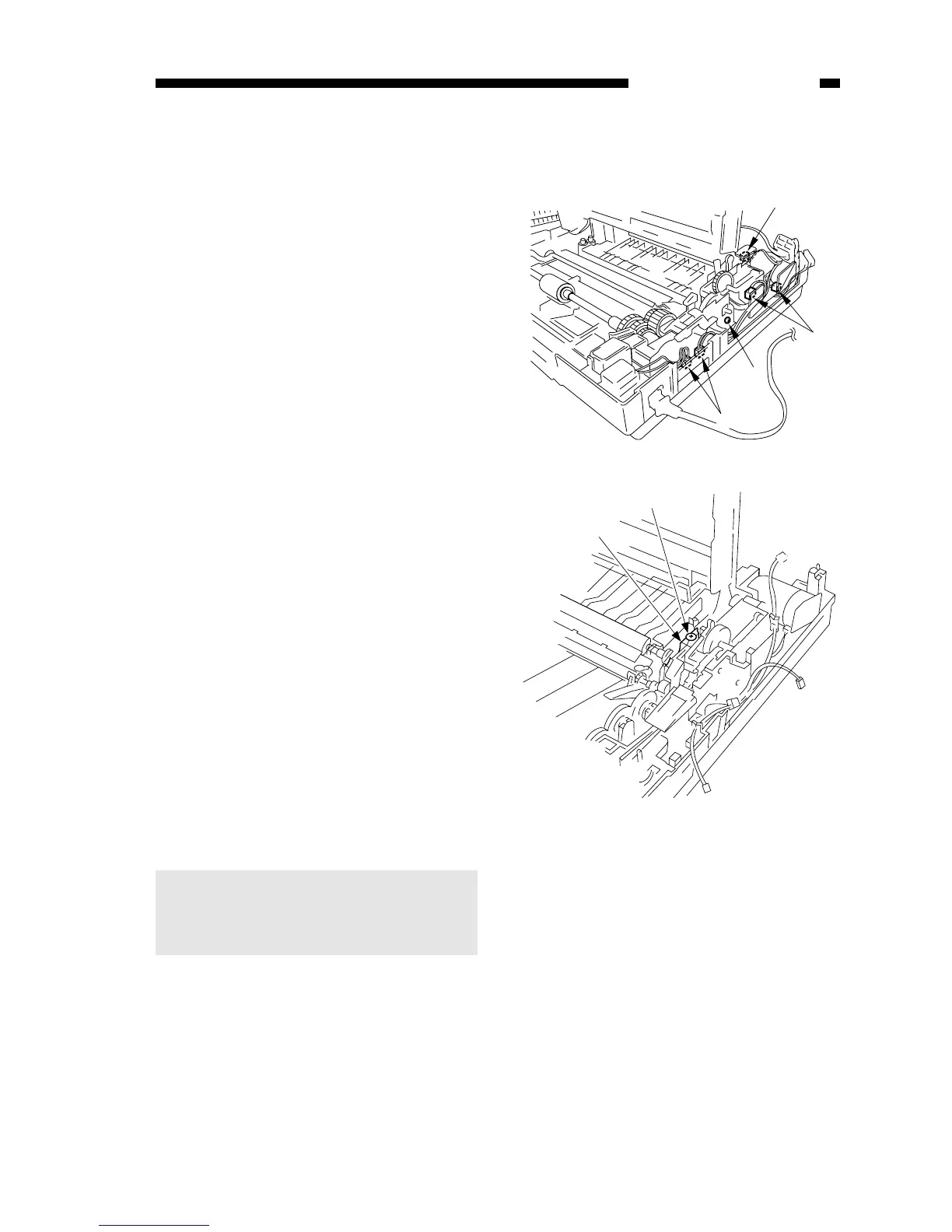
1) Take out the fixing assembly.
2) Remove the screw and remove the
grounding wire q; remove the screw,
and remove the motor rotation
detecting PCB w; then, disconnect
the four connectors e.



 To Next Page