COPYRIGHT © 1998 CANON INC. CANON PC400/420/430,FC200/220 REV.0 JAN.1998 PRINTED IN JAPAN (IMPRIME AU JAPON)
CHAPTER 5 PICK-UP/FEEDING SYSTEM
5-1
I. OUTLINE
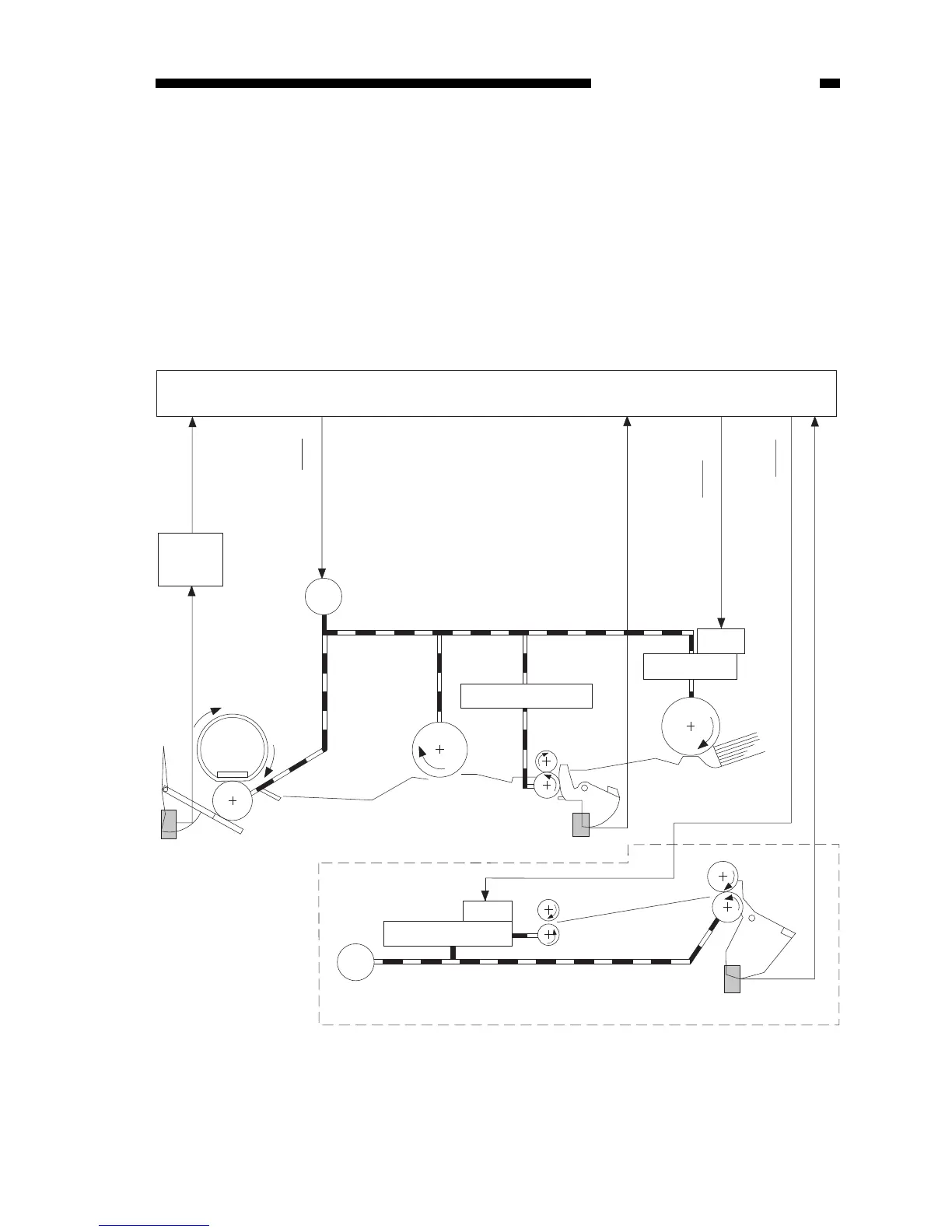
The pick-up roller starts to rotate when the Copy Start key is pressed in the case of
the PC420/430/FC220 and when paper is inserted, i.e., in response to the activation of
the pick-up sensor (Q131), in the case of the PC400/FC200.
The copy paper is controlled by the registration roller so that its leading edge
matches that of the image on the photosensitive drum; the paper is then moved to the
transfer, separation, and fixing assemblies before it reaches the copy tray.
The delivery of copy paper is monitored by the delivery sensor (Q801); if copy paper
fails to reach or move past the sensor, the copier identifies the condition as a jam and
flashes ‘Jam’ on the control panel.
Figure 5-101



 To Next Page