Caution:
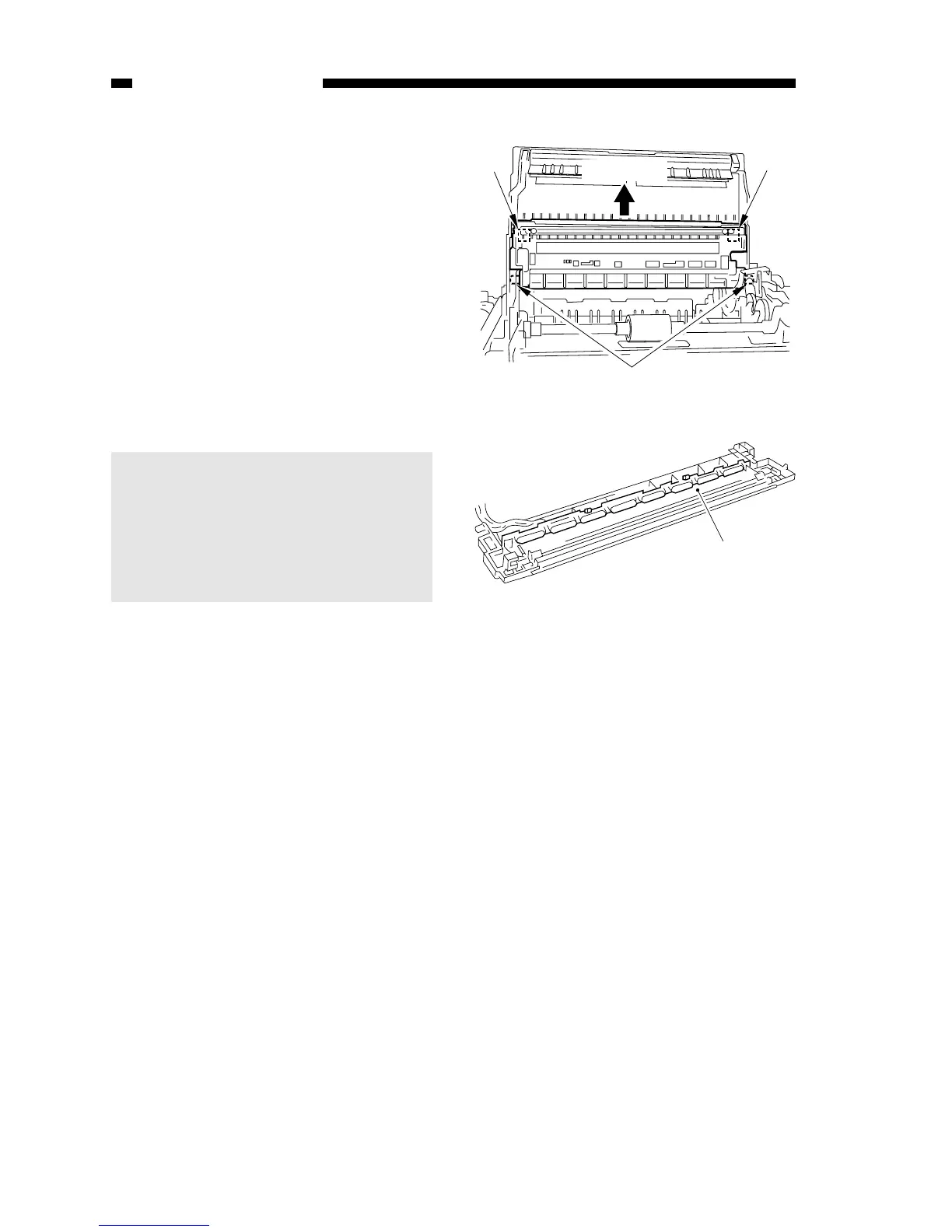
The scanning lamp is adjusted at
the factory with high precision to
ensure the best intensity of light; if
necessary, replace it as part of the
scanning lamp unit; see Figure 3-
302A.
COPYRIGHT © 1998 CANON INC. CANON PC400/420/430,FC200/220 REV.0 JAN.1998 PRINTED IN JAPAN (IMPRIME AU JAPON)
3-10
CHAPTER 3 EXPOSURE SYSTEM
A. Scanning System
1. Detaching the Scanning Lamp Unit
1) Detach the top cover assembly.
2) Disengage the two hooks



 To Next Page