EasyManua.ls Logo

Canon PC430 - When Not Using the Copier for a Long Time

Canon PC430
306 pages
Print Icon
To Next Page IconTo Next Page
To Previous Page IconTo Previous Page
Loading...
COPYRIGHT © 1998 CANON INC. CANON PC400/420/430,FC200/220 REV.0 JAN.1998 PRINTED IN JAPAN (IMPRIME AU JAPON)
1-16
CHAPTER 1 GENERAL DESCRIPTION
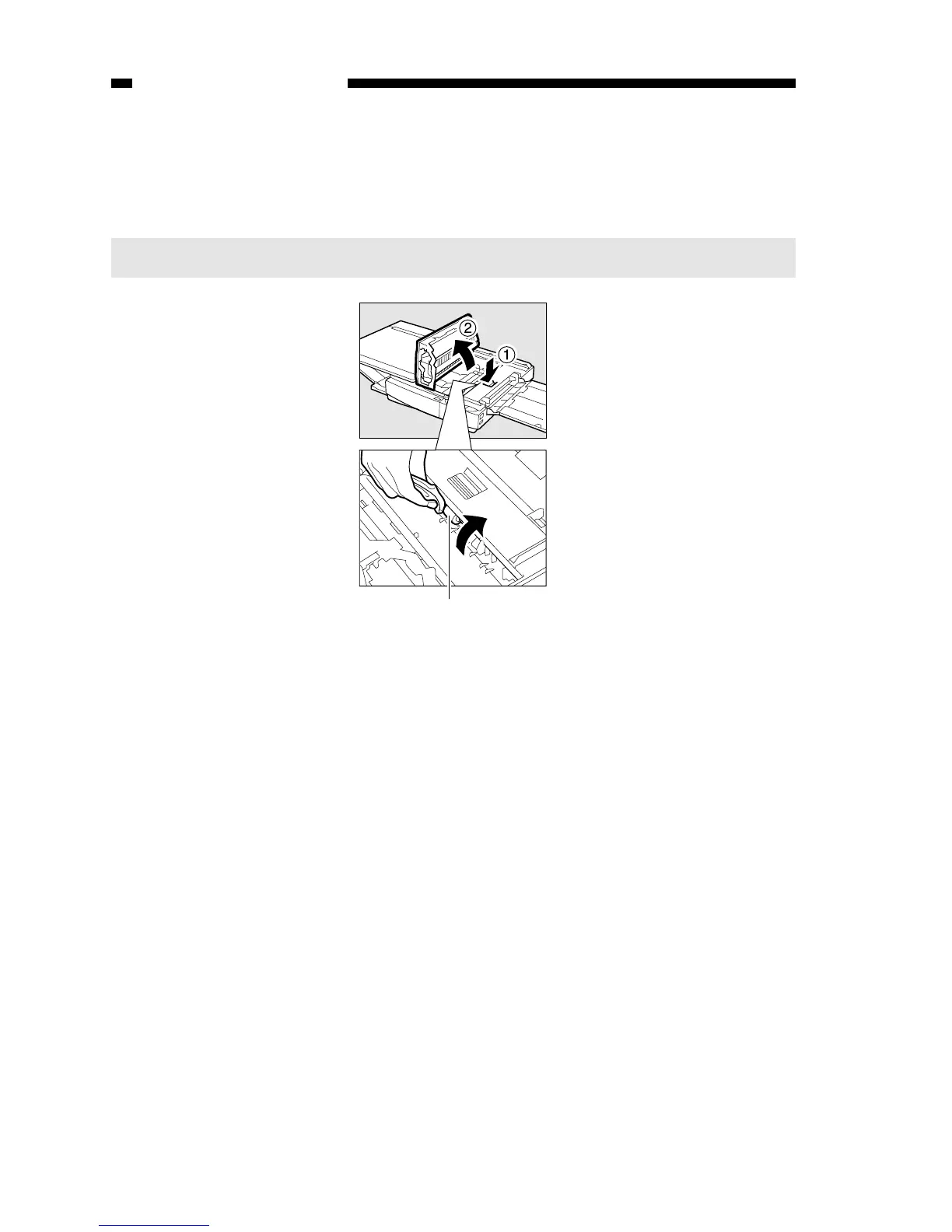
3. Pick-Up Roller
1) Open the top cover.
2) Dry wipe the pick-up roller while rotating it in pick-up direction with a cloth.
Note:
Do not make copies until the pick-up roller has completely dried.
Pick-up roller
Figure 1-403G
H. When Not Using the Copier for a Long Time
Advise the user to perform the following if she/he does not have any plan to use the
copier for a long time.
1) Disconnect the power plug.
2) Place the copier in a dust-free, sunlight-free place.

Table of Contents

Other manuals for Canon PC430

Related product manuals