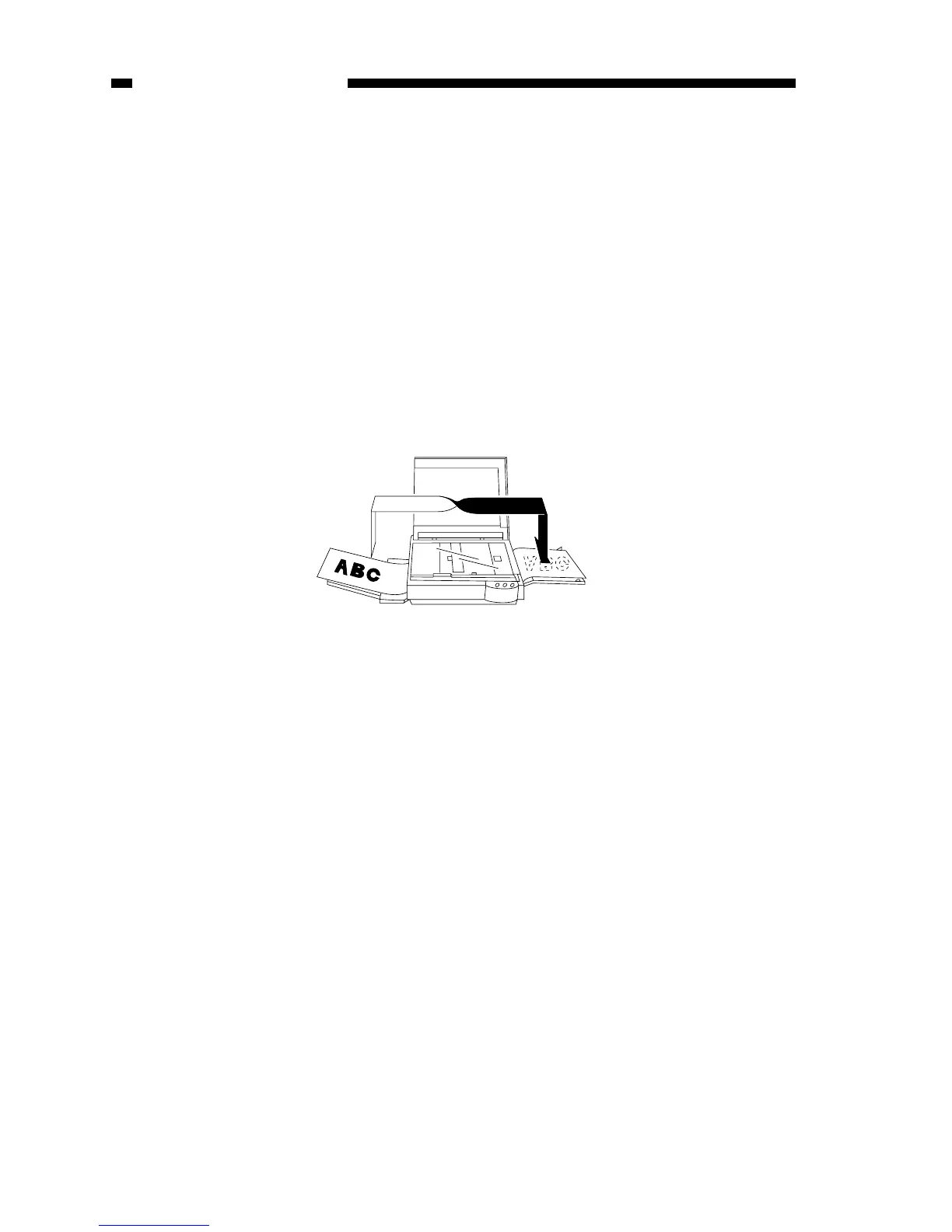
Manual Feeding
PC400/FC200
1) Set a document on the copyboard.
2) Adjust the Density Control lever to suit the document.
3) Slide the pick-up guide to suit the size of copy paper.
4) Insert copy paper along the pick-up guide.
• The copier starts copying operation automatically as soon as it detects paper.
• To continue copying, insert the next paper when the copyboard starts to return.
Making Two-Sided Copies
1) Turn over the copy while maintaining its feeding direction.
• Make sure that the paper is not moist or curled.
• Use paper of 64 to 128 g/m
2
when making two-sided copies.
• Do not process each side more than twice.
Figure 1-405B
Making Overlay Copies
You can make two- or three-colored copies by replacing the cartridge.
• Use paper of 64 to 128 g/m
2
when making overlay copies.
• Do not process each side more than three times.
COPYRIGHT © 1998 CANON INC. CANON PC400/420/430,FC200/220 REV.0 JAN.1998 PRINTED IN JAPAN (IMPRIME AU JAPON)
1-10
CHAPTER 1 GENERAL DESCRIPTION



 To Next Page