COPYRIGHT © 1998 CANON INC. CANON PC400/420/430,FC200/220 REV.0 JAN.1998 PRINTED IN JAPAN (IMPRIME AU JAPON)
CHAPTER 10 TROUBLESHOOTING
10-13
Go over the following when this is noted.
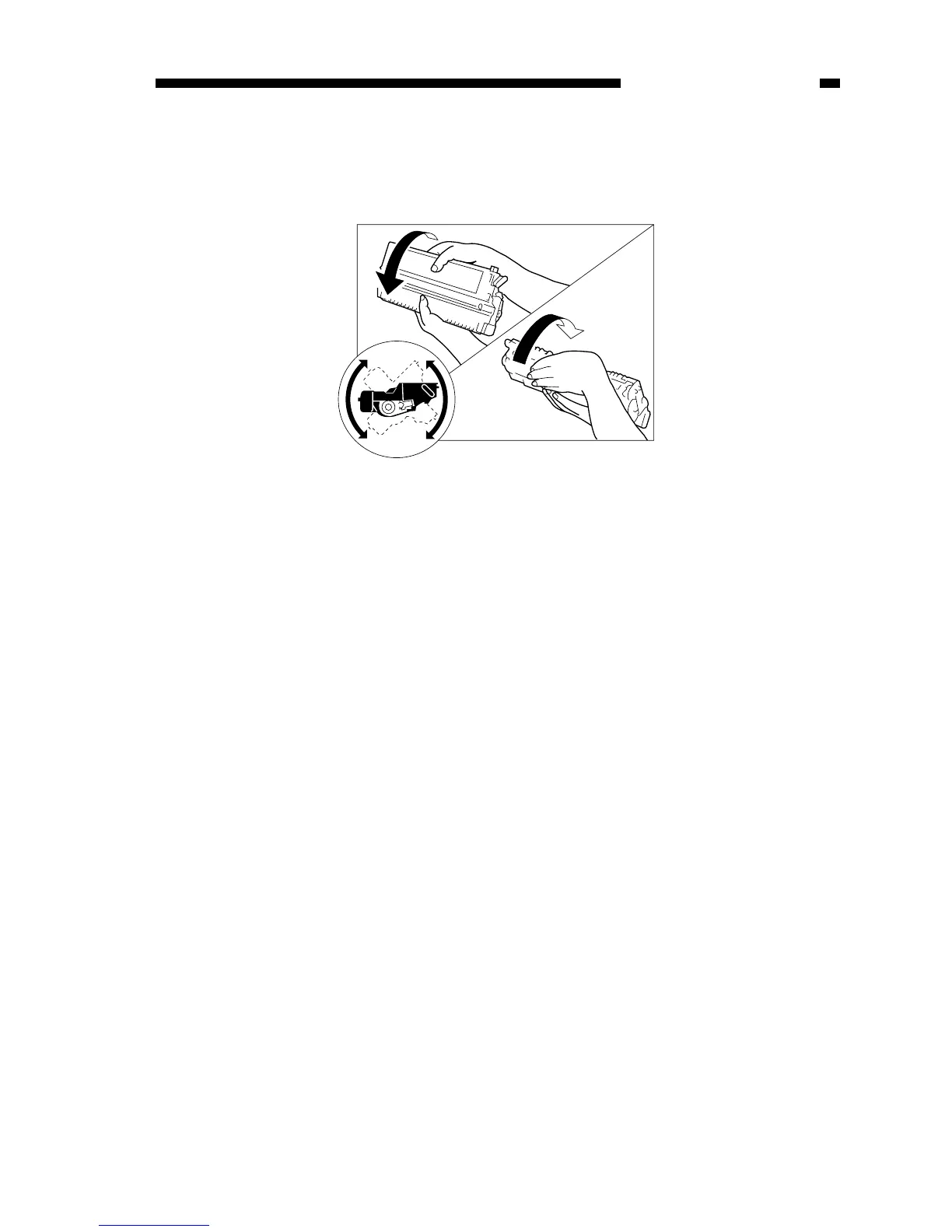
1) Take out the cartridge from the copier, and rotate it several times.
Figure 10-302A
2) Set the cartridge back into the copier, and make copies.
a. If the copies are normal,
• The user may use the cartridge for some time more; however, advise the user to
procure a replacement cartridge.
b. If the copies fail to return to normal,
• Replace the cartridge as described in “Replacing the Cartridge.”



 To Next Page