COPYRIGHT © 1998 CANON INC. CANON PC400/420/430,FC200/220 REV.0 JAN.1998 PRINTED IN JAPAN (IMPRIME AU JAPON)
CHAPTER 10 TROUBLESHOOTING
10-39
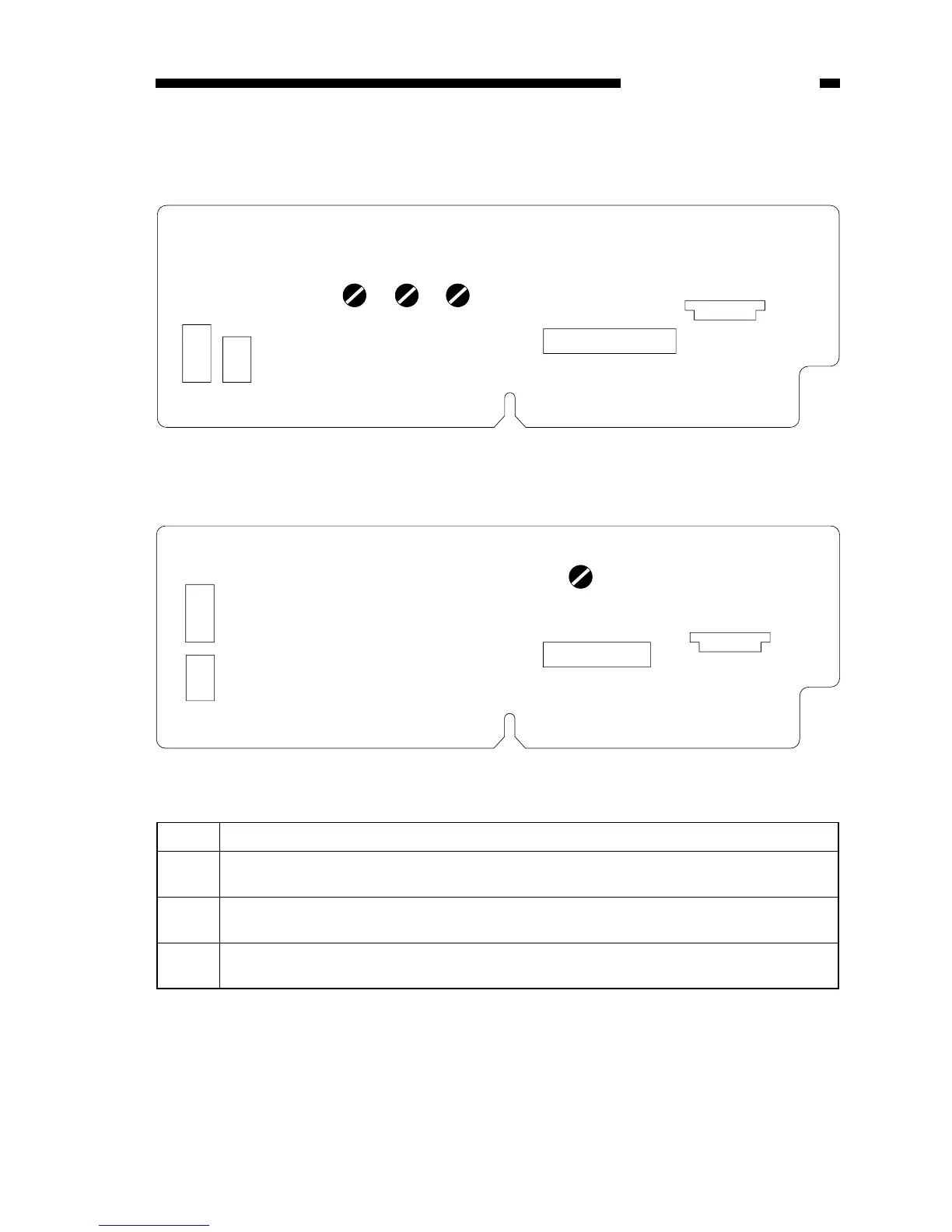
Figure 10-603E
VR Description
VR602 Use it to adjust the AE offset (use it only after replacing the scanning lamp unit, intensity
sensor, AE sensor, or control panel PCB).
VR603 Use it to adjust the AE gain (use it only after replacing the scanning lamp unit, intensity
sensor, AE sensor, or control panel PCB).
VR604 Use it to adjust the light intensity (use it only after replacing the scanning lamp unit, intensity
sensor, AE sensor, or control panel PCB).



 To Next Page