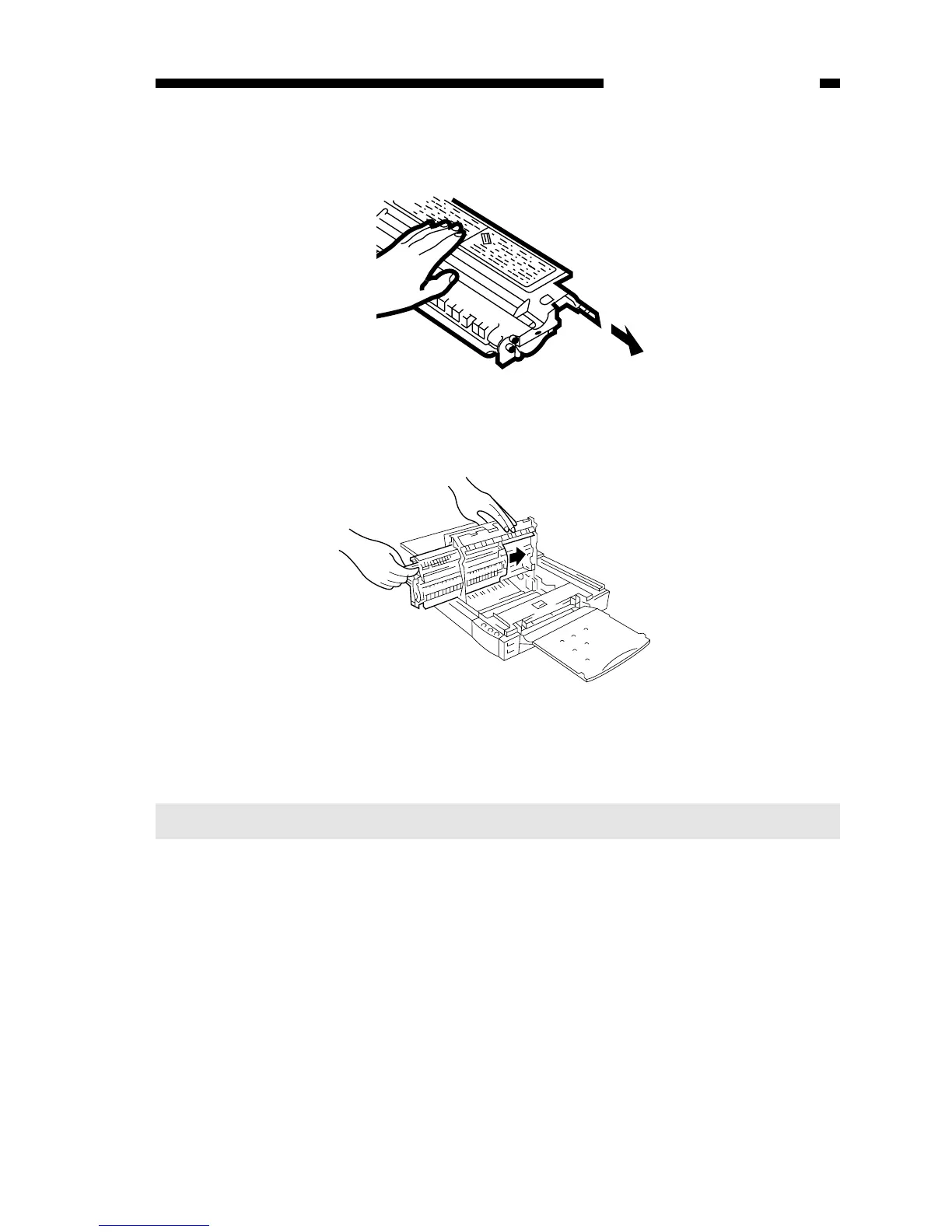
Figure 1-405E
6) Close the top cover, and return the copyboard to the center.
Note:
You can replace the black toner cartridge with any color cartridge the same way.
COPYRIGHT © 1998 CANON INC. CANON PC400/420/430,FC200/220 REV.0 JAN.1998 PRINTED IN JAPAN (IMPRIME AU JAPON)
CHAPTER 1 GENERAL DESCRIPTION
1-13
4) Detach the tip of the seal attached to the cartridge, and pull it straight out to the
front; about 50 cm.
Figure 1-404E
5) Hold the cartridge with its Warning label facing the left, and insert it in the copier with
care until it butts against the rear.



 To Next Page