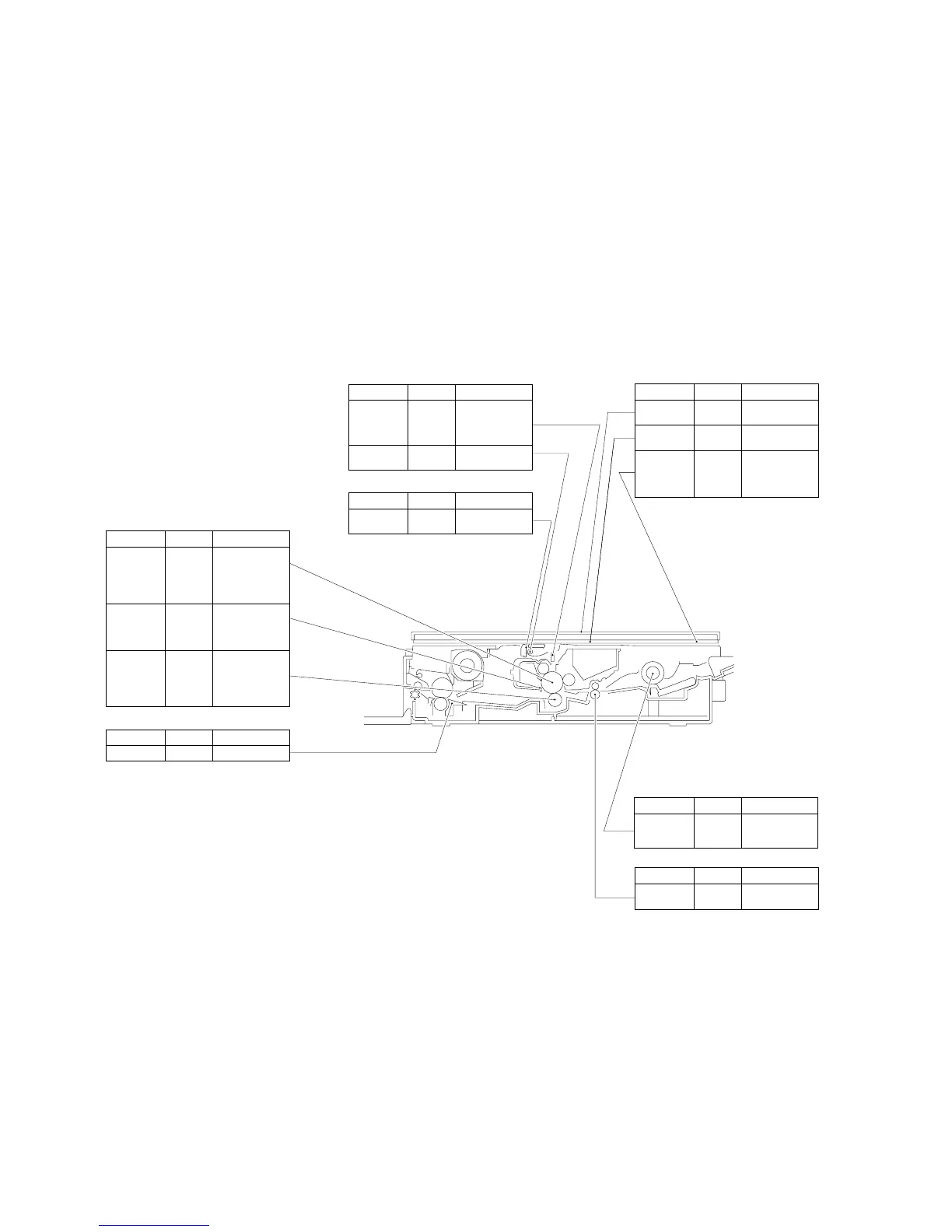
Remarks
Cleaning
Pick-up roller assembly
Parts
Pick-up roller Well-wrung
moist cloth;
or, alcohol
Parts Tools/Solve Remarks
Photosensitive
drum
Toner As a rule, do not
clean.
Do not use solvents.
Do not touch the
drum. Avoid light.
Drum cover
shutter
Well-wrung
moist cloth
Be sure to clean the
shutter; particles of
toner can cause
soiled copies.
Transfer
charging roller
Lint-free
paper
Cleaning
Do not use water or
solvent. Take care
not to touch the
roller or leave oil.
Cartridge, Transfer charging roller
Parts Tools/Solve Remarks
Inlet guide Solvent
Fixing assembly
Parts Tools/Solve Remarks
Lens array Cotton wad Do not use the wire
cleaner meant for
conventional
machines.
Optical assembly
Scanning lamp Blower
brush
Parts Tools/Solve Remarks
Intensity/AE
sensor
Blower
brush
Cleaning
Electrical
Parts Tools/Solve Remarks
Copyboard
cover
alcohol
Copyboard
Copyboard
glass
alcohol
White
reflecting strip
alcohol Dirt can soil the
leading edge
margin, causing
jams.
Parts Tools/Solve Remarks
Registration
roller
Cleaning
Registration assembly
Tools/Solve
Well-wrung
moist cloth



 To Next Page