CHAPTER 2 STANDARDS AND ADJUSTMENTS
2-3
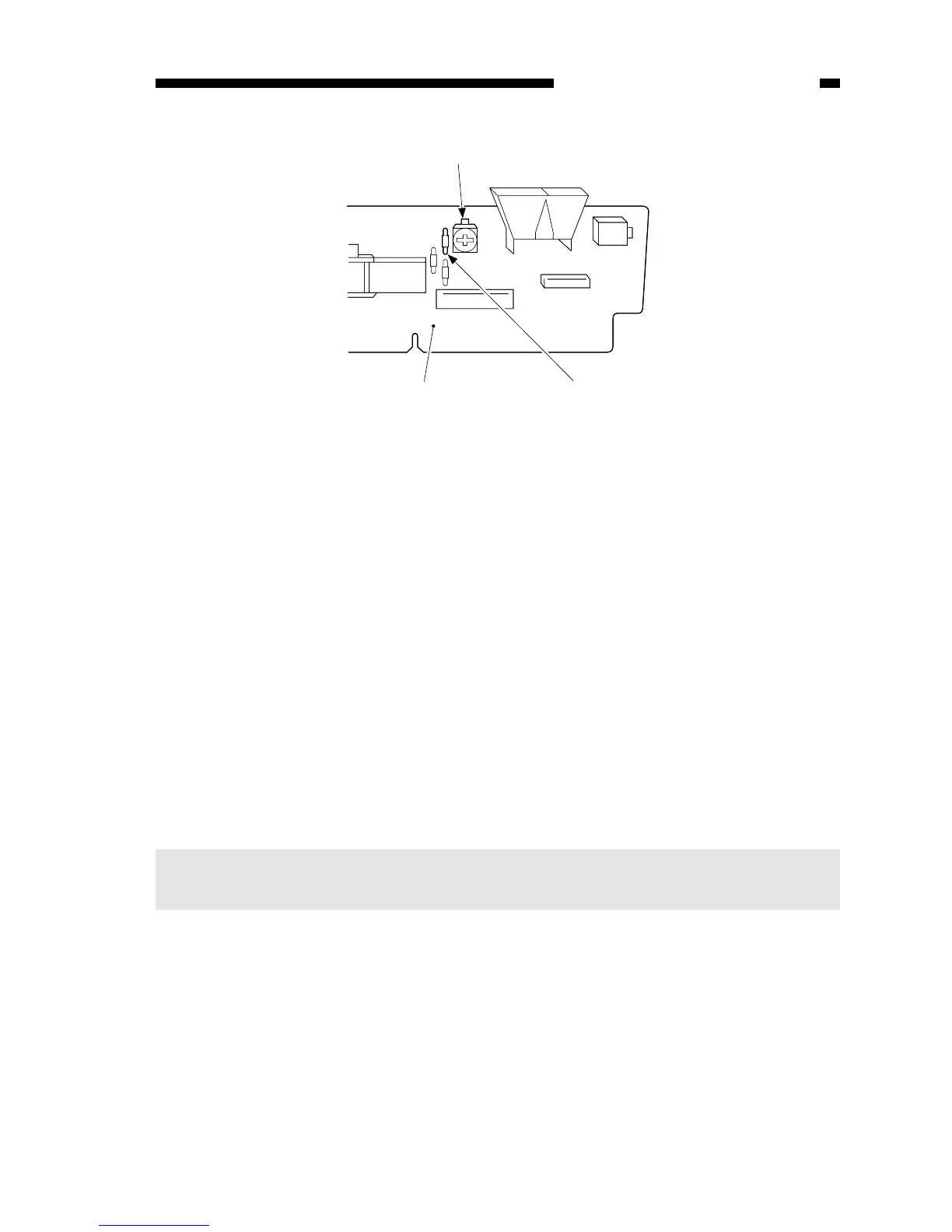
Figure 2-2B (PC400/FC200)
b. After Replacing the Scanning Lamp Unit, Intensity Sensor, or AE Sensor
(Before Adjustment)
• If the scanning lamp has blackened, replace it.
• Clean the scanning system (lens array, lamp reflector, lamp).
1) Set the cartridge to the copier.
2) De-select AE, and set the copy density control lever/dial to the center.
3) Set the density correction switch (SW606) to the center (PC420/430/FC220).
4) Set the Test Sheet (NA3/NB3/NA2), and make a copy.
5) Check if the copy is free of fogging, and gray scale No. 9 (No. 10, if NB3) is
somewhat visible.
• If too dark,
Turn VR604 on the control panel PCB clockwise slightly to increase the intensity.
• If too light,
Turn VR604 counterclockwise slightly to decrease the intensity.
6) Repeat steps 4) and 5) until the density is optimum.
Notes:
After adjusting the intensity, be sure to adjust the AE mechanism
(PC420/430/FC220).



 To Next Page