CHAPTER 7 SELF DIAGNOSIS
7-1
CHAPTER 7 SELF DIAGNOSIS
The copier’s microprocessor on the DC controller/DC power supply PCB is
equipped with a self diagnostic mechanism that checks the condition of the machine;
when the mechanism detects an error, it indicates an error code on the copy count
display.
(The PC400/FC200 does not have a copy count display; it indicates an error
condition by flashing the Jam indicator.)
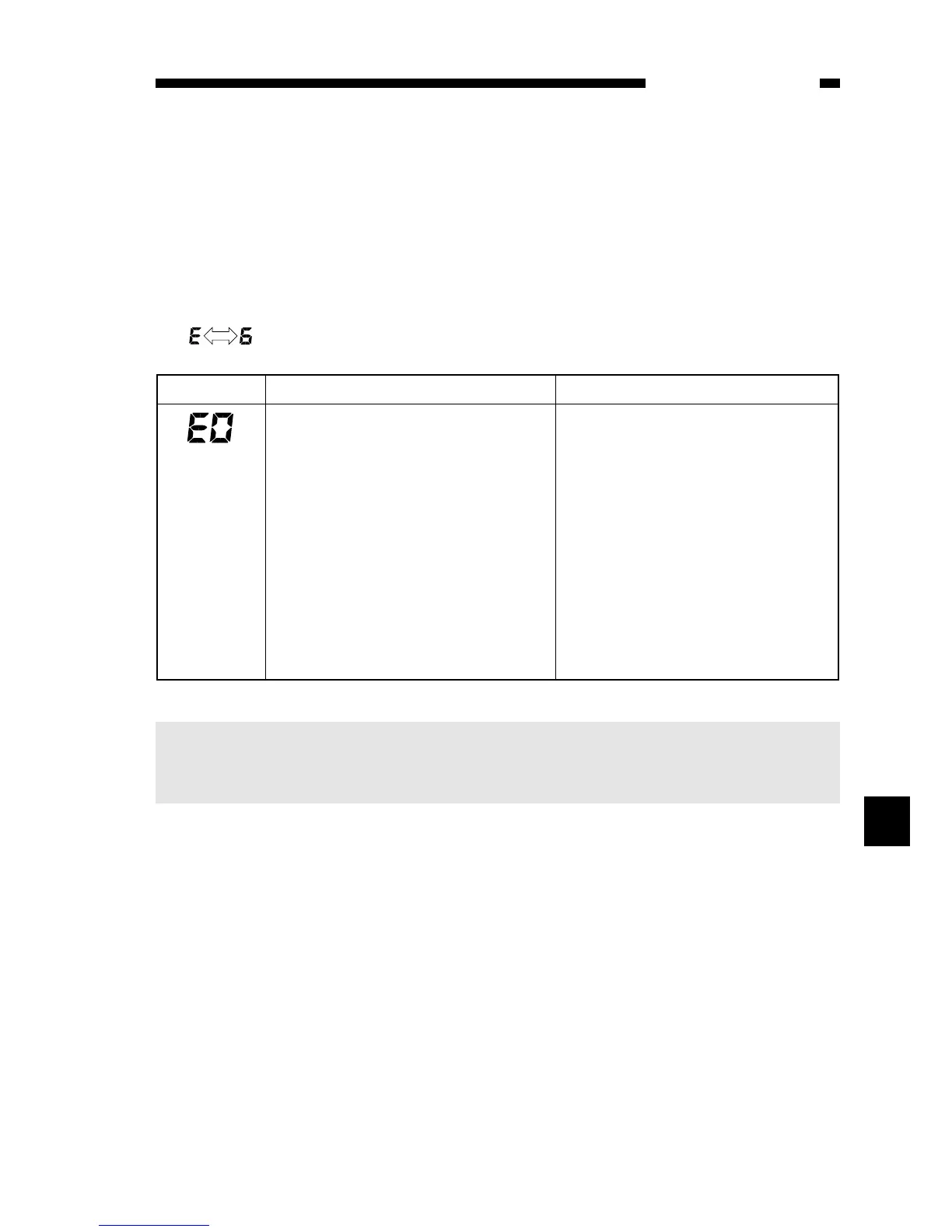
‘E6’ is represented by alternating
Note:
If an error associated with ‘E0’ is detected, ‘E’ is displayed (PC420/430/FC220)
or the Jam indicator (PC400/FC200) remains ON for about 0.5 sec; thereafter,
the power goes out.
7
Code Cause Description
• Thermistor (TH1; faulty)
• Fixing heater (H1; faulty)
• DC controller/DC power supply (faulty)
• The temperature of the fixing heater is
215°C or more.
• The temperature of the fixing heater
does not reach 80°C within 2.5 sec after
copying operation has started.
• The temperature of the fixing heater
lowers below 135°C after has reached
150°C.
• The temperature of the fixing heater
does not reach 150°C within 7.5 sec
after copying operation has started.
• The maximum supply power is detected
for about 5 sec after the temperature of
the fixing heater has reached 150°C.
(Note)



 To Next Page