COPYRIGHT © 1998 CANON INC. CANON PC400/420/430,FC200/220 REV.0 JAN.1998 PRINTED IN JAPAN (IMPRIME AU JAPON)
CHPTER 4 IMAGE FORMATION SYSTEM
4-15
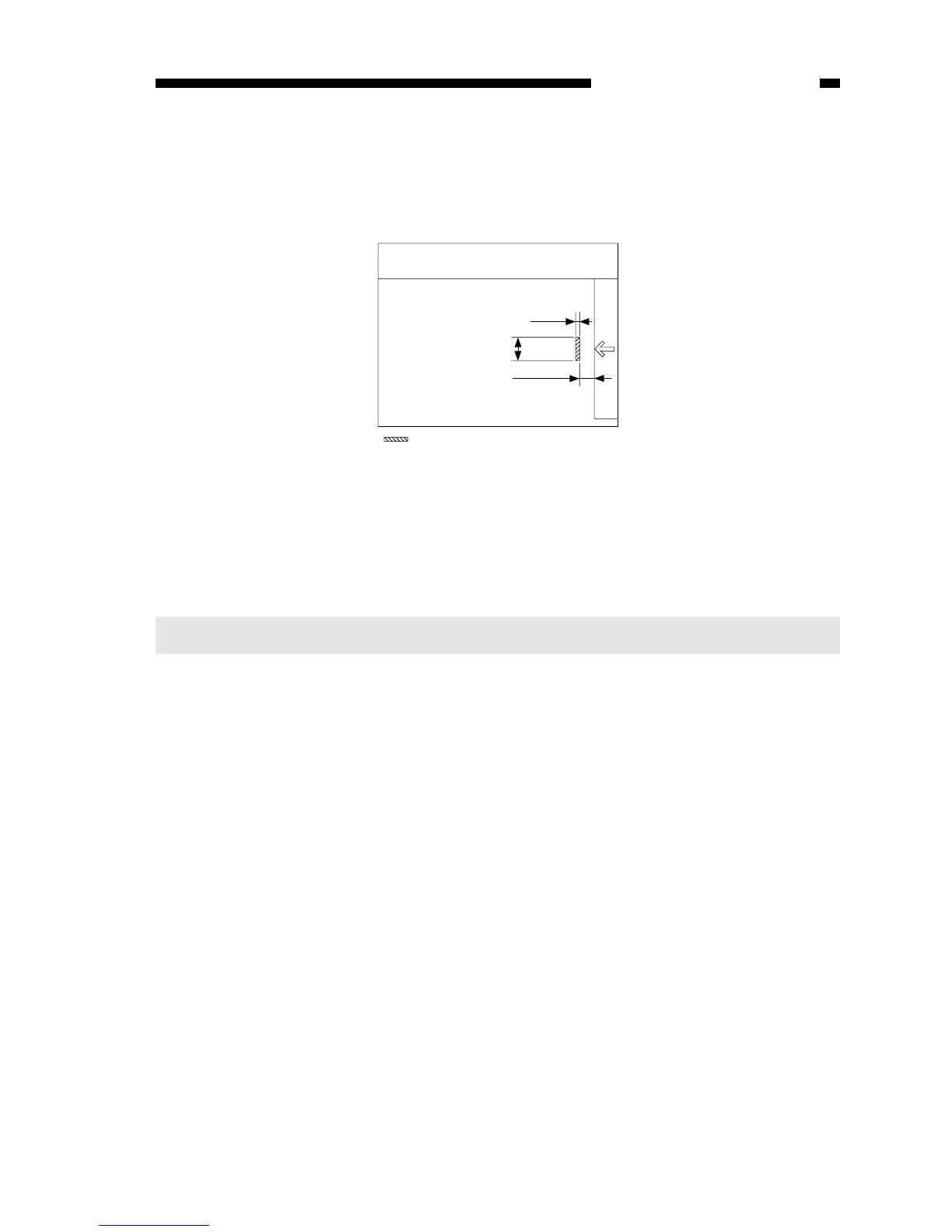
Figure 4-102F
3. Adjusting the AE Mechanism (VR602, VR603)
You must adjust the AE mechanism if you have replaced the scanning lamp unit,
control panel PCB, or intensity/AE sensor; see p.10-8.
Note:
Adjust the AE mechanism only after adjusting the intensity of the scanning lamp.
The microprocessor takes measurements of the AE signals four times every 1.5
mm, and generates the developing DC bias control command (DCBPWM) to suit the
average document density. See Figure 4-102F for the points at which the document
density is measured in relation to the copyboard glass.



 To Next Page