If the media registration is not optimal, change the value or use another setting depending on
how the registration looks.
Values for the Media Registration
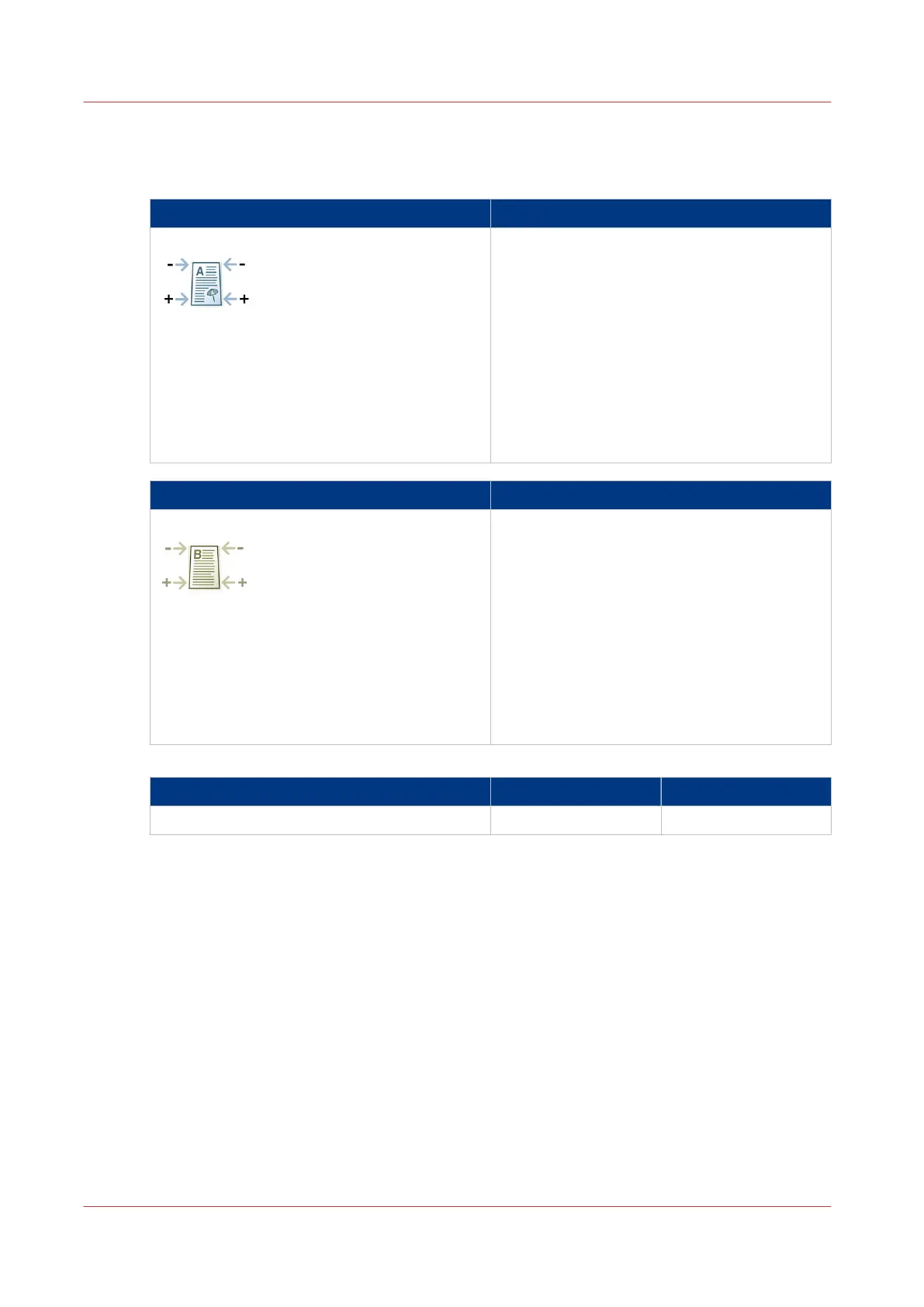
Settings front side What to enter
[Trapezoid ({0})] The image is adjusted in mm (inches).
Measured difference > 0:
• At the bottom of the sheet, the length of the
image in the feed direction decreases.
• The distance between the circles at the bot-
tom of the verification chart decreases.
Measured difference < 0:
• At the top of the sheet, the length of the im-
age in the feed direction decreases.
• The distance between the circles at the top
of the verification chart decreases.
Settings back side What to enter
[Trapezoid ({0})] The image is adjusted in mm (inches).
Measured difference > 0:
• At the bottom of the sheet, the length of the
image in the feed direction decreases.
• The distance between the dots at the bottom
of the verification chart decreases.
Measured difference < 0:
• At the top of the sheet, the length of the im-
age in the feed direction decreases.
• The distance between the dots at the top of
the verification chart decreases.
Ranges
Setting Range (mm) Range (inches)
[Trapezoid ({0})] -2.5 to +2.5 -0.098 to +0.098
Diamond Shape Image
When to do
The diamond shape is perpendicular to the feed direction. You can measure the diamond shape
via the diagonal of the image.
Values for the Media Registration
106
Chapter 5 - Media Handling
Canon varioPRINT 135 Series


 To Next Page
 Loading...









