Setting Values Description
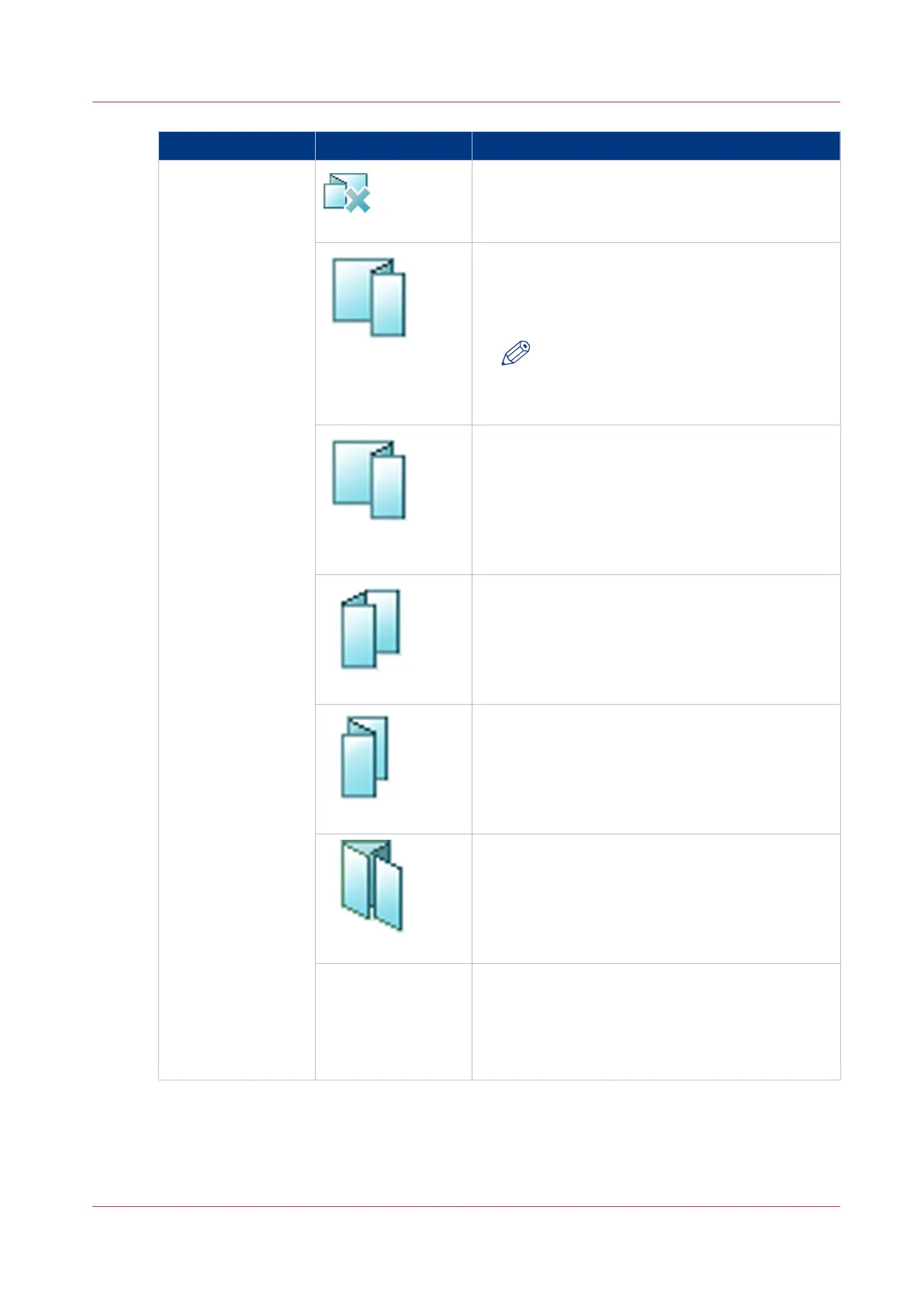
[Folding]
[None]
[Z-fold]
Required output location for Z-folded A4R, LetterR
and Legal:
• Folder output tray, or
• Any output tray of the stacker/stapler.
NOTE
Z-folded A3, B4 and Tabloid 11" x 17"
sheets must be sent to the stacker/
stapler.
[Z-fold large sheets
only]
Required output location for Z-folded A3, B4 and
Tabloid 11" x 17": Any output tray of the stacker/
stapler.
[Tri-fold in]
Required output location: Folder output tray
[Tri-fold out]
Required output location: Folder output tray
[Parallel fold]
Required output location: Folder output tray
[Print method] Use the [Print method] option to define on which
side to print:
• [Print inside]
• [Print outside]
Check the preview for the result of the selection.
[Output] Settings - [Trimming]
This option is only available when you have a trimming unit connected.
Description of the Copy Job Settings
Chapter 7 - Carry Out Copy Jobs
231
Canon varioPRINT 135 Series


 To Next Page
 Loading...









