Step Action Illustration
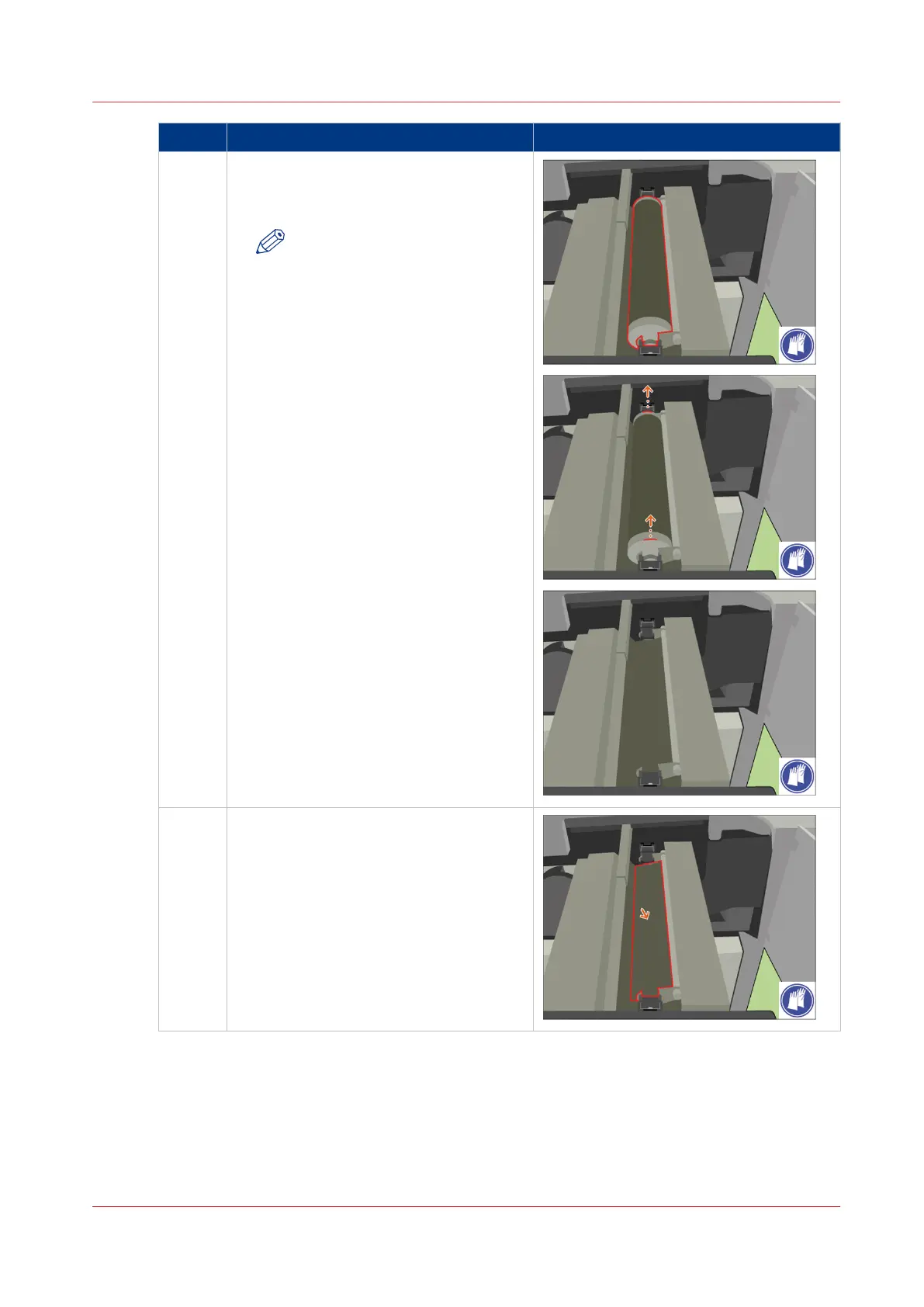
7 [Remove the spiral cleaner from the TTF.]
[Place the spiral cleaner on the packaging
of the new cleaner.]
NOTE
[When the spiral cleaner has
cooled down, discard the clean-
er into a common dustbin.]
8 [Remove paper underneath the spiral
cleaner.]
4
Remove Paper from the TTF
Chapter 18 - Printer Operation Care (POC)
405
Canon varioPRINT 135 Series












 To Next Page