Step Action Illustration
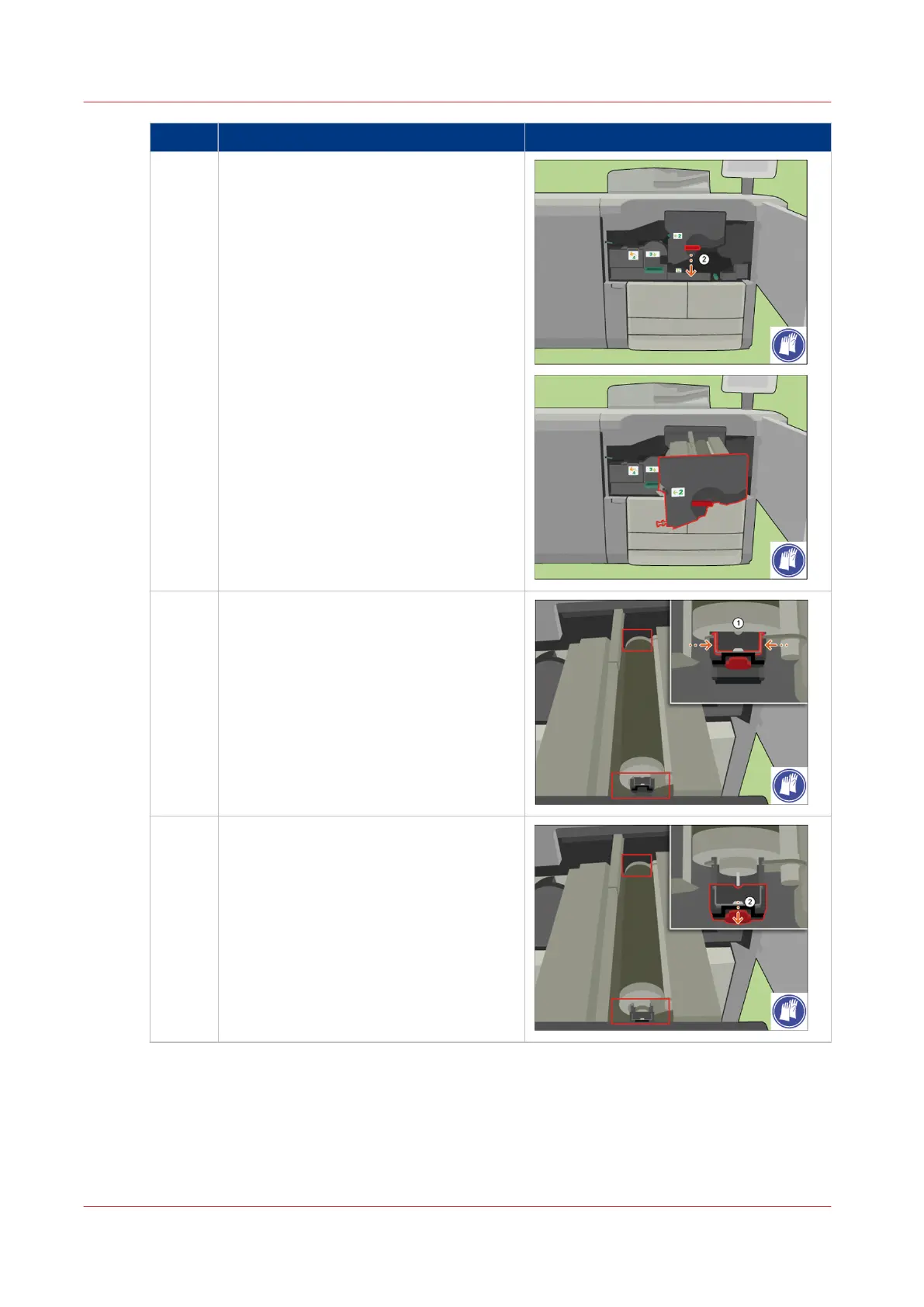
4 [Slide the TTF unit out of the frame.]
5 [Pinch both fixation springs.]
6 [Slide the fixation caps from the cleaner
ends.]
4
Remove Paper from the TTF
404
Chapter 18 - Printer Operation Care (POC)
Canon varioPRINT 135 Series












 To Next Page