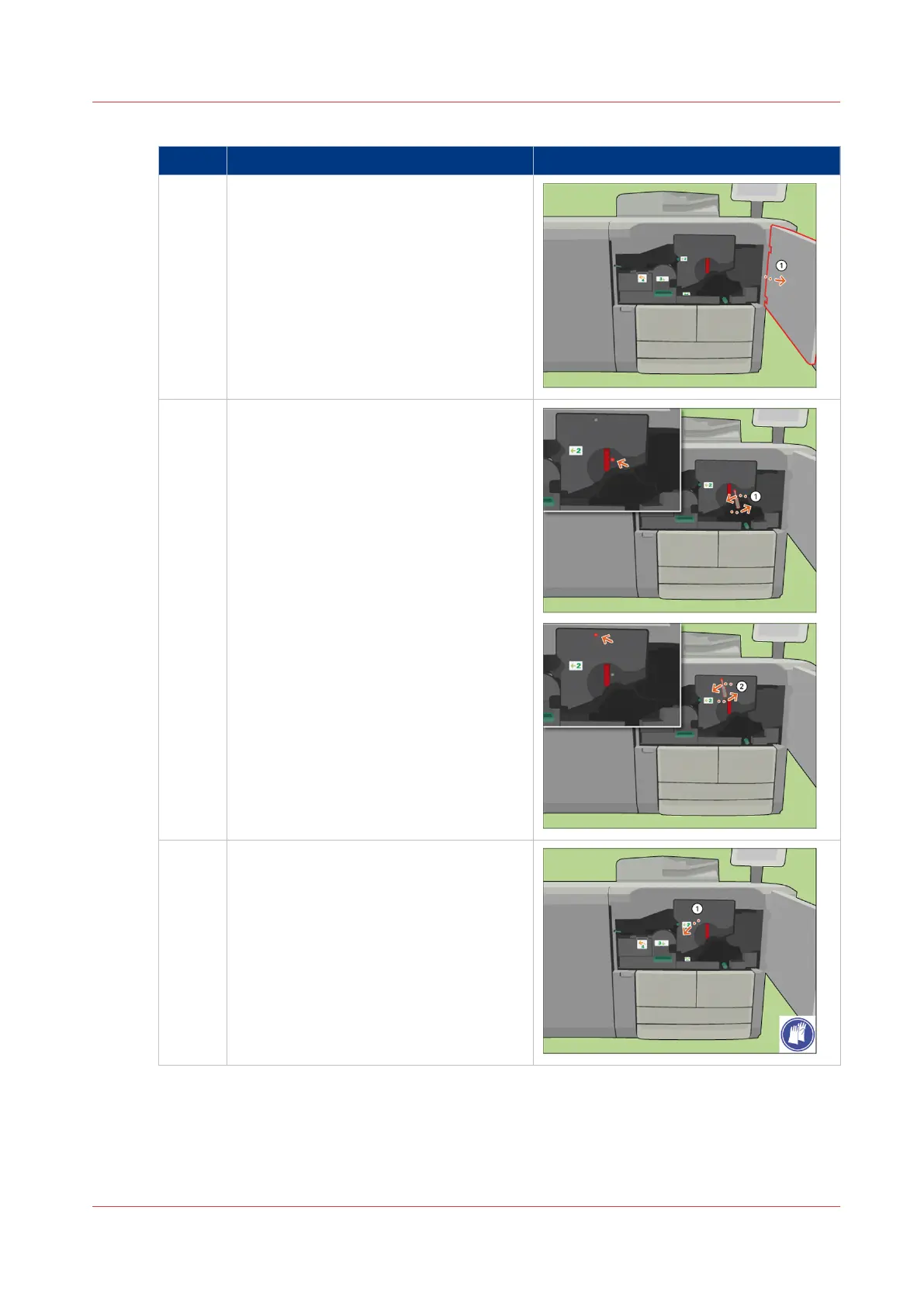
Remove paper from the TTF
Step Action Illustration
1 [Open the front door.]
2 [Use the socket wrench to loosen the 2
fixation pens.]
3 [Turn the red handle counter-clockwise.]
4
Remove Paper from the TTF
Chapter 18 - Printer Operation Care (POC)
403
Canon varioPRINT 135 Series














 To Next Page