CDE360 Vector Control AC Drive Chapter 4 Operation,Display and Application
4.7 Password and Parameter Setting
The AC drive provides the user password protection function.
When H0.00 is set to a non-zero value, the value is the user password. Set H0.00 to the
same value for the 2 time in a row,and the password will be set successfully.Meanwhile, the LED
will display ‘P.SEt’ and the LCD screen will display ‘Setting password succeed’.The user password
will be active if there is no keypad operation in 5 minutes.
If a long line ‘----’ displays on the LED screen when you press PRG, ‘Please enter the
password’ may show on the LCD screen, and then the correct user password needs to be
entered.Otherwise you will see non parameter.The user password will be active again if there is
no keypad operation 5 minutes after entering the correct password.
Set H0.00 to zero for the 2 time in a row,and the password will be cleared.Meanwhile, the
LED will display ‘P.CLr’ and the LCD screen will display ‘Clear password succeed’.
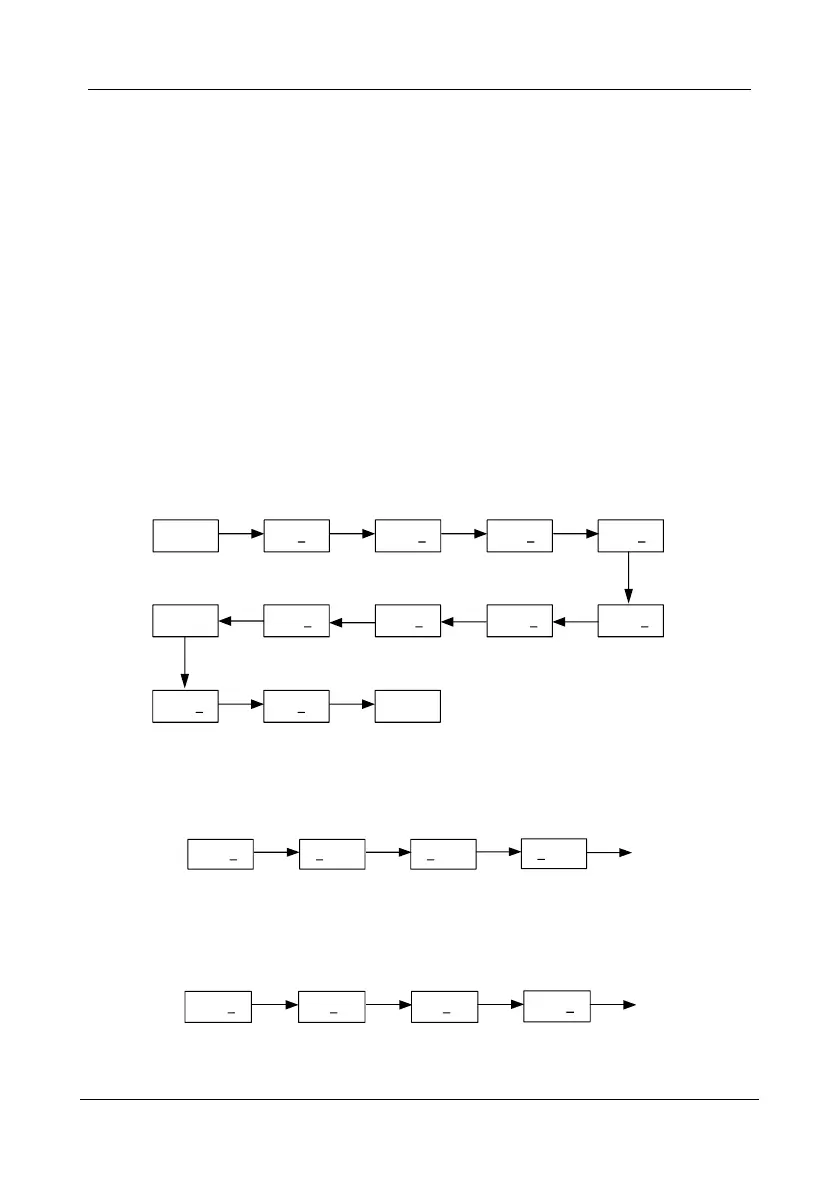
Example 1: Set the user password of H0.00 to “0003”(digit with underline means it’s in an edit
state).
50.00 —H0— H0.00 0000 0003
PRG Enter Enter
Rotary
knob
+
Enter
H0.01H0.00
Rotary
knob
-
P.SEt 0003 0000
Enter
Rotary
knob
+
Enter
H0.01 —H0— 50.00
PRG PRG
Message
Figure 4- 4 Set user password example
Example 2: Set parameter value from “50.00” to “100.00”(digit with underline means it’s in an
edit state)..
50.00 50.00 00.00
Shift
Rotary knob
+
Shift
100.0
Enter
Figure 4- 5 Parameter edit example 1
Example 3: Set parameter value from “100.00” to “1.00”(digit with underline means it’s in an
edit state).
100.0 100.0 001.0
Shift
Rotary knob
—
Shift
01.00
Enter
Figure 4- 6 Parameter edit example 2



 To Next Page