Cellwatch Frontier System Installation & User Manual
Section III – Configuration Build and Hardware Integration Guide-109
10. Make no changes to the Electrolyte Level Detectors (no FEDs) and Temperature Compensation
(no).
11. Click Next.
12. Enter in the operator password of ‘deafcat’.
13. Click Save and wait for the “Settings Saved” confirmation.
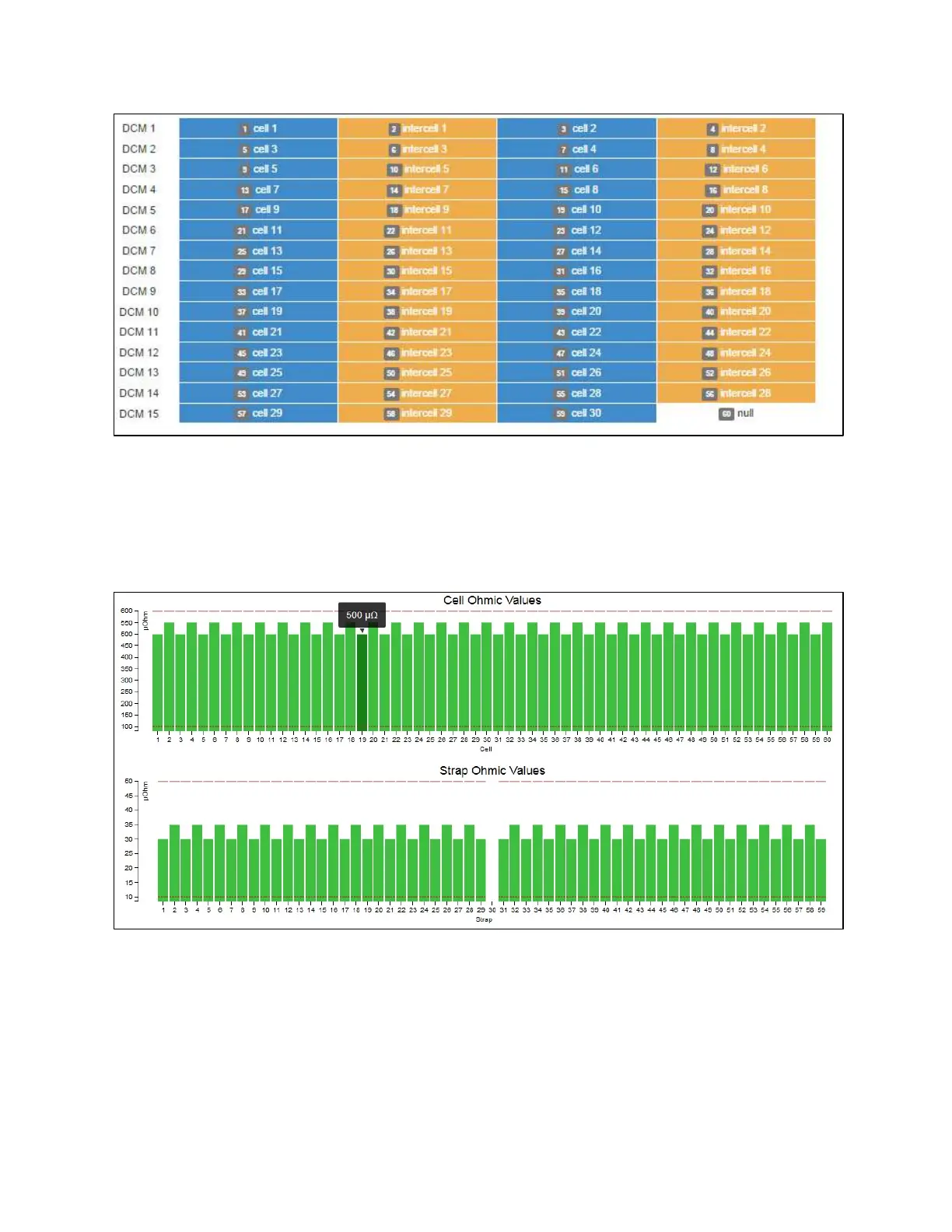
14. Select Home from the Navigation Bar to see the new readings. The strap readings will be
included as a separate graph on the Home page.
15. If enabled, the inter-tier strap would be included as a line item on the Home page.
16. Select Configure CTs in the Settings menu, located in the Navigation Bar.
17. Select Type of CT that is connected to the corresponding ports.
18. Select the Capacity rating of the CT.
19. Zero if needed.



 To Next Page