Cellwatch Frontier System Installation & User Manual
Section II – User Guide-83
An upgrade package may require that the Frontier first be upgraded to a minimum level before it can be
applied. If so, the Upgrade Software will indicate which version that the package requires. Upgrade the
Frontier to the indicated version and then try again.
Cellwatch Central
This page contains options for configuring a Frontier system to communicate with Cellwatch Central. For
more information on setting up this feature, see the section titled Integration: Cellwatch Central.
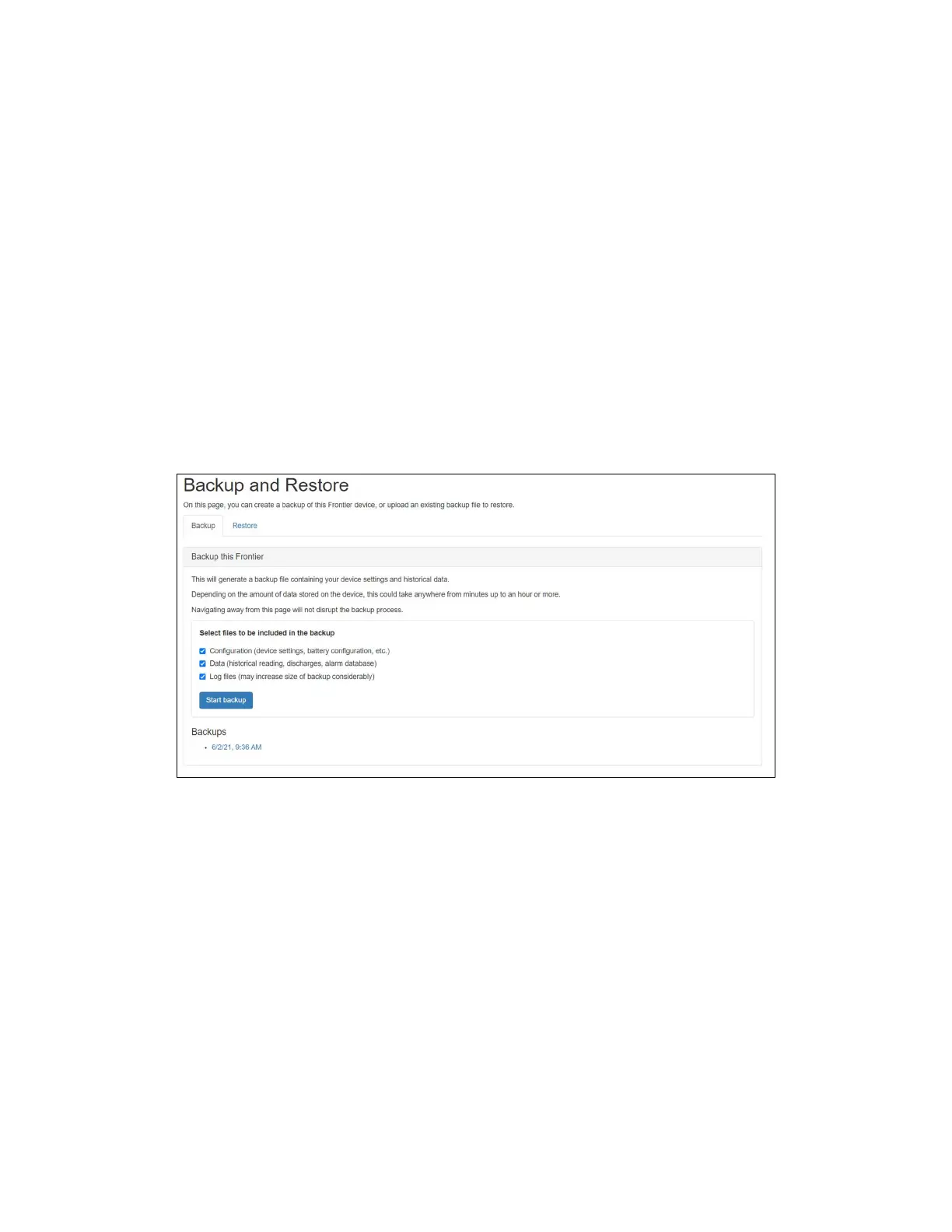
Backup and Restore
Frontier has the ability to create a backup file which will contain all history and discharge data, as well as
all device configuration files and settings. The most recent backup created will remain on the device,
giving the user the option to download the file to local storage at any time. Frontier backup files have an
.frb extension.
Initiate and download a backup file
To initiate a backup:
1. From the Settings menu, select Backup and Restore.
2. In the Backup tab, you will be prompted to select which files you want included in the backup.
Choose the appropriate files.
3. Click the Start backup button located under the Backup section of the page. This button will be
disabled if a backup is already in progress.



 To Next Page