Cellwatch Frontier System Installation & User Manual
Section IV – Integration Guide-119
Please note that only SNMPv2 settings can be exported in a configuration file. Any SNMPv3 users you
have configured will not be exported and must be re-created if this file is uploaded.
Integration: DNP3
Frontier supports the DNP3 (Distributed Network Protocol) communication standard for sending data to
a SCADA or other data acquisition system. To access DNP3 settings, choose DNP3 in the Settings menu.
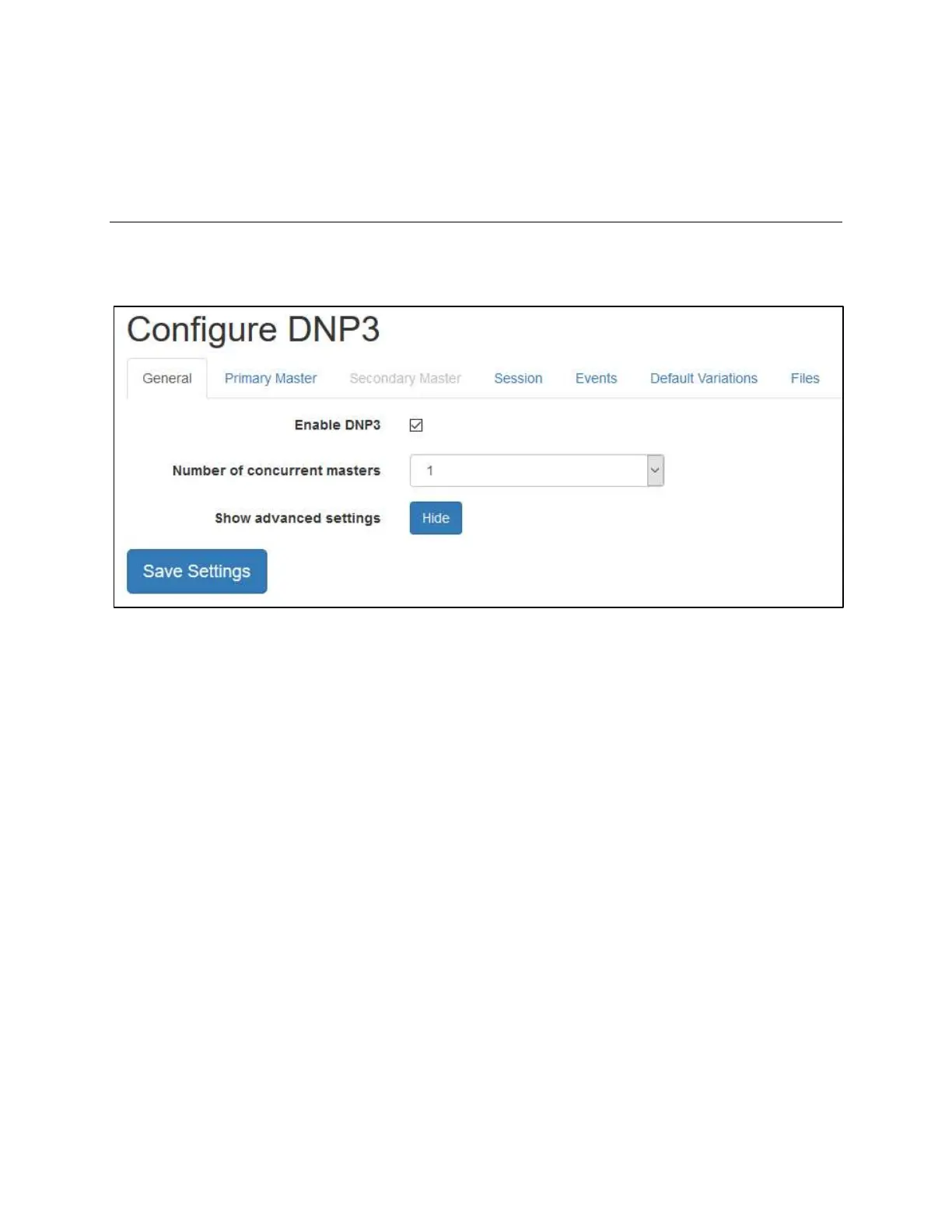
The DNP3 configuration page showing the General tab
General
To enable the DNP3 service, toggle the checkbox next to Enable DNP3 under the General tab. Other
configuration options under General include:
Number of concurrent masters: Select how many master stations will connect to Frontier to
retrieve data. Frontier supports 1 or 2 master stations.
Show advanced settings: To configure any “advanced” DNP3 settings, click the Show button to
display them.
To apply any changes to settings on this page, click the Save settings button.
Master
The Master tab contains options for configuring each specific master station (Primary and/or
Secondary), such as link and IP settings.



 To Next Page