Cellwatch Frontier System Installation & User Manual
Section III – Configuration Build and Hardware Integration Guide-112
10. Make no changes to the Electrolyte Level Detectors (no FEDs) and Temperature Compensation
(no).
11. Click Next.
12. Enter in the operator password of ‘deafcat’.
13. Click Save and wait for the “Settings Saved” confirmation.
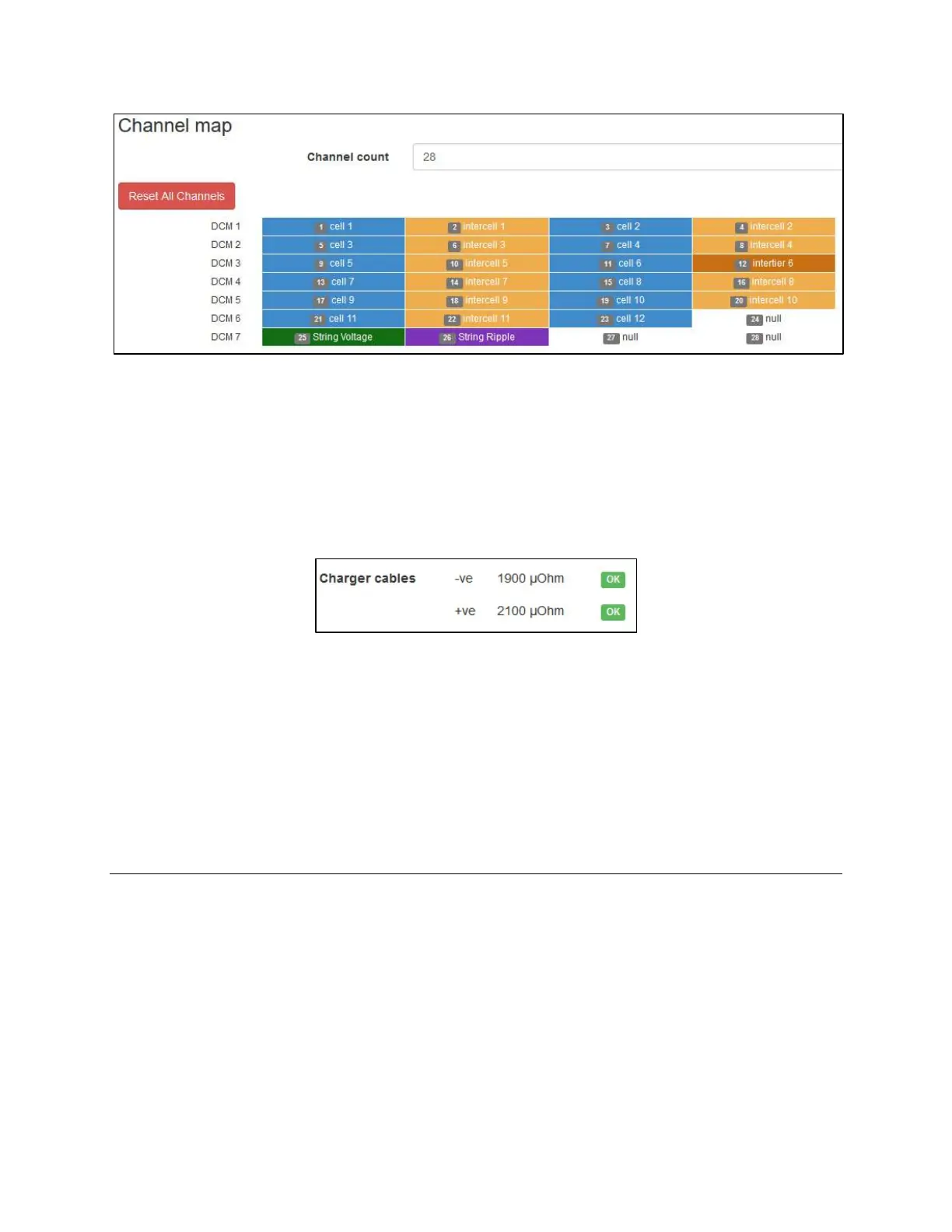
14. Select Home in the Navigation Bar to see the new readings. The charger cable’s ohmic values
will be included as a separate line item on the Home page.
15. Select Configure CTs in the Settings menu, located in the Navigation Bar.
16. Select the Type of CT that is connected to the corresponding ports.
17. Select the Capacity rating of the CT.
18. Zero if needed.
19. Assign alarms to the Frontier unit.
Battery Configuration Troubleshooting
Incorrect Number of DCMs
This error code is showing that the scan start-up process tried to initialize all of the DCMs on the fiber
loop and found the incorrect number to match the configuration file. This could be an indicator of an
improperly built configuration file or the incorrect number of DCMs are connected in the fiber loop.
1. Check the fiber wiring to the DCMs to ensure the communications are not broken. Ensure the
correct number of DCMs are wired into the fiber loop.
2. Use Test Fiber Optic Loop button under Diagnostics menu option.
3. Trace the repeating fiber signal to the DCM that is not passing the signal.



 To Next Page