Cellwatch Frontier System Installation & User Manual
Section IV – Integration Guide-121
IP Settings Description
IP Mode
The type of IP connection to establish with a master station. Frontier
supports TCP mode only.
TCP listen port
The port to listen on for incoming TCP requests. The port must be
between 1025 and 65535.
Accept connections from any
IP address
When enabled, accept incoming connections from any IP address.
Only accept connections
from the following IP
address
When Accept connections from any IP address is unchecked, specify
the IP address that can connect to Frontier.
To apply any changes to settings on this page, click the Save settings button.
Session
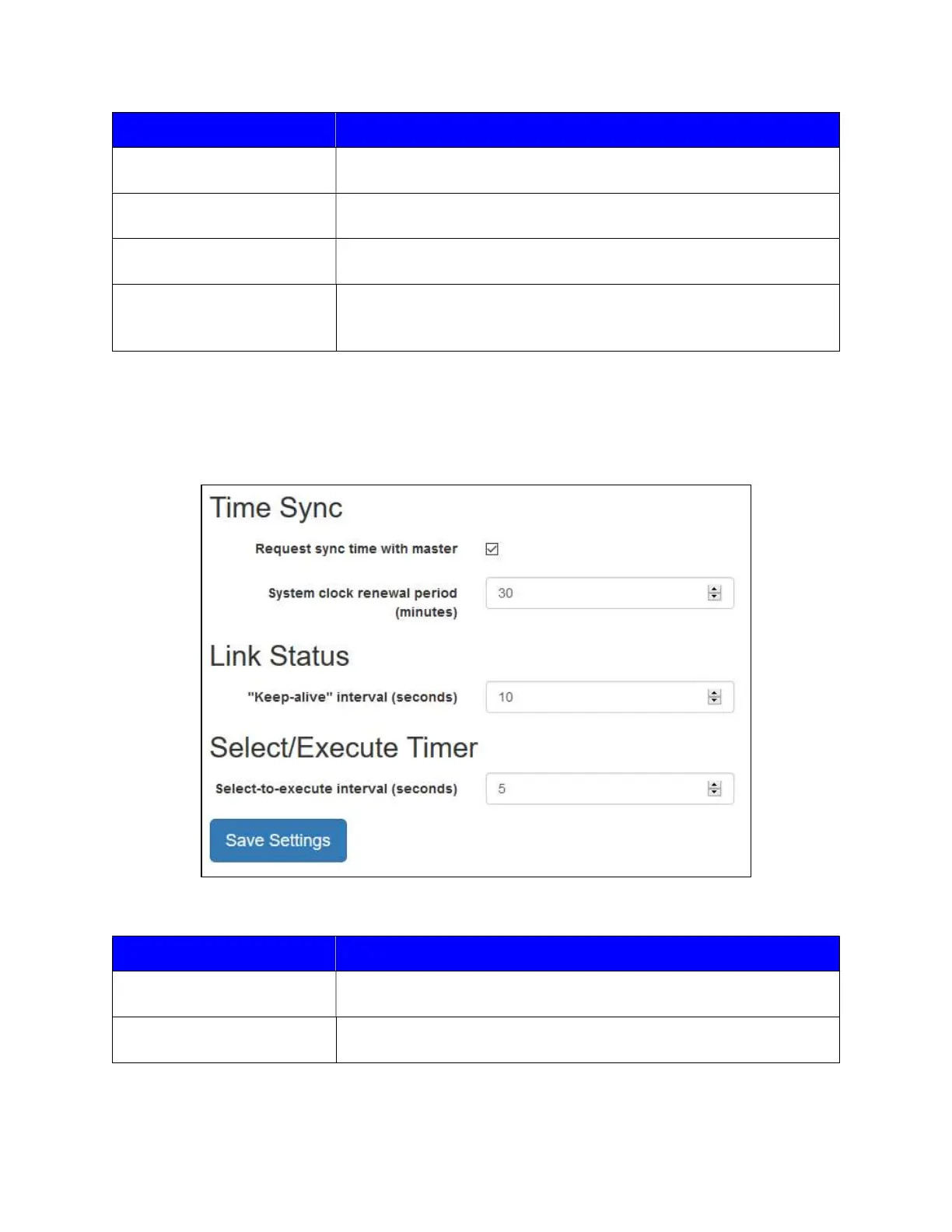
The Session tab includes options for synchronizing time using DNP3 and various interval settings.
The description for each option can be found in the table below.
Time Sync Description
Request sync time with
master
When enabled, request a periodic time synchronization from the
master station.
System clock renewal period
(minutes)
Specifies how long (in minutes) the system time will remain valid until
a time update request is sent.



 To Next Page