Cellwatch Frontier System Installation & User Manual
Section II – User Guide-64
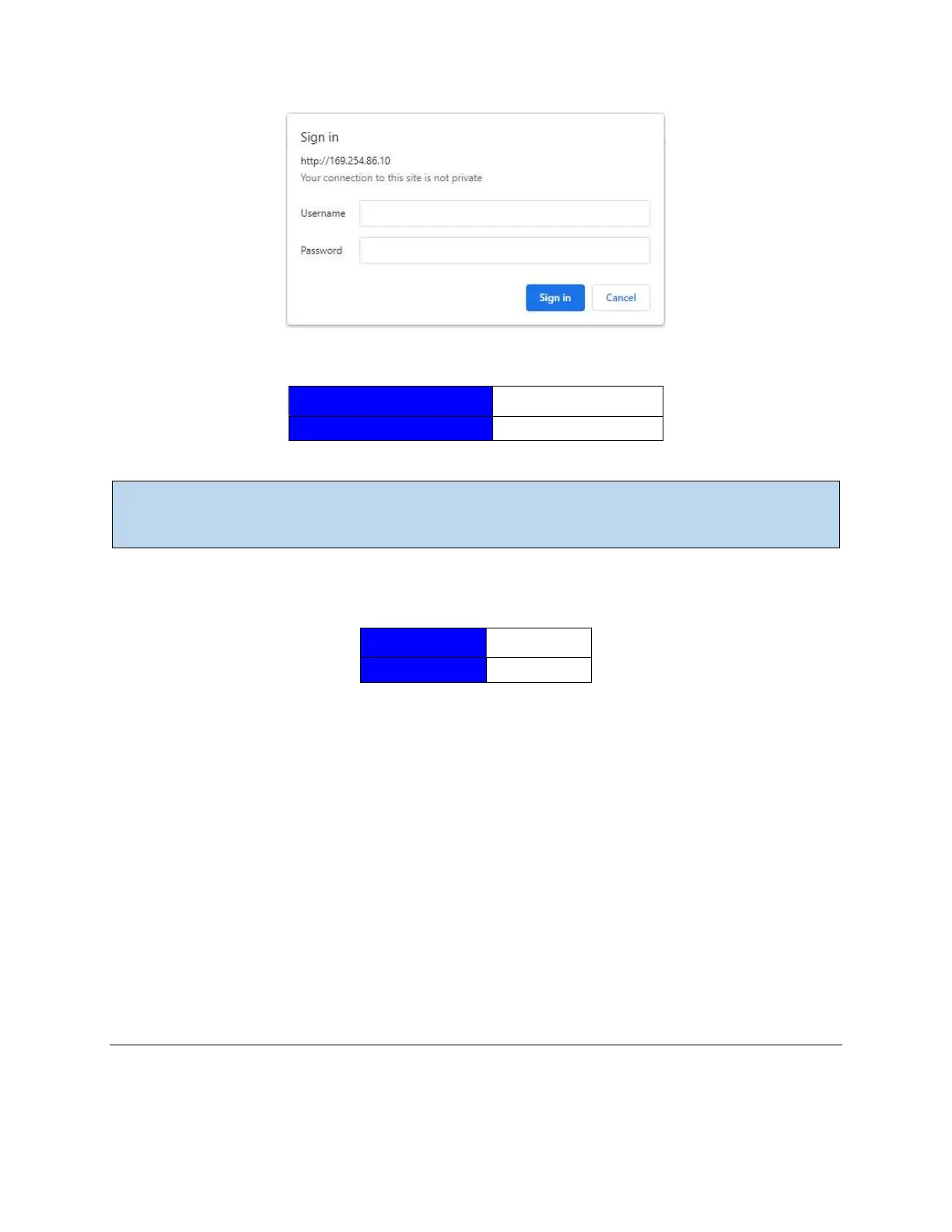
When prompted, enter the default credentials below:
Username admin
Password serial number of unit
Note: Starting with software version 3.15.5 (units with a barcode on the serial number label), Frontier
units use the serial number of the unit for the password. On systems running older software, use
admin for both the username and password.
To log in to the system with the ‘Viewer’ account, log in using the credentials below:
Username viewer
Password viewer
The viewer account allows access to the system’s data but does not allow the user to make changes to
the system.
That’s it! The Home page will load, and the Frontier interface may report one or more errors on screen.
No need to worry; this is simply because the Frontier device has not been configured yet. The rest of this
manual will cover building a battery configuration using Battery Design, setting alarm limits for the
measurements that Frontier collects and keeps track of, and configuring various hardware components.
Continue to the next section titled The Navigation Bar to learn more about the Frontier web interface.
Using the Ethernet Port
When connected to the same network as the Frontier module, use an internet browser and navigate to
the IP address of the device. When prompted, enter the username and password given in the previous
section.
The Navigation Bar
At the top of the page is the Navigation Bar. The Navigation Bar includes navigation drop-down menus
and a health indicator alerting the status of the Frontier system.



 To Next Page